Getting started with our help guides
A few handy tips!
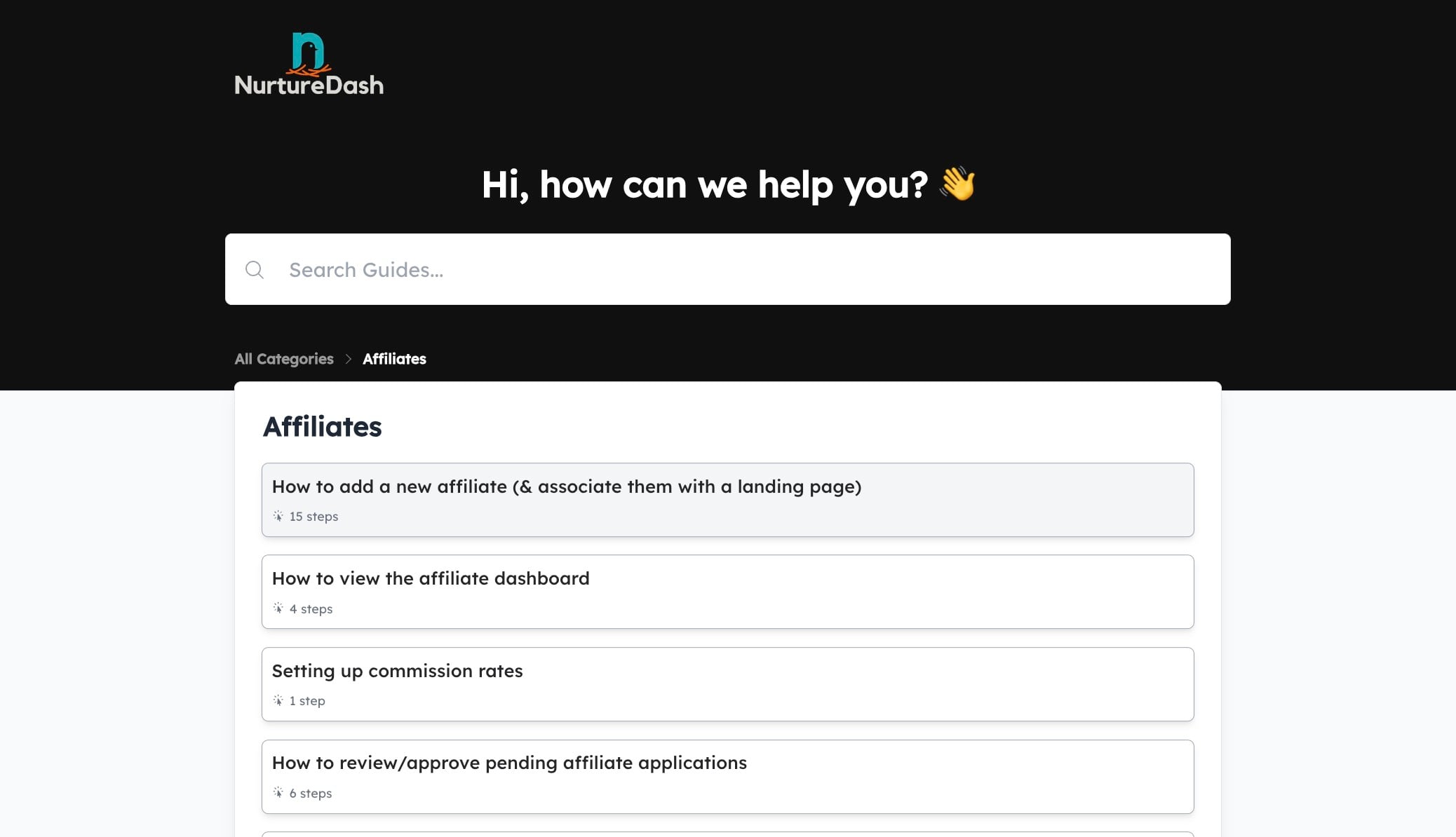
Our help guides are sorted into Categories. You can also use the search box to search all of the guides.

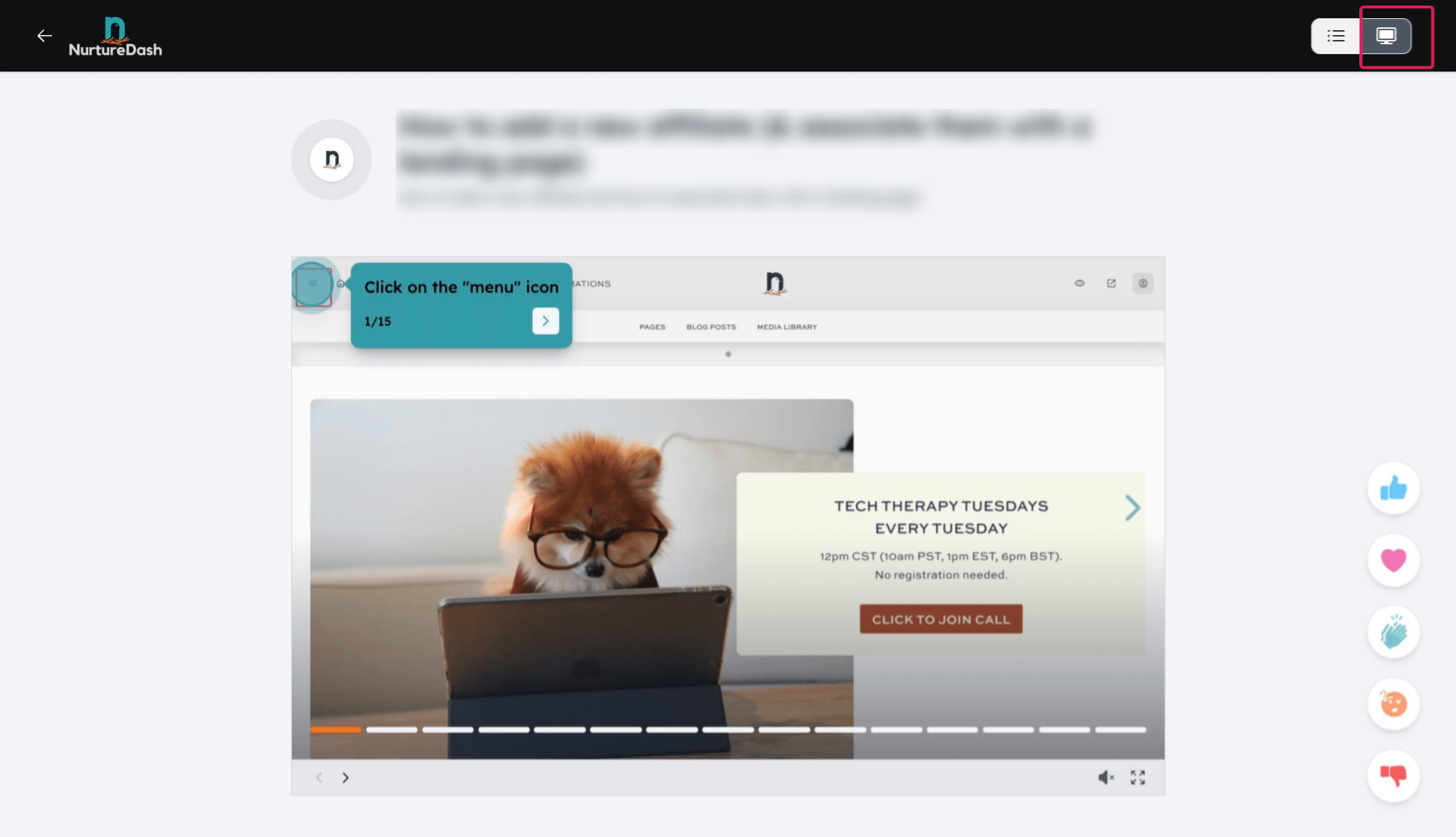
There are 3 different ways to view the help guides. Try them all and see which you prefer! [1] Written steps. Bonus: Clicking on a step will move that step into view. [2] Scroll through the steps manually. [3] Click-through guide.
![There are 3 different ways to view the help guides. Try them all and see which you prefer!
[1] Written steps. Bonus: Clicking on a step will move that step into view.
[2] Scroll through the steps manually.
[3] Click-through guide.](https://assets.guidejar.com/uploads/1e80e536-1852-4ee9-870e-a833c8a23196/1RnoVgGJB5c5jflrfrPGYgFsxjI2/41cac22a-7684-4dbf-903f-55af9b292db3/1713413659344.jpeg)
Layout 3 is a click-through guide. This one is my personal favorite, because there's no scrolling needed.
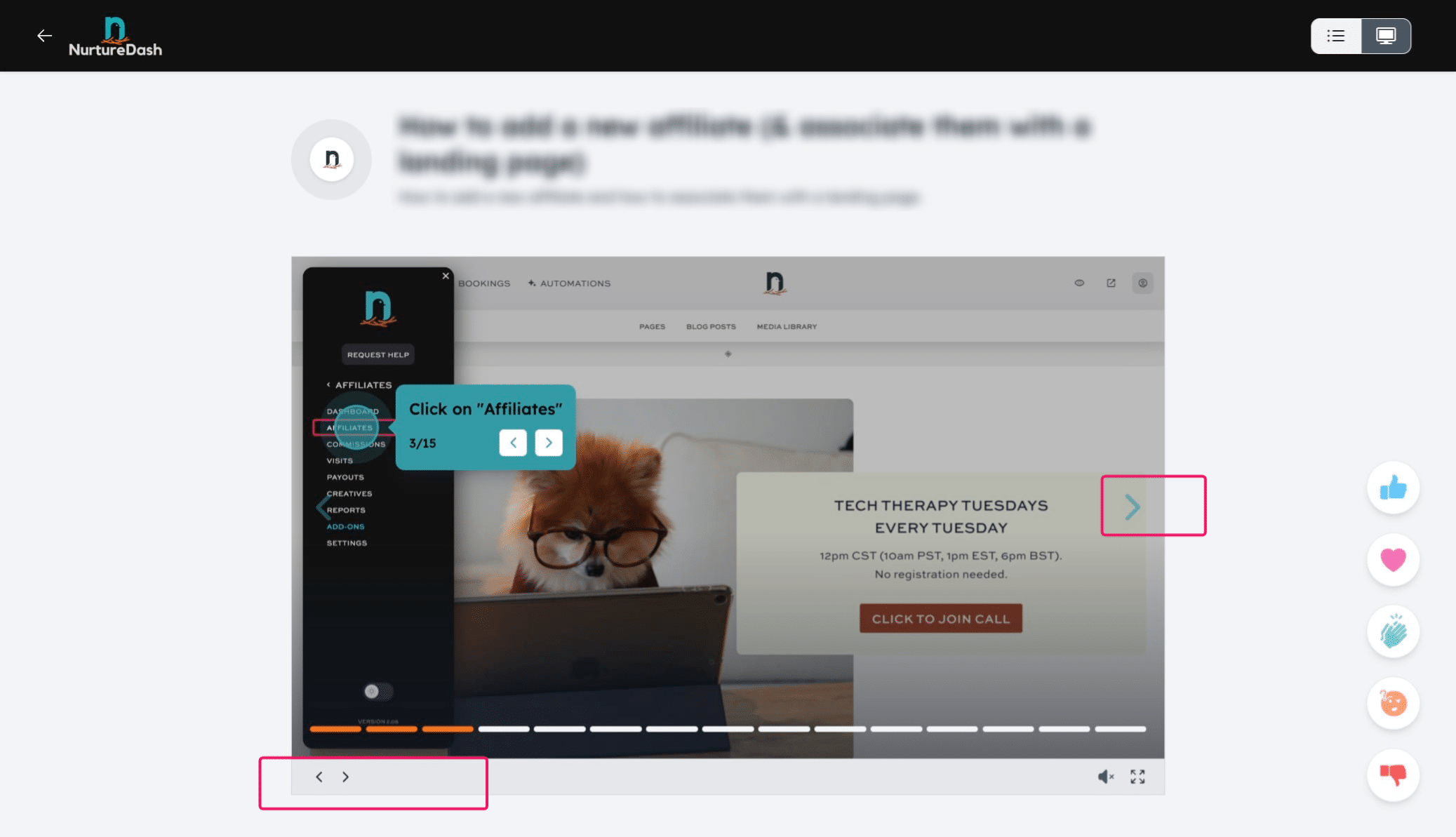
Using the arrows, click through the screens to see what your next step is. You can also go back a step if needed. Bonus tip: Click the 'sound' icon if you'd like to hear a satisfying click when you move to the next step!
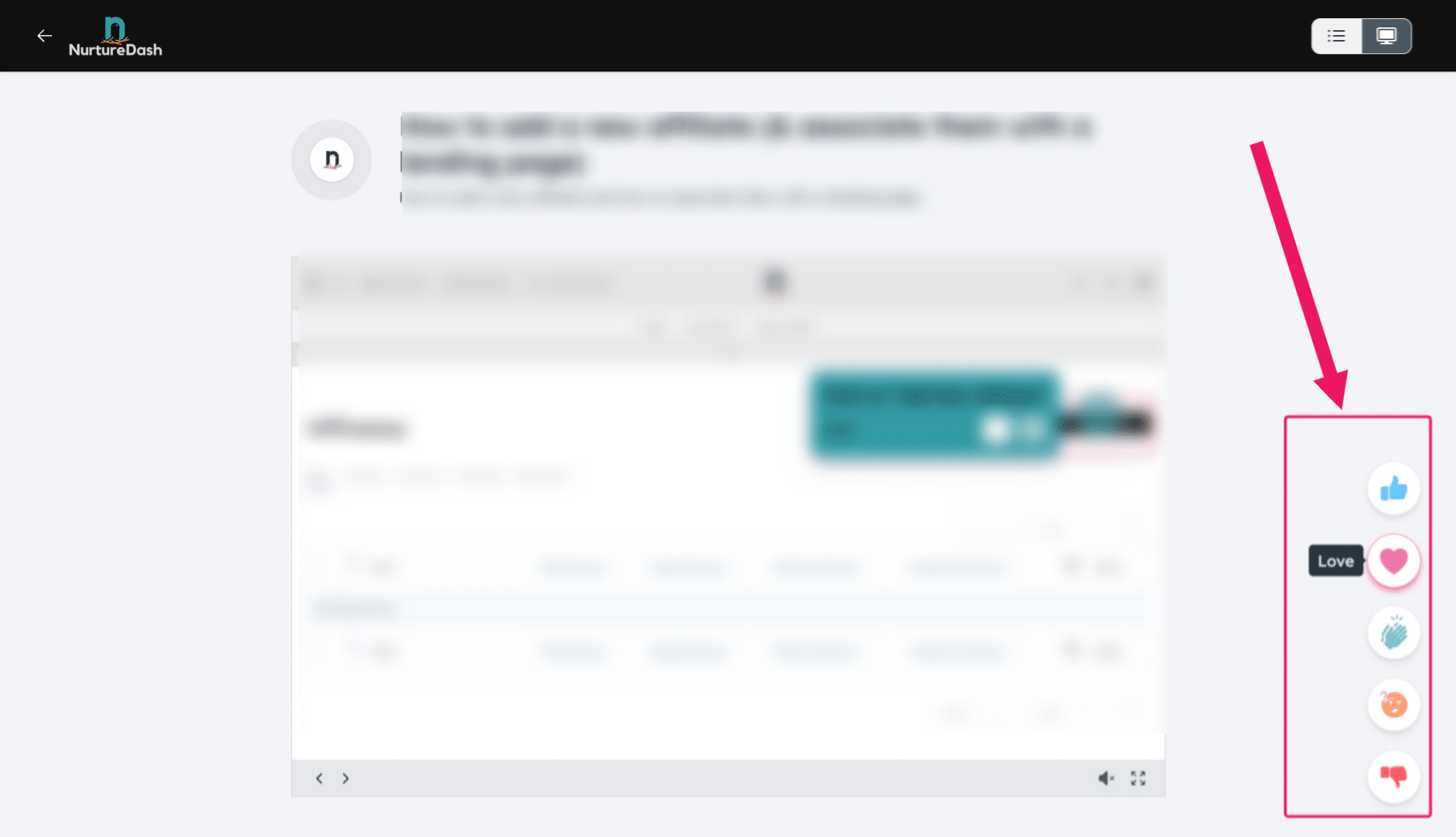
After using each help doc, please click the feedback button to let us know how we did!