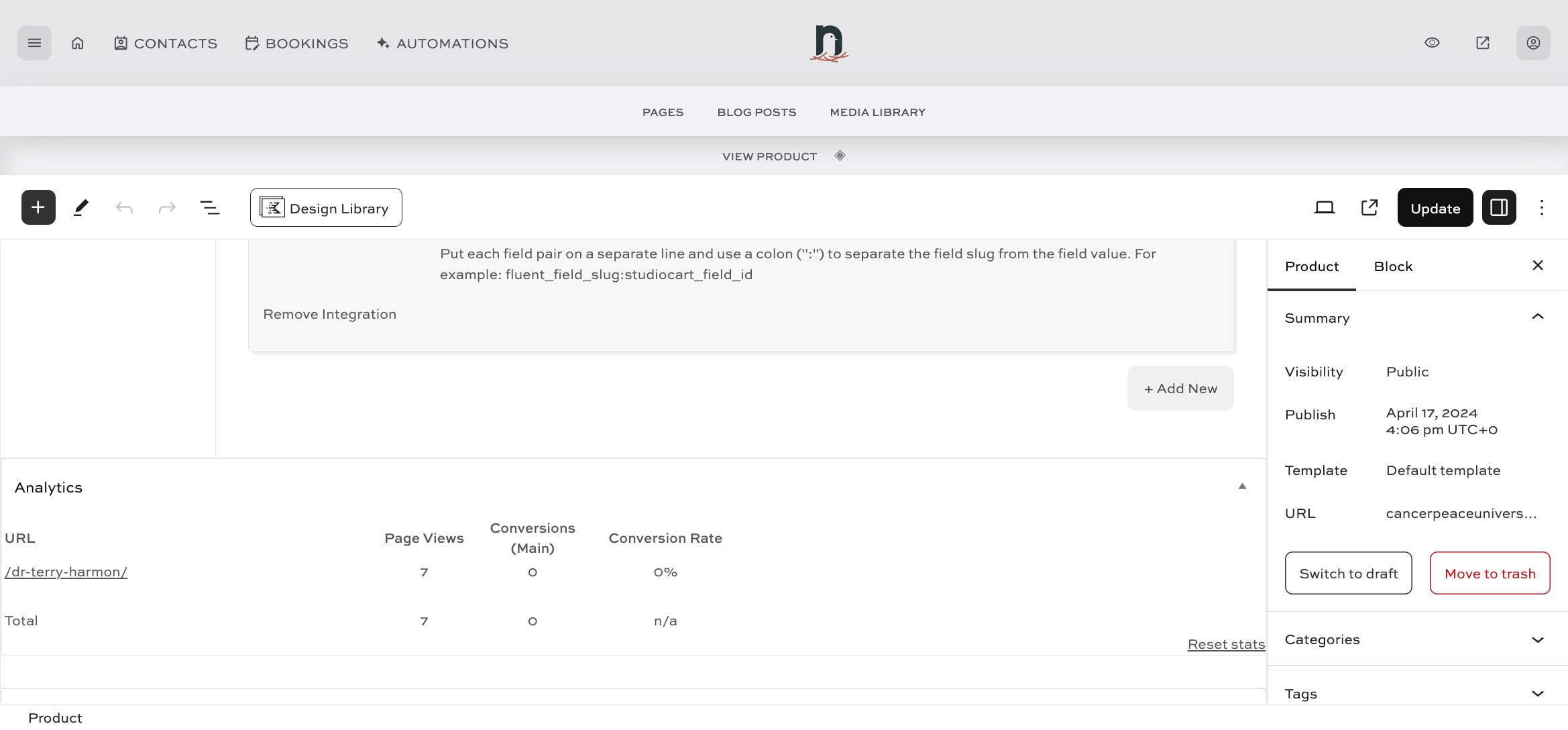
Automating delivery of a product after purchase (part 2)
Apr 22, 2024●
1
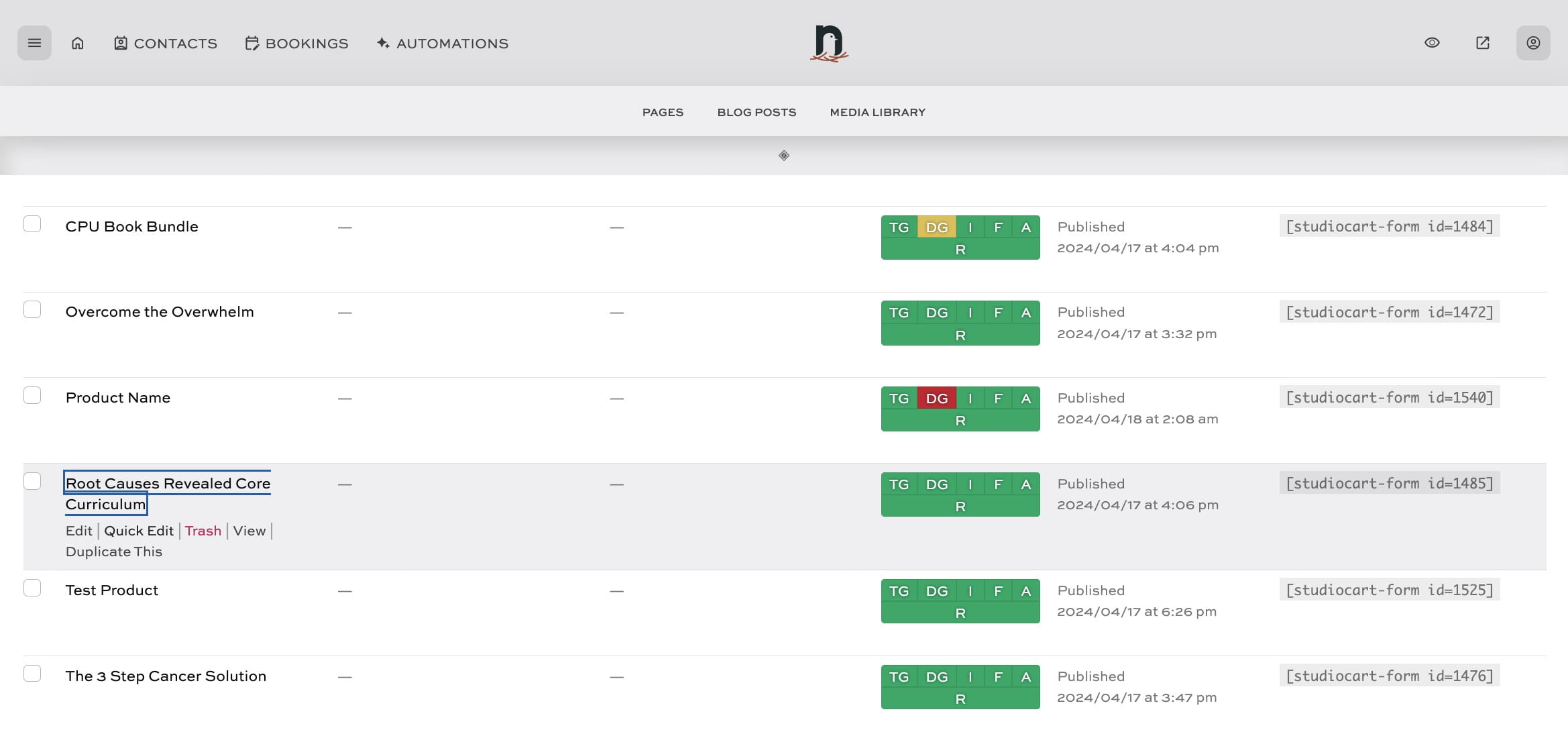
Navigate to the Products area
2
Click on the product

3
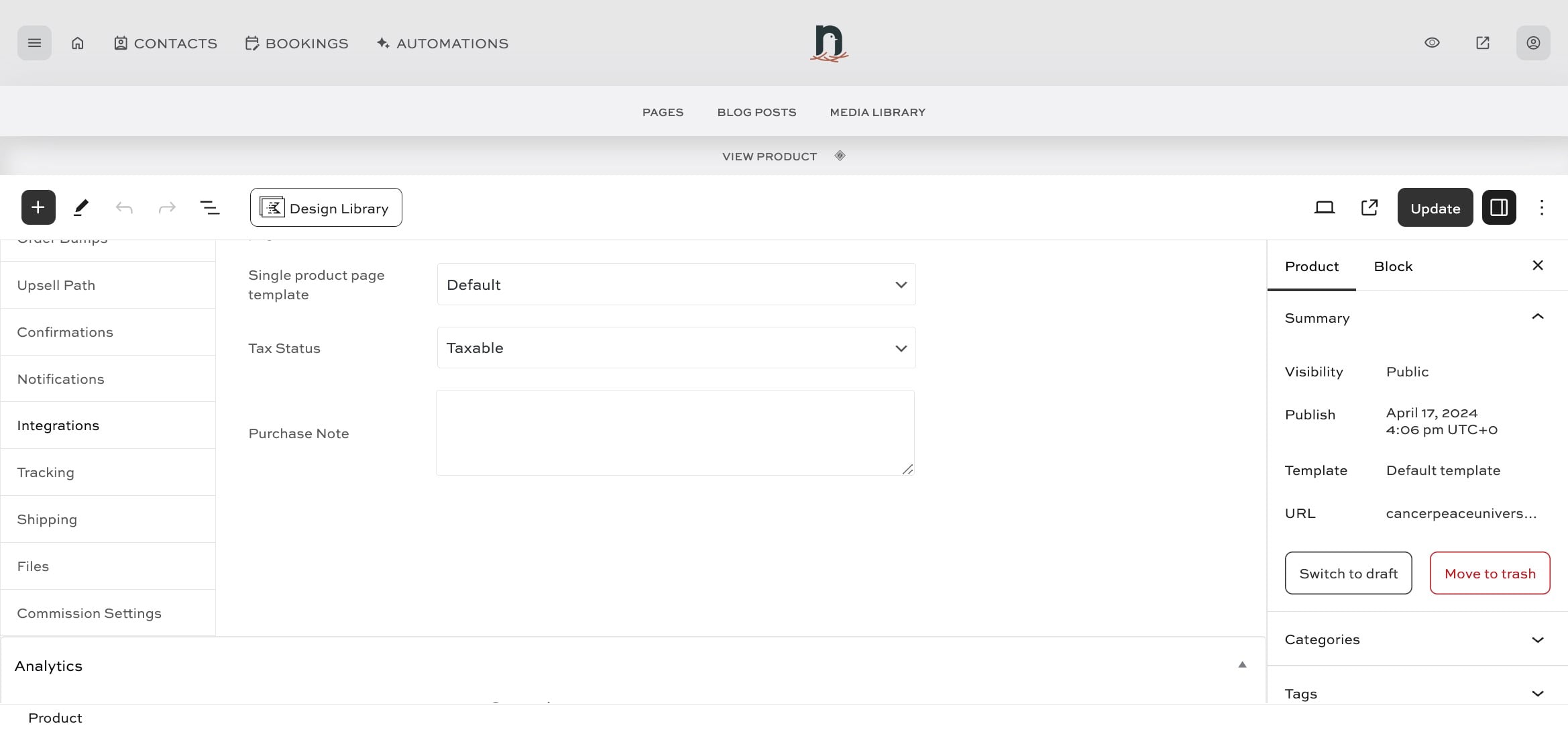
Click on "Integrations"
4
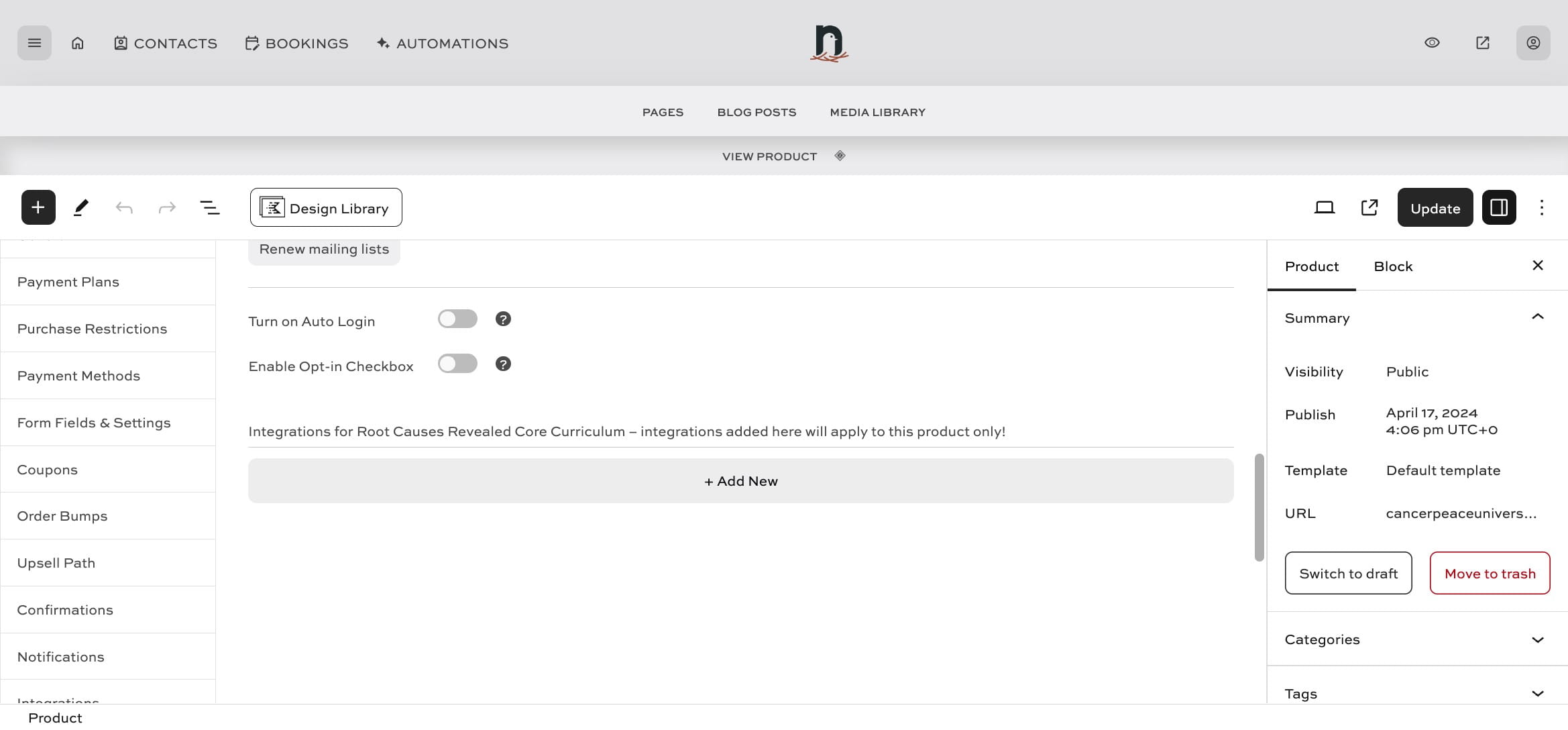
Click on "+ Add New"
5
Click on "--Select Integration--"
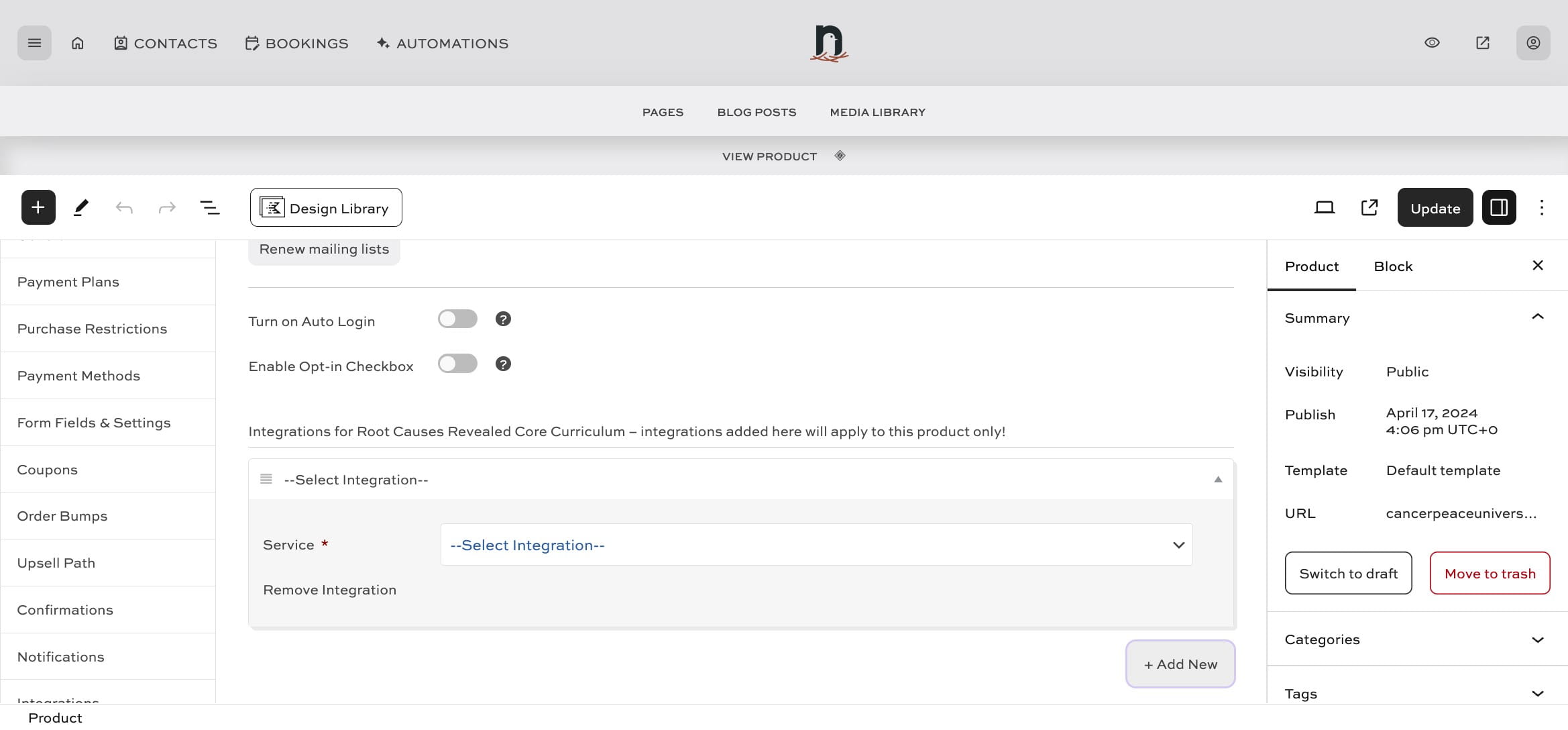
6
Select "FluentCRM"
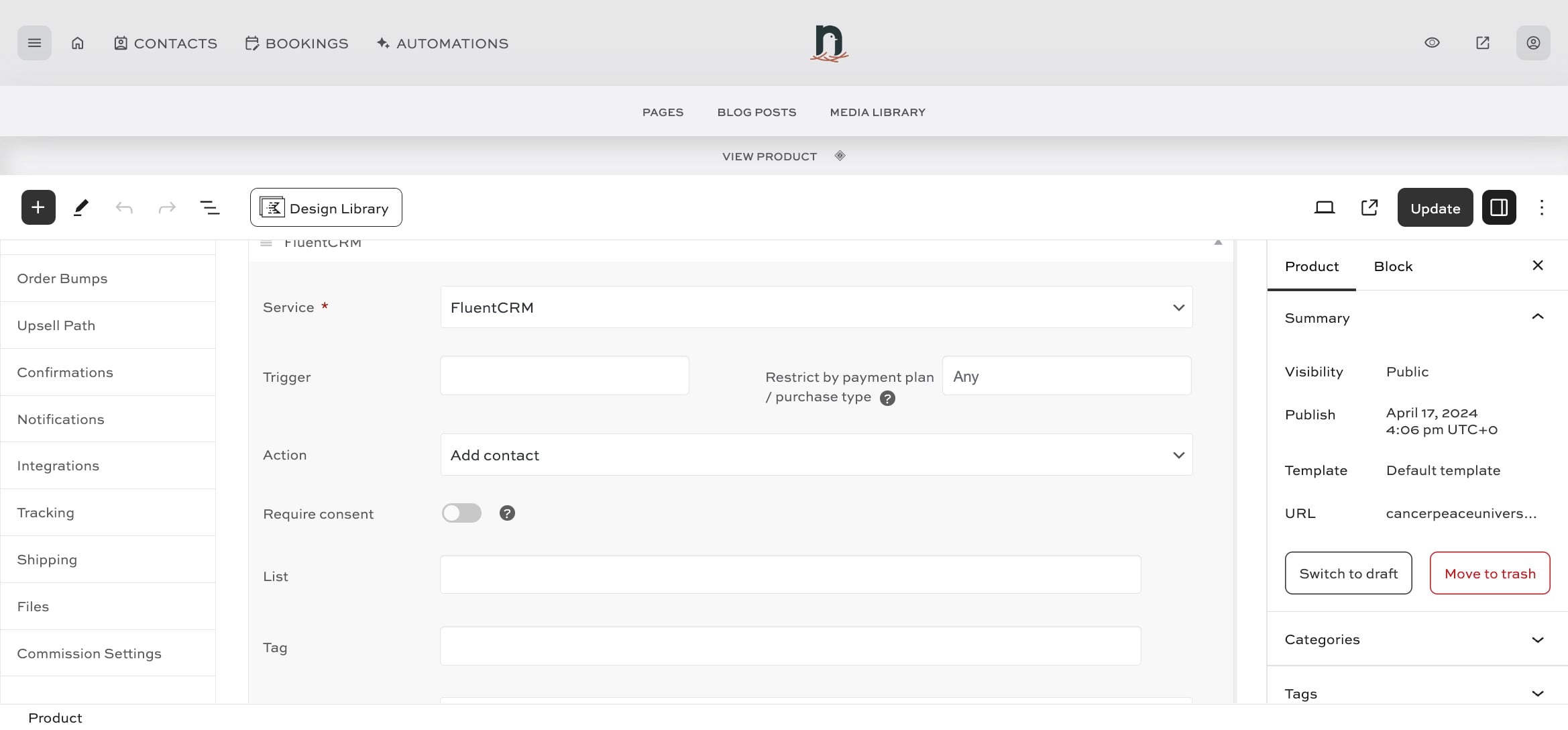
7
Under 'Trigger' select "Product Purchased"
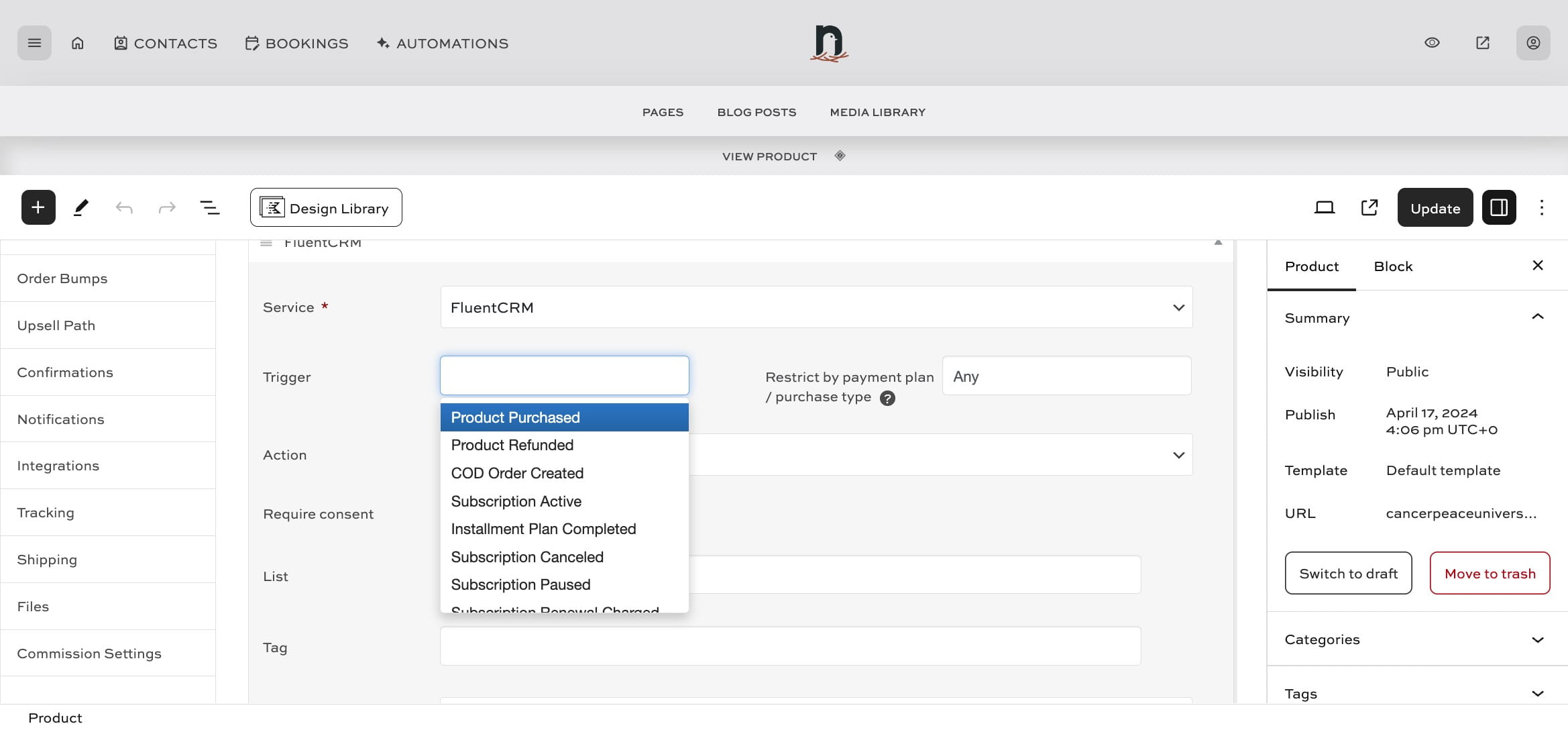
8
Under 'Action' select "Add contact"
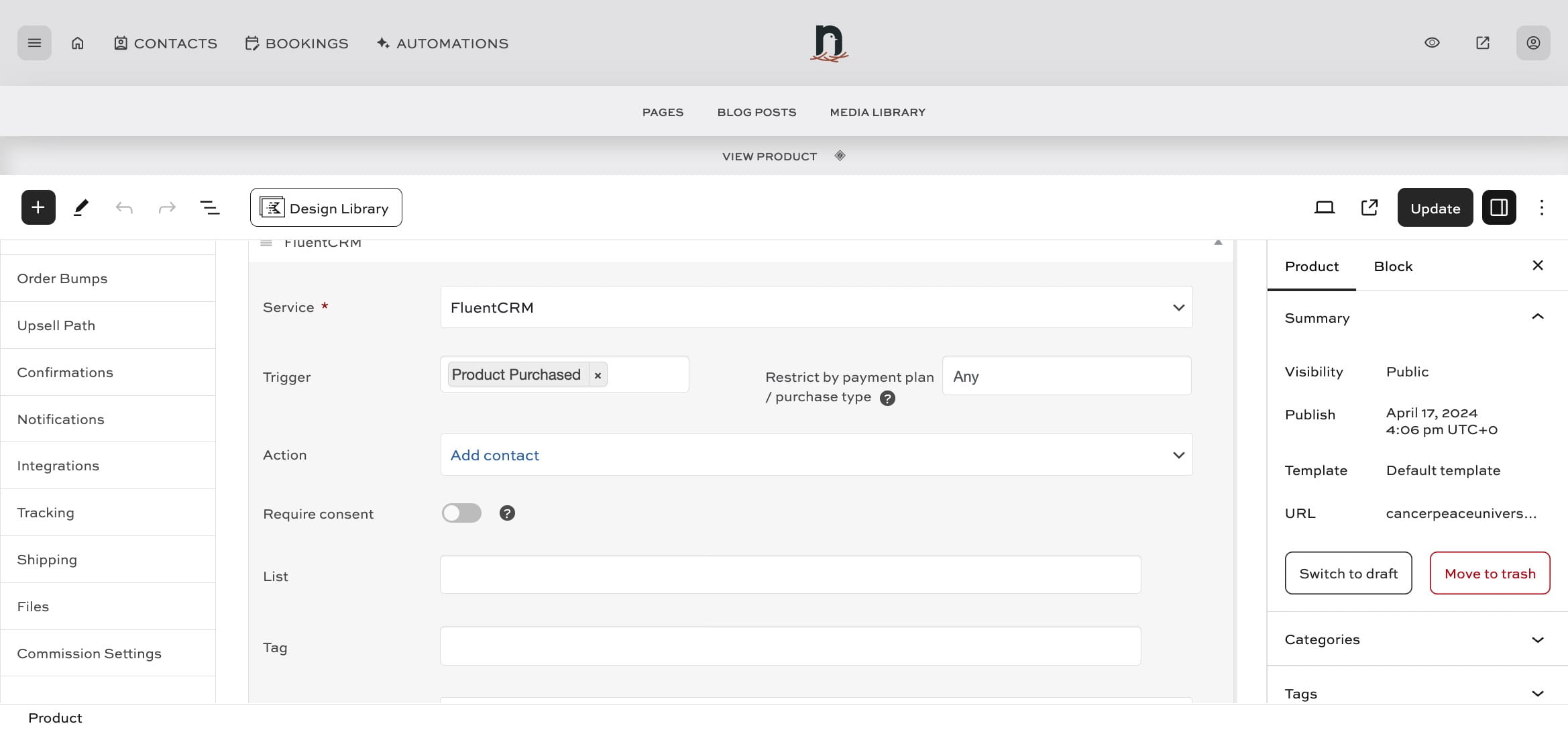
9
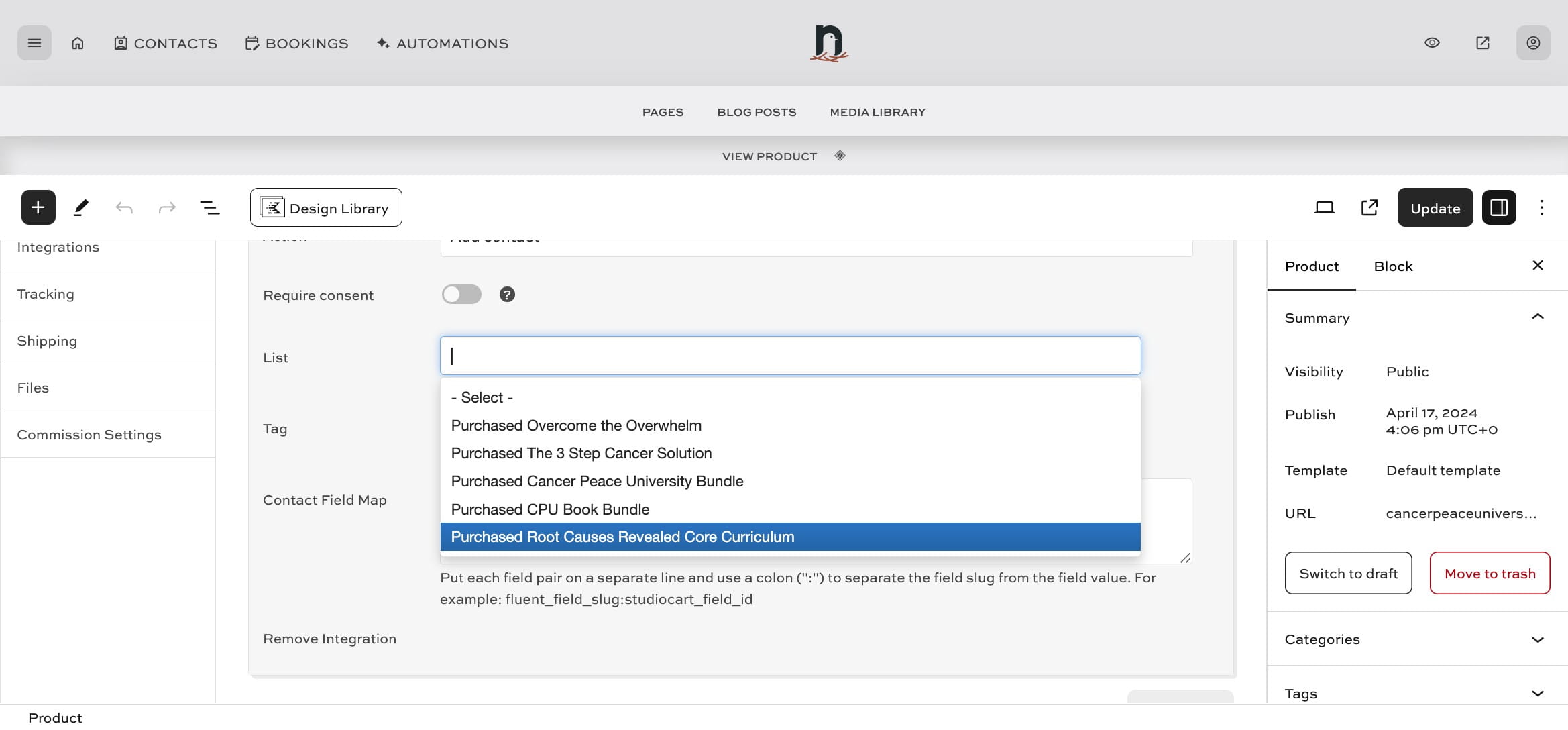
Under 'List' select the correct list for the product
10
Click "Update" to save