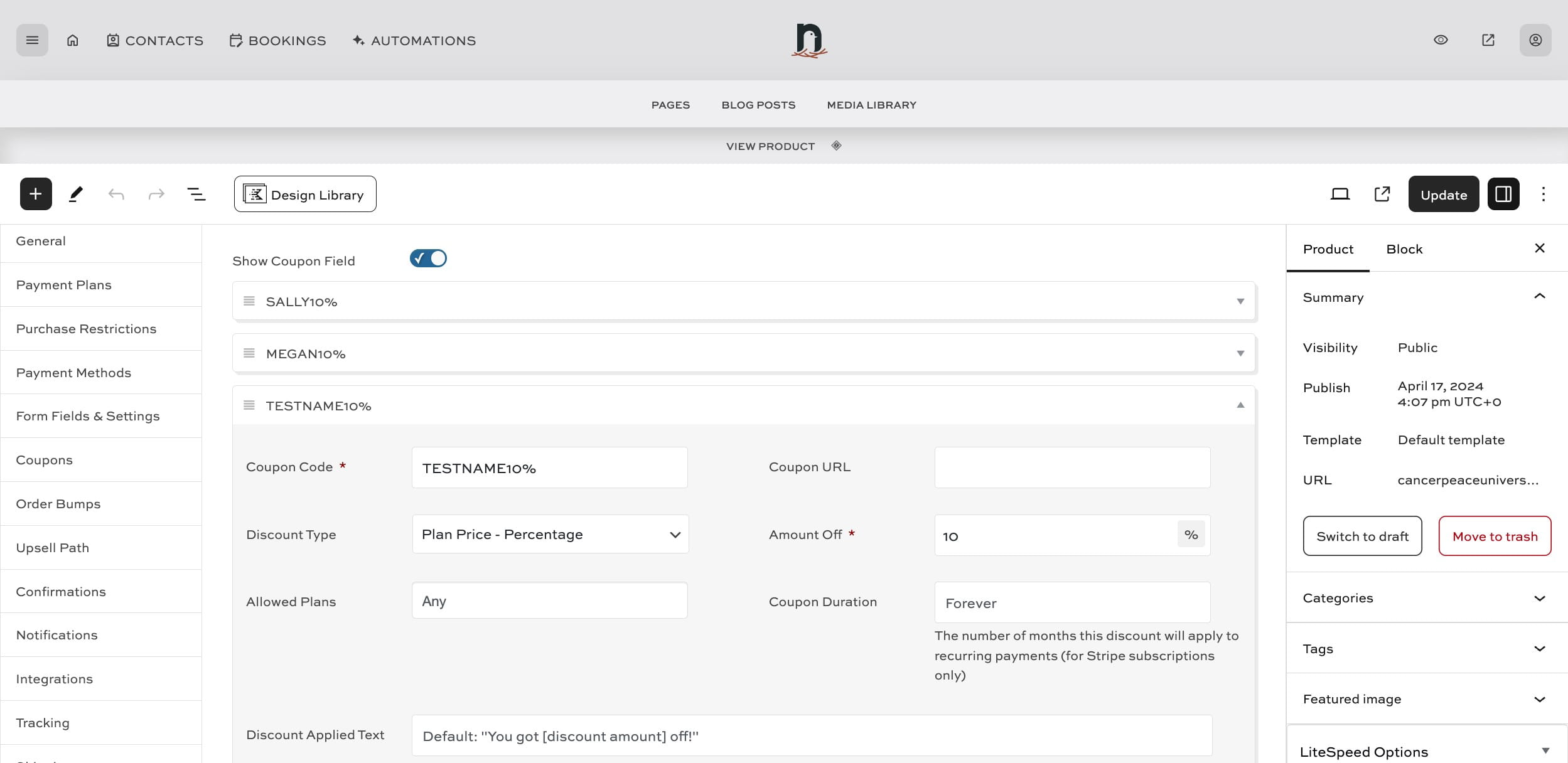
Adding an affiliate coupon to a product
May 16, 2024●
1
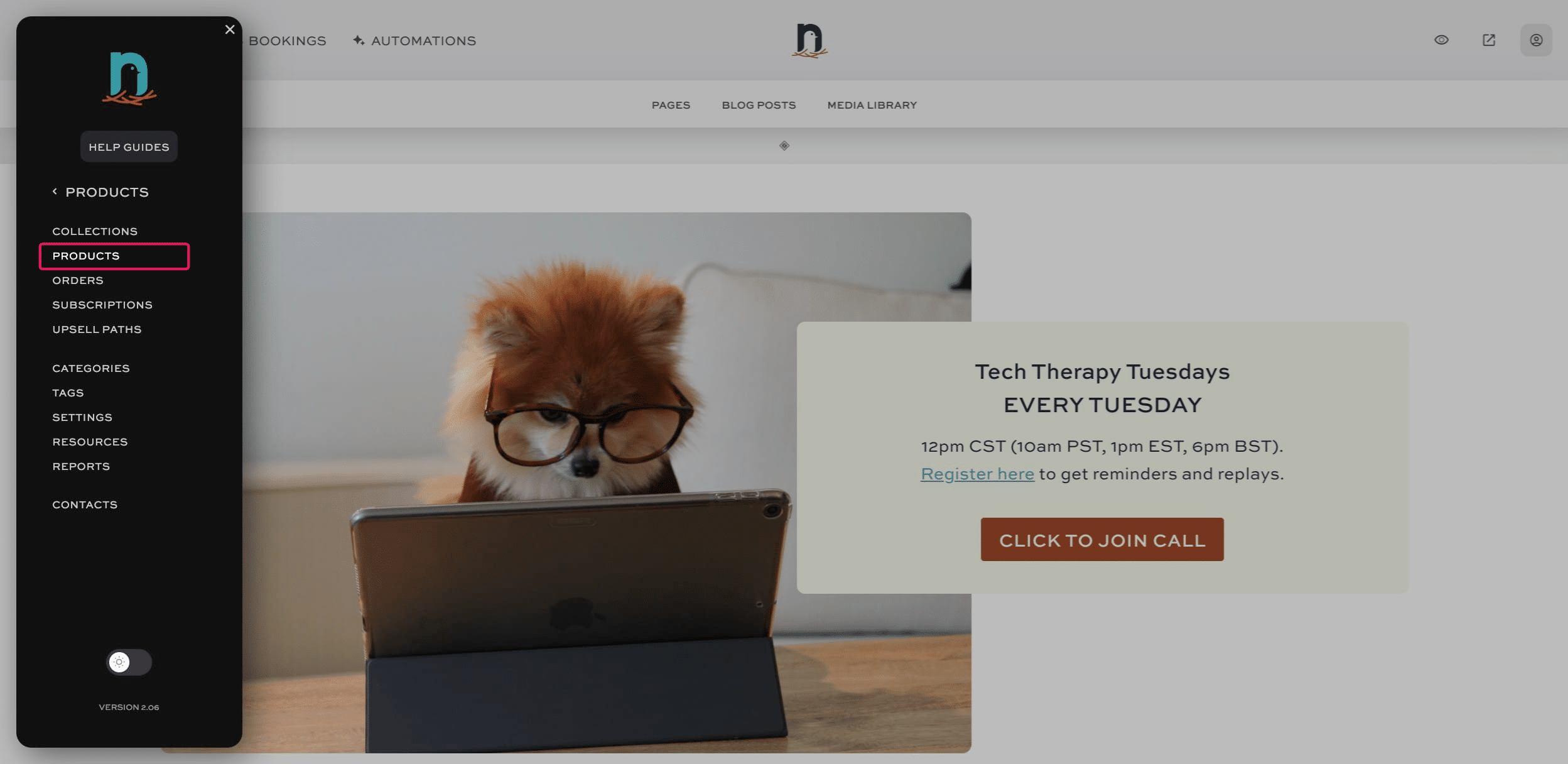
Click on "menu"


2
Click on "PRODUCTS"

3
Click on "Products"
4
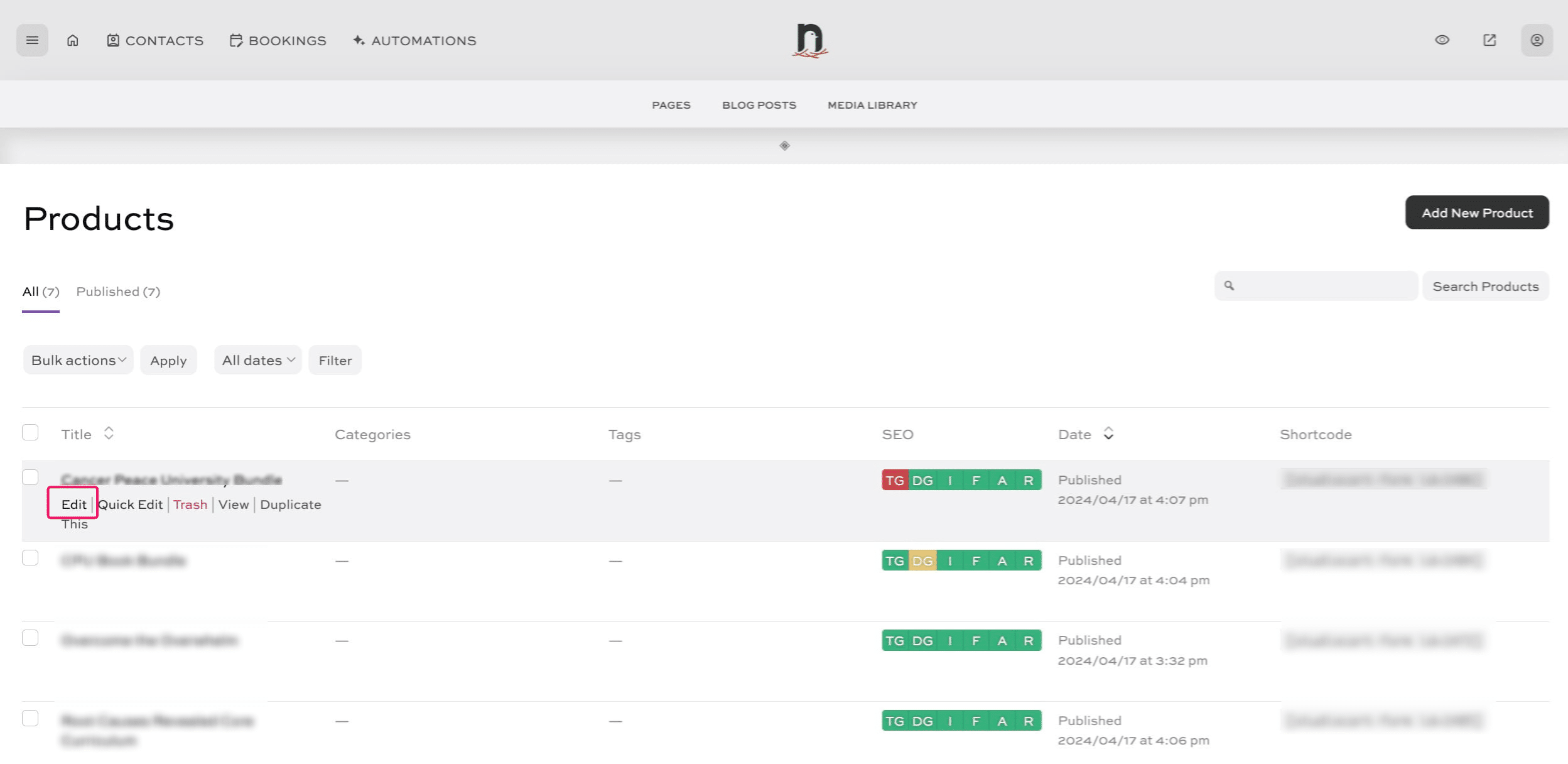
Click on "Edit" next to the product.
5
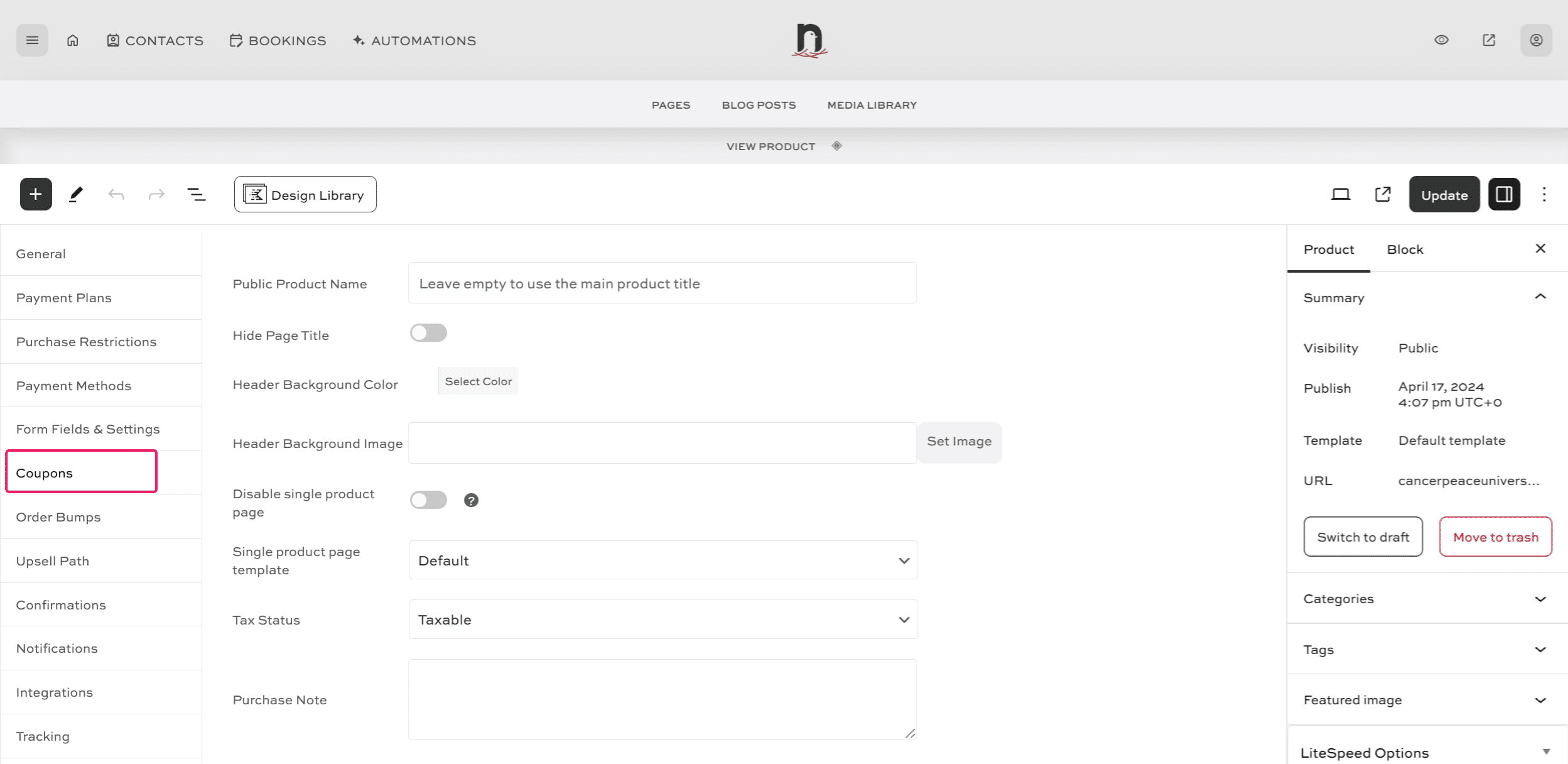
Scroll down the page and click on "Coupons"
6
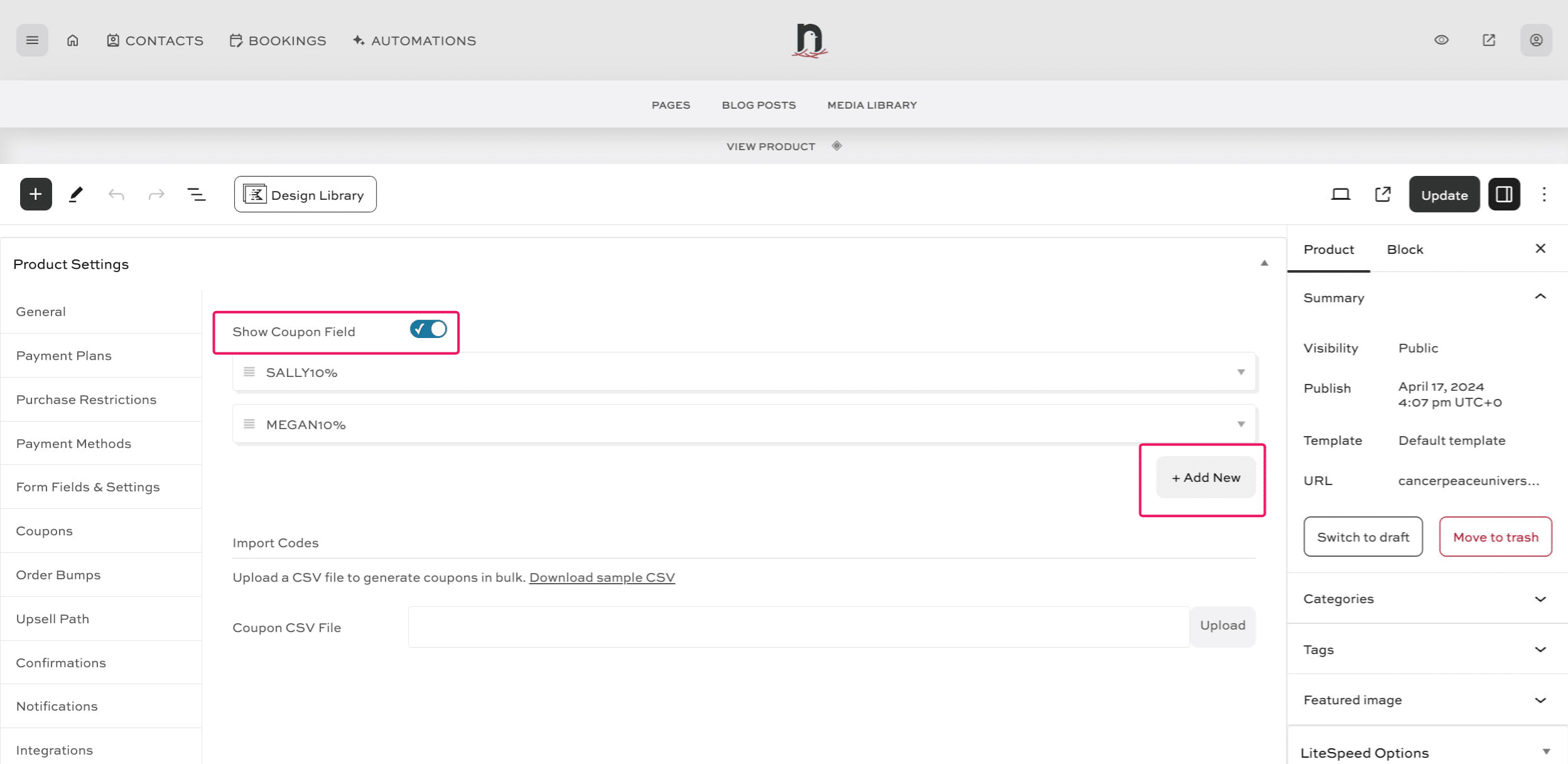
Make sure the 'Show Coupon Field' is toggled on, then click the "+ Add New" button
7
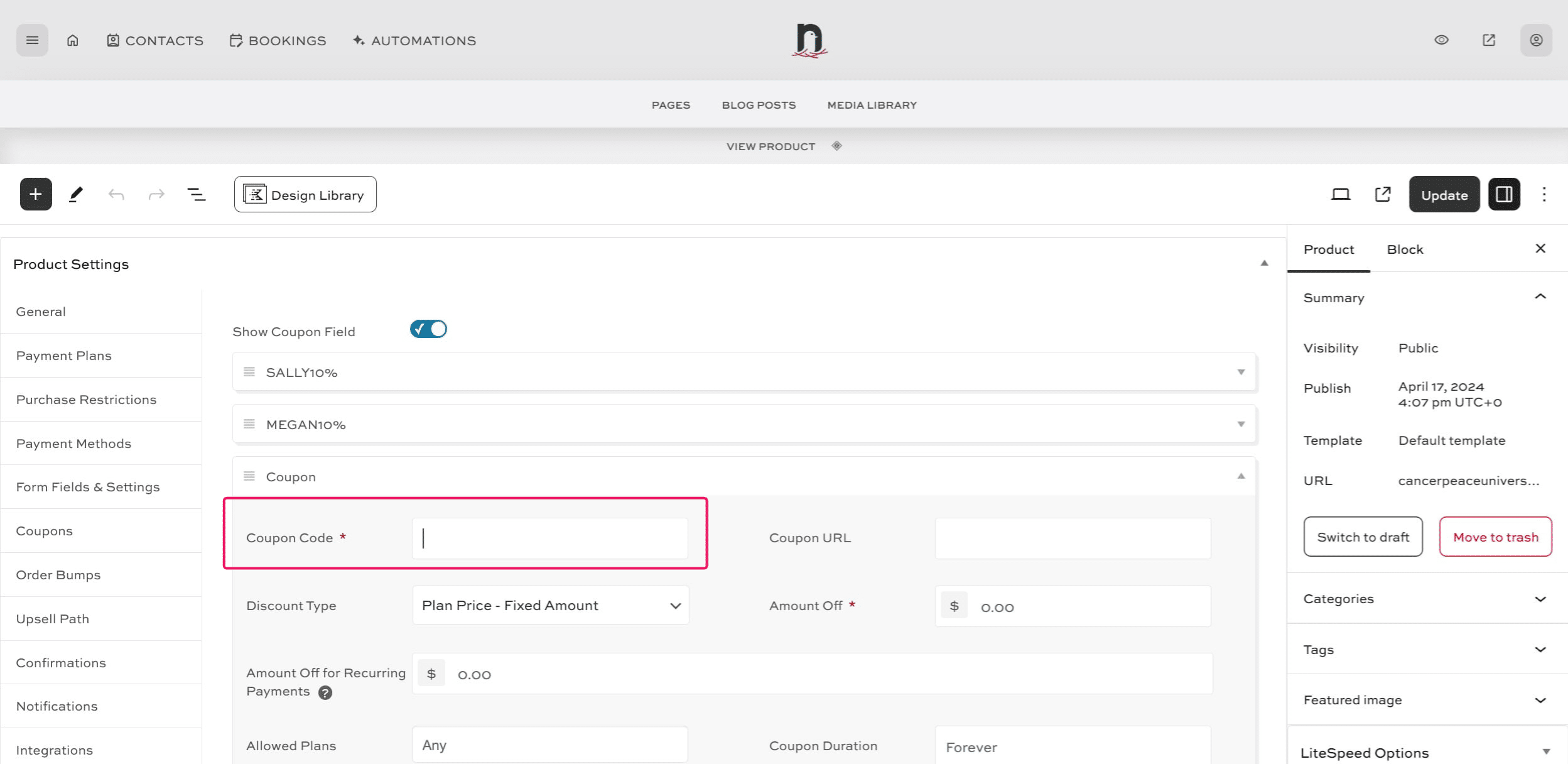
Enter the code. (It can be whatever you want, but can not be the same as another affiliate's code).
8
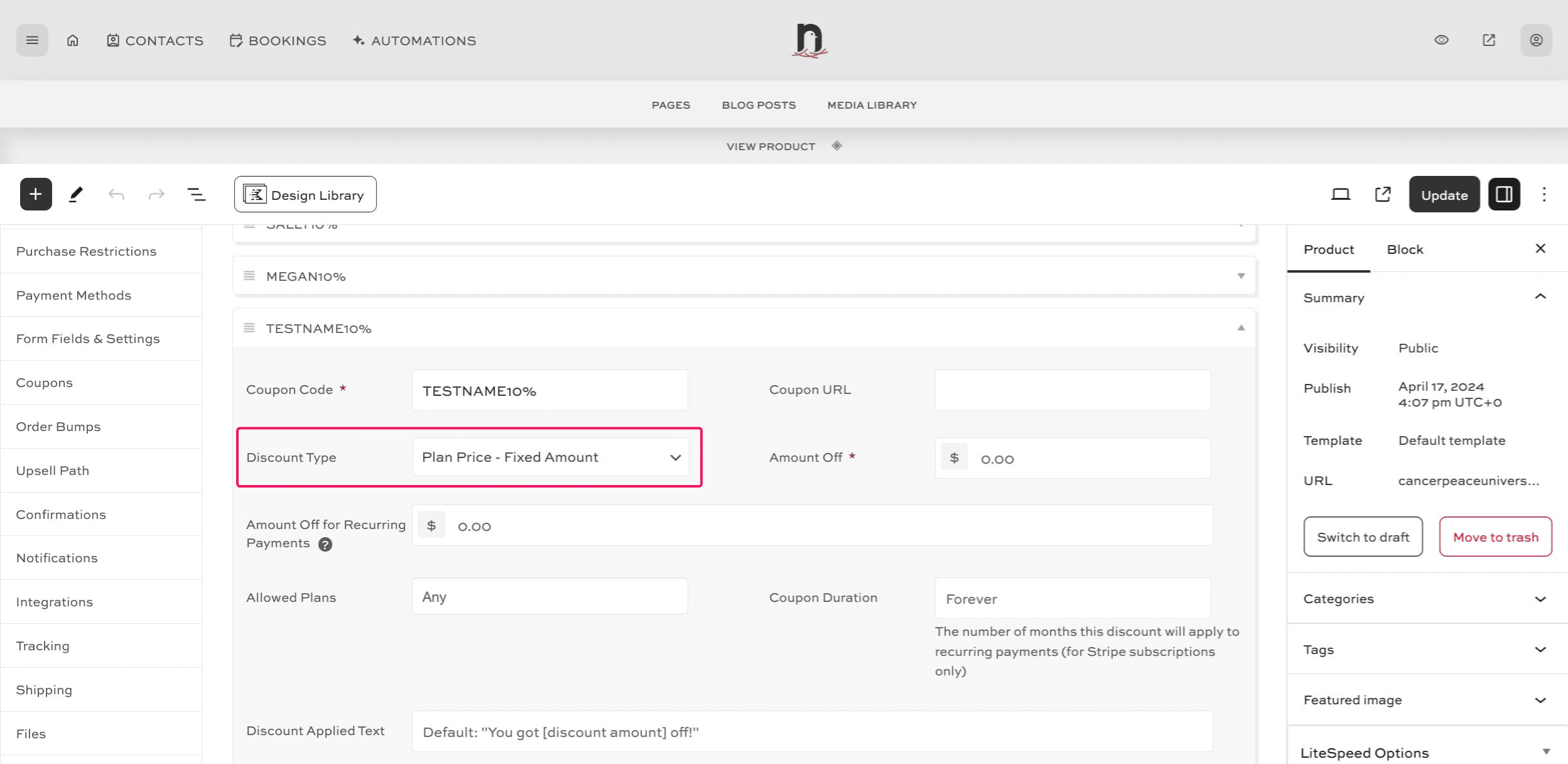
Under 'Discout Type' select the correct option for your use. For a percentage, we'll choose "Plan Price - Percentage".
9
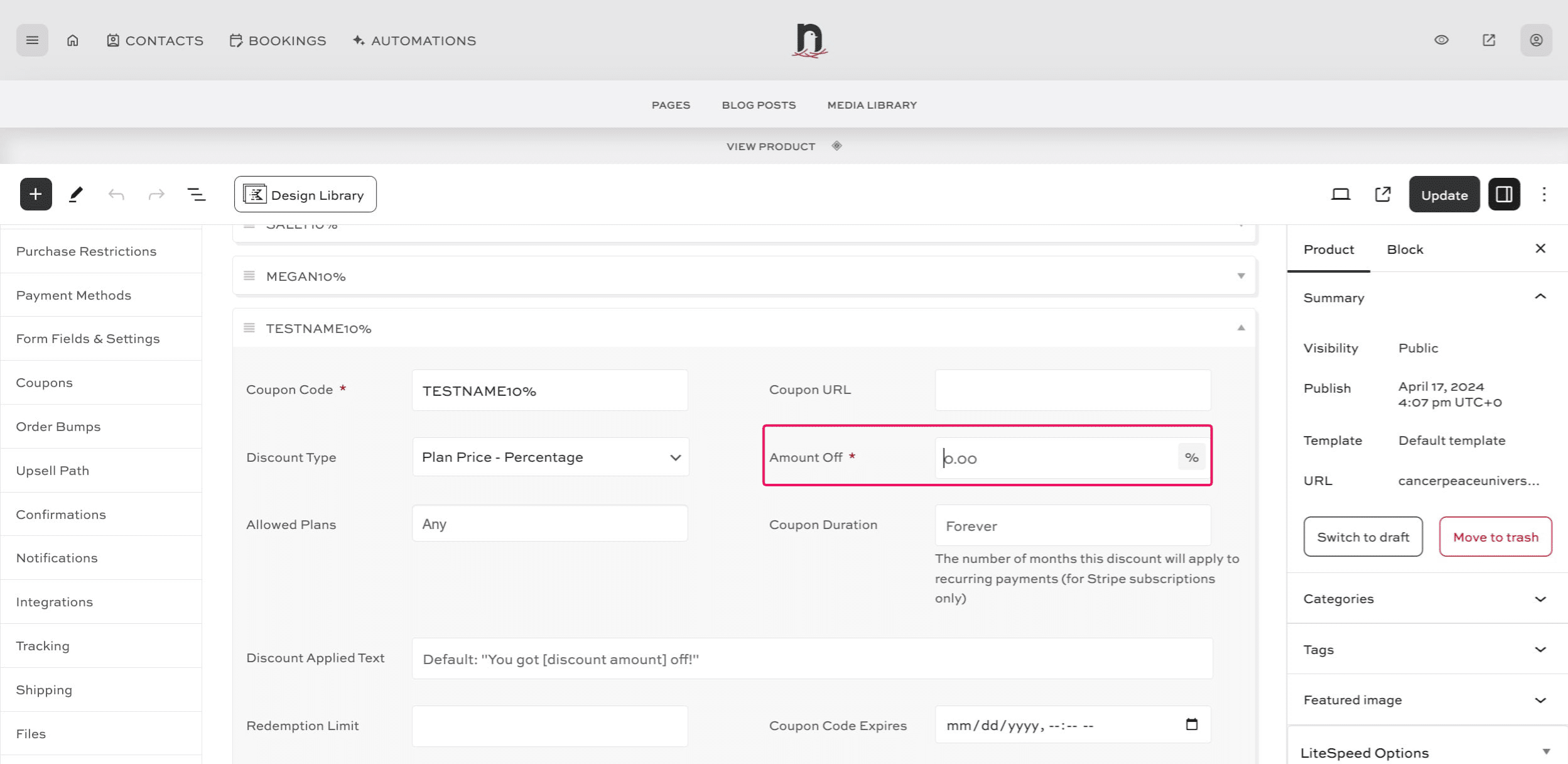
Enter the discount amount
10
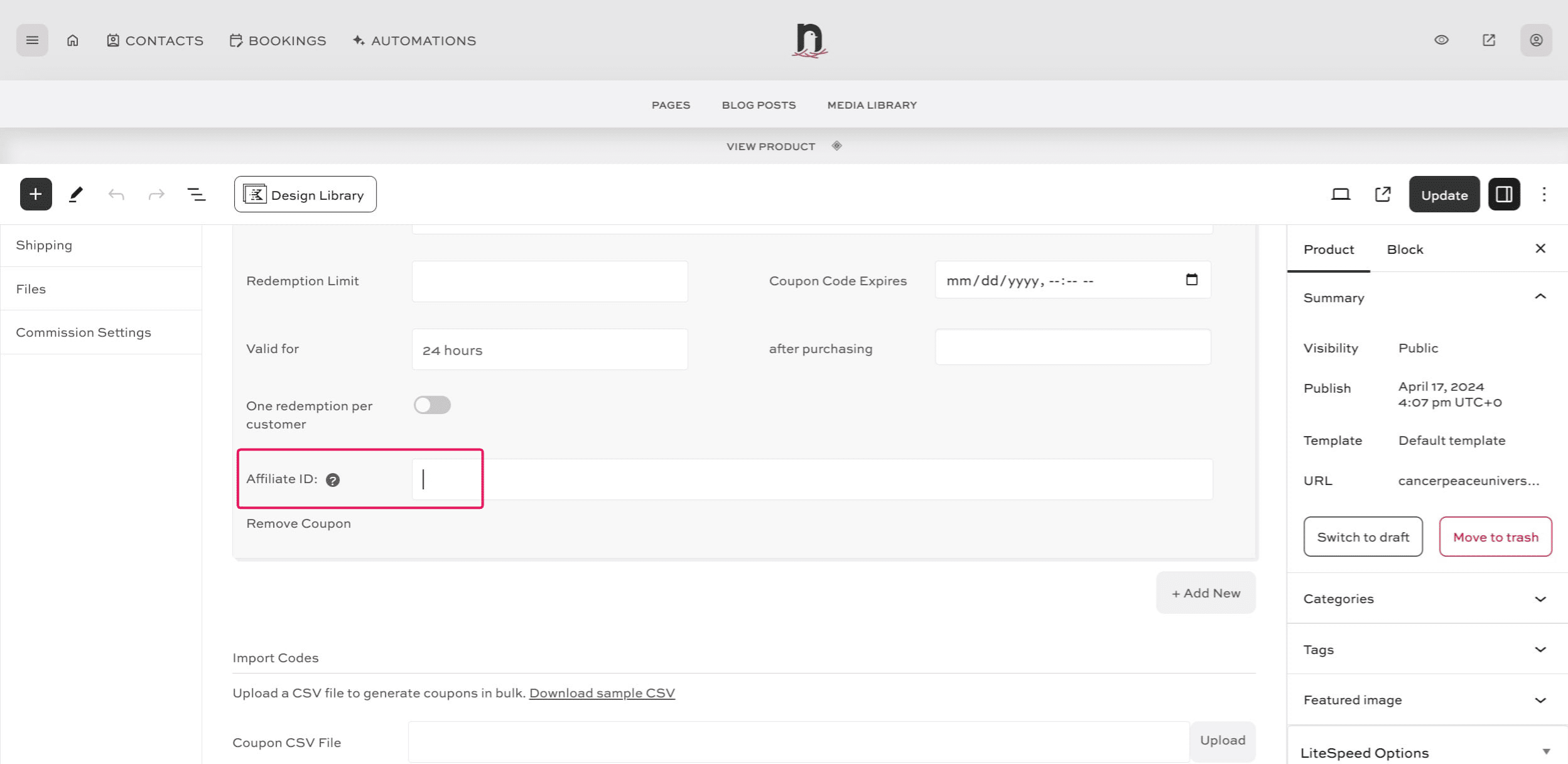
Scroll down to the Affiliate ID field and enter the Affiliate's ID number.
11
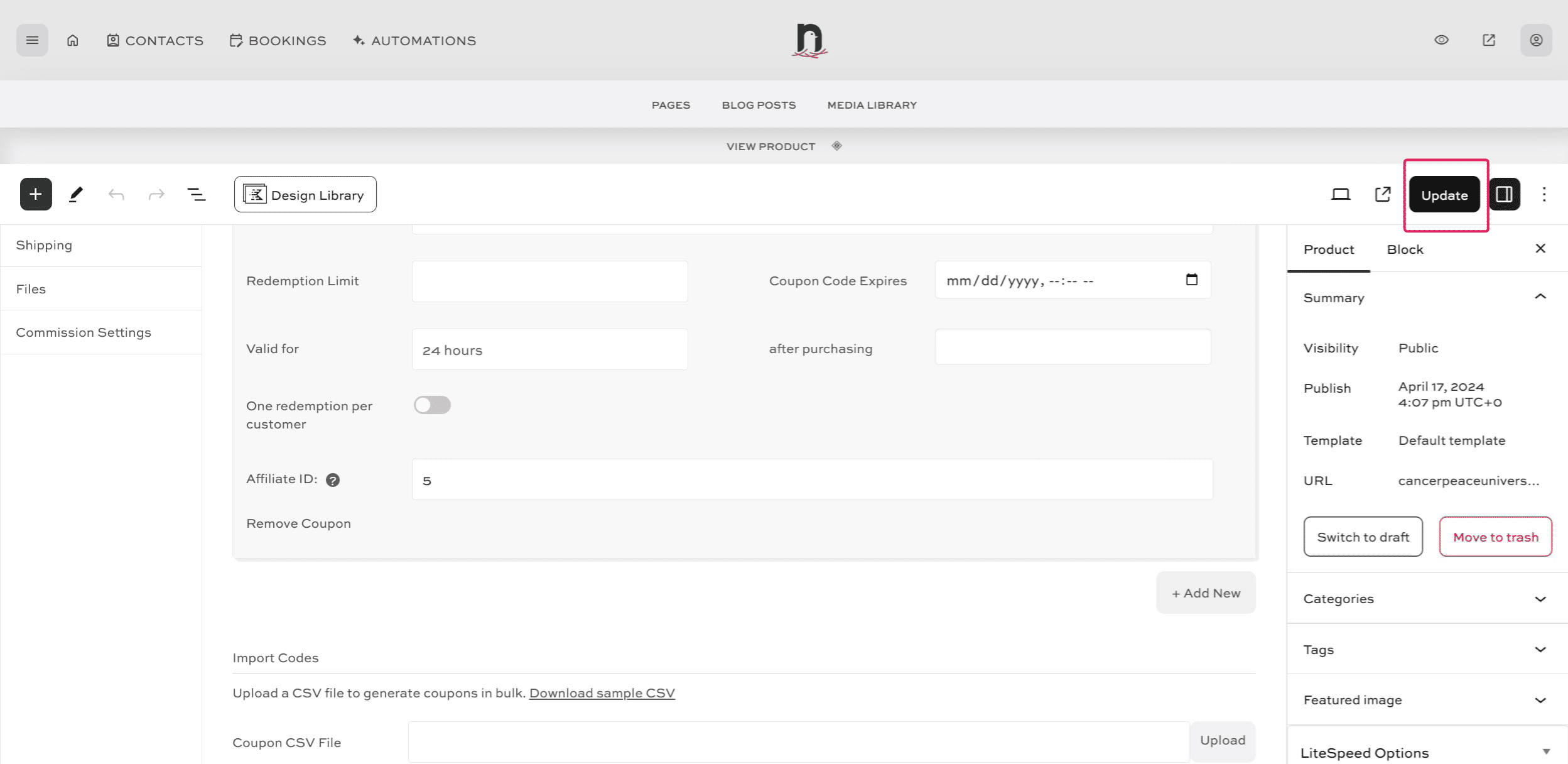
Click on "Update" to save.
12
Done 🚀. Repeat for every affiliate and every product as needed.