

How to add an Affiliate Login page
Apr 20, 2024●
1
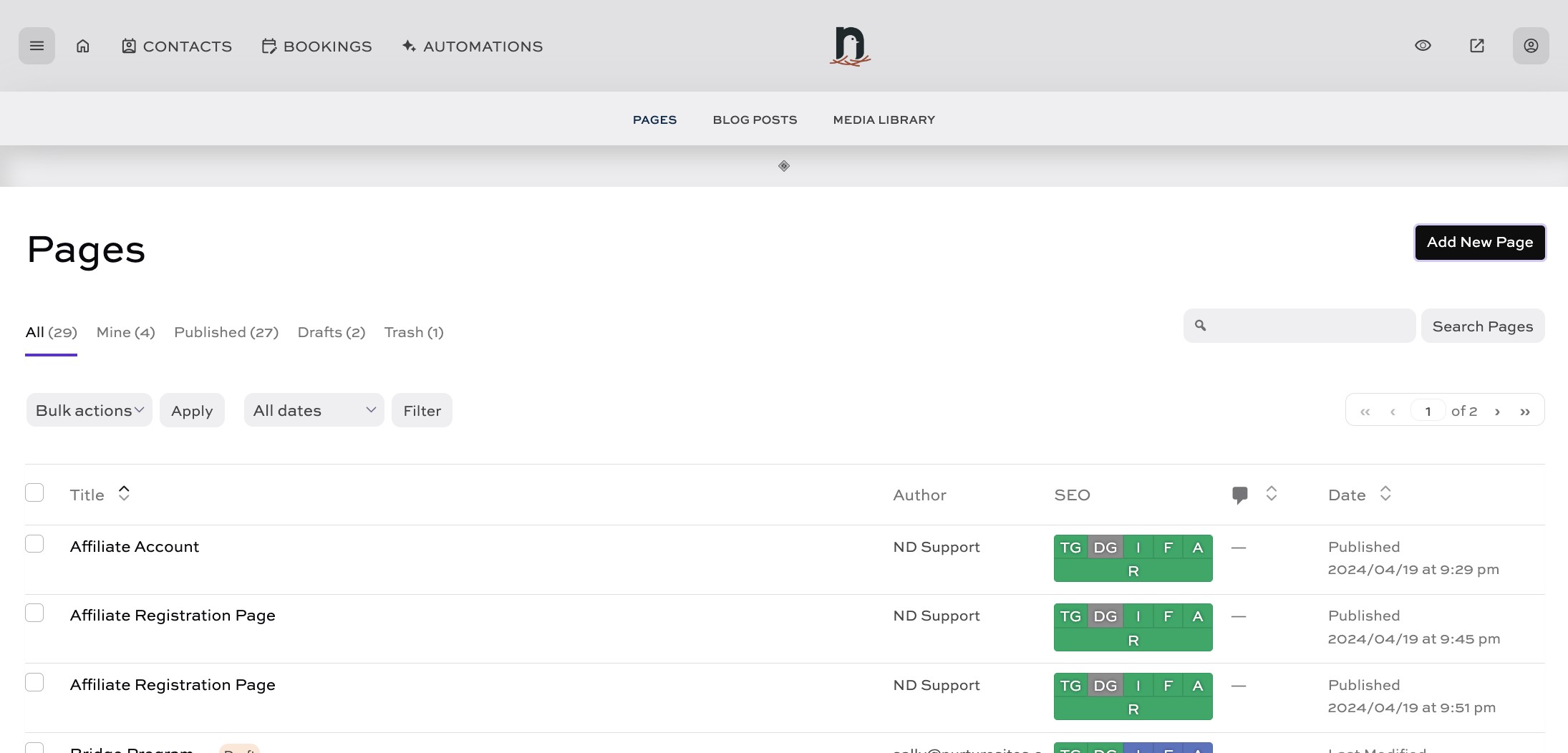
Click on "Pages"


2
Click on "Add New Page"
3
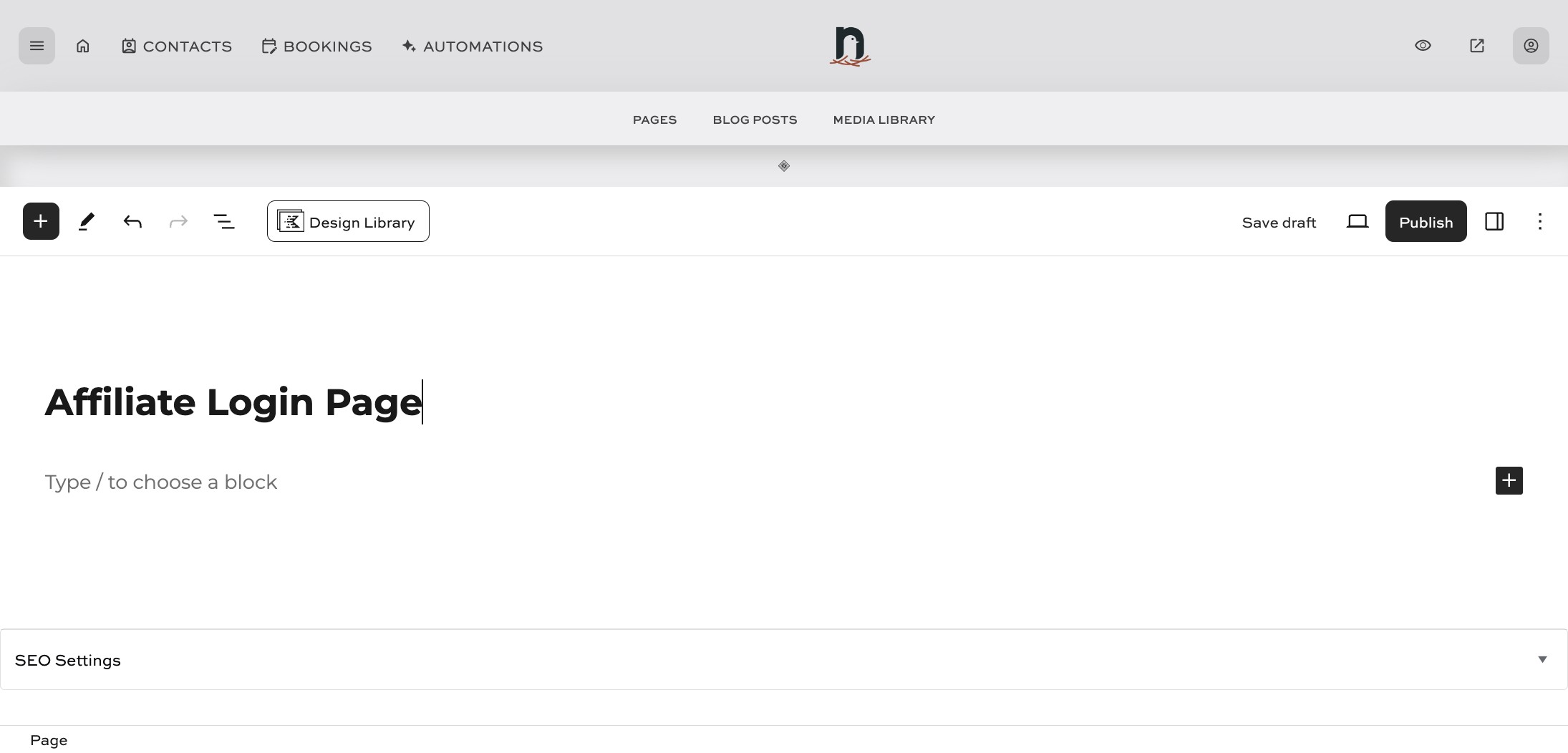
Enter a title for the page
4
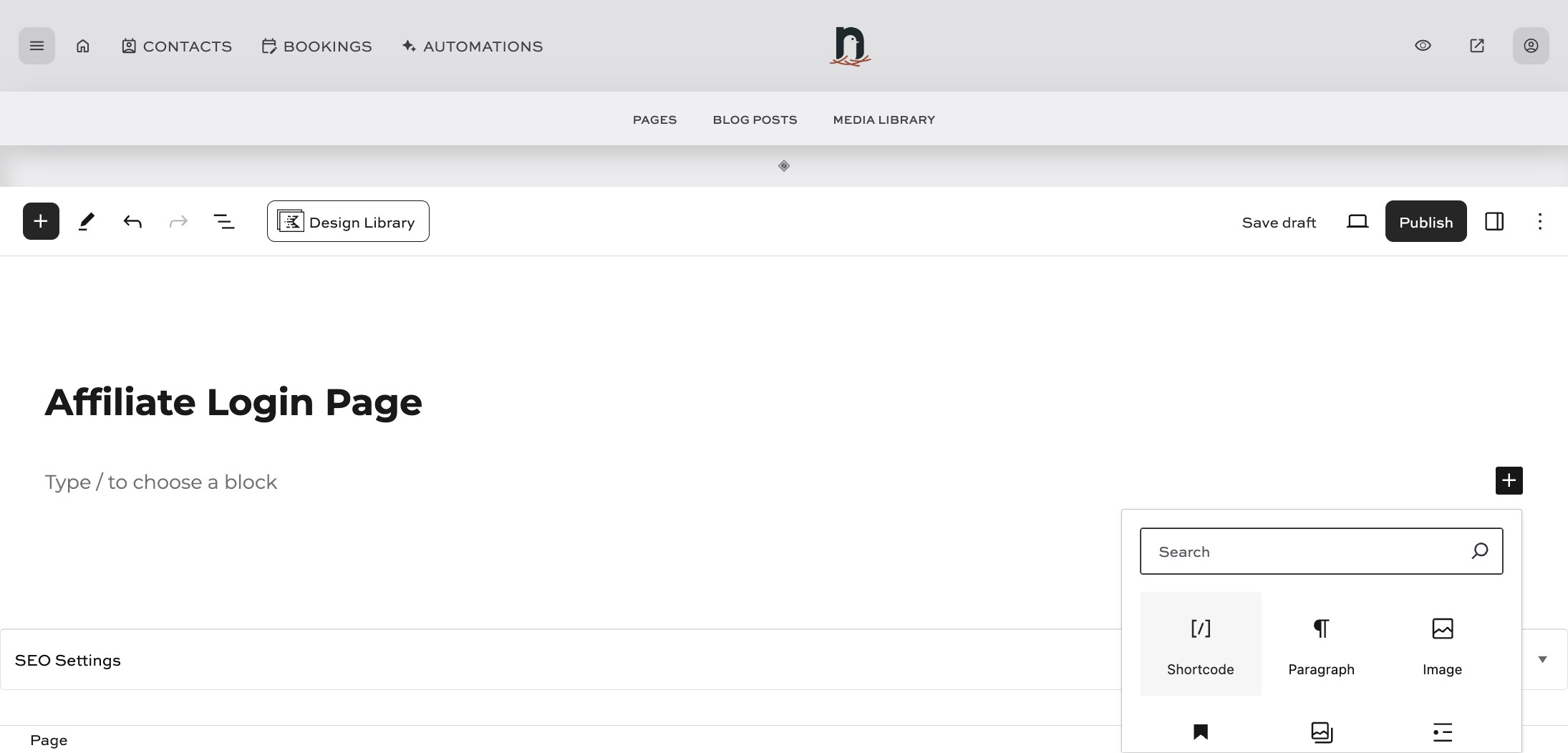
Click the 'Add Block' icon, and locate the 'Shortcode' block
5
Paste the following shortcode into the shortcode block: [slicewp_affiliate_login]. Then click on "Publish" and you're done!
![Paste the following shortcode into the shortcode block: [slicewp_affiliate_login].
Then click on "Publish" and you're done!](https://assets.guidejar.com/uploads/9c0bff72-63c5-47a6-8887-5b2fb4c4808d/1RnoVgGJB5c5jflrfrPGYgFsxjI2/05a5d644-1d52-40ae-9df6-7335d479a18c/1713563682115.jpeg)