How to connect an external calendar (google, outlook, apple, etc.)
May 09, 2024●
1
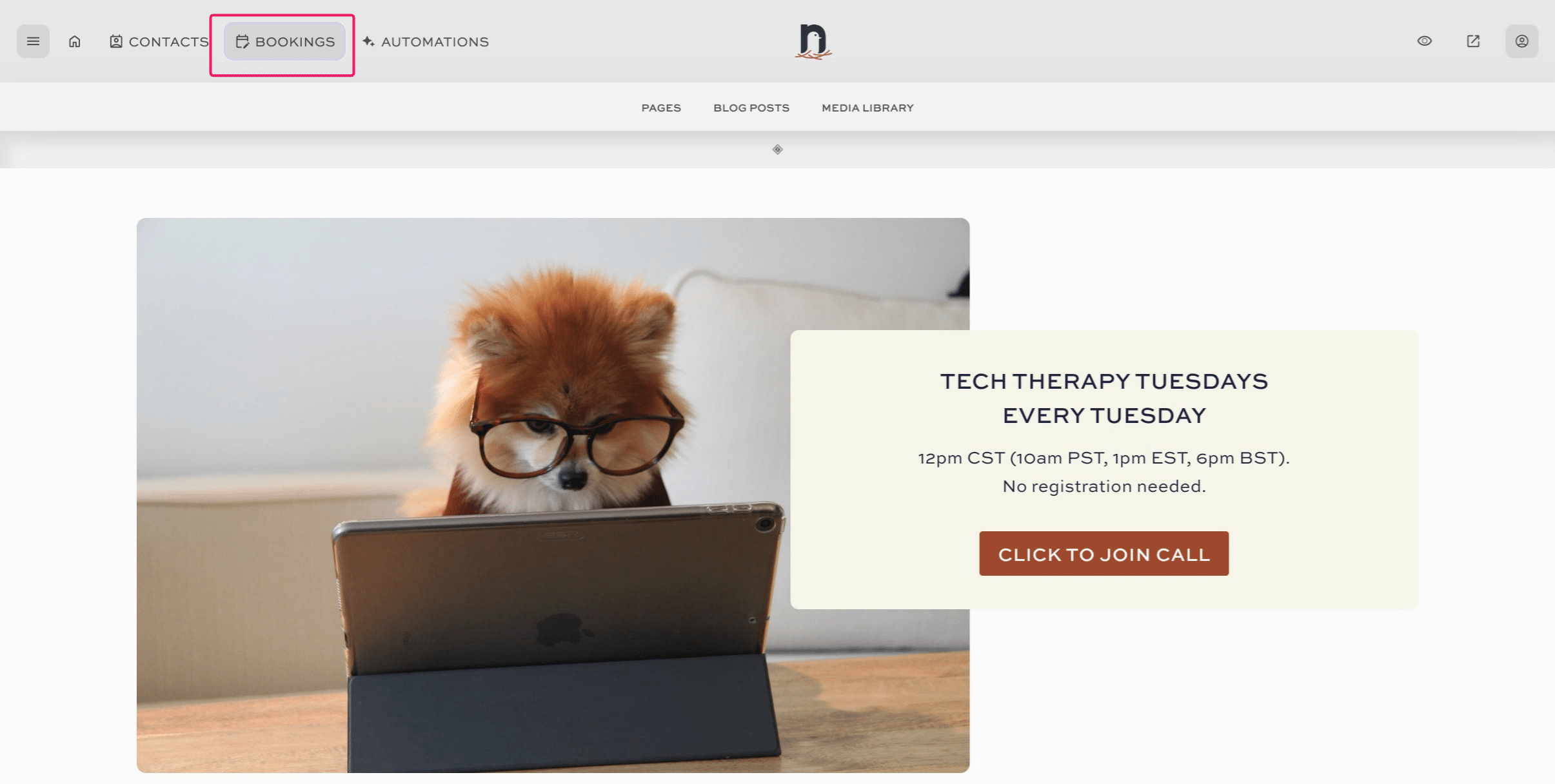
Click on "BOOKINGS"

2
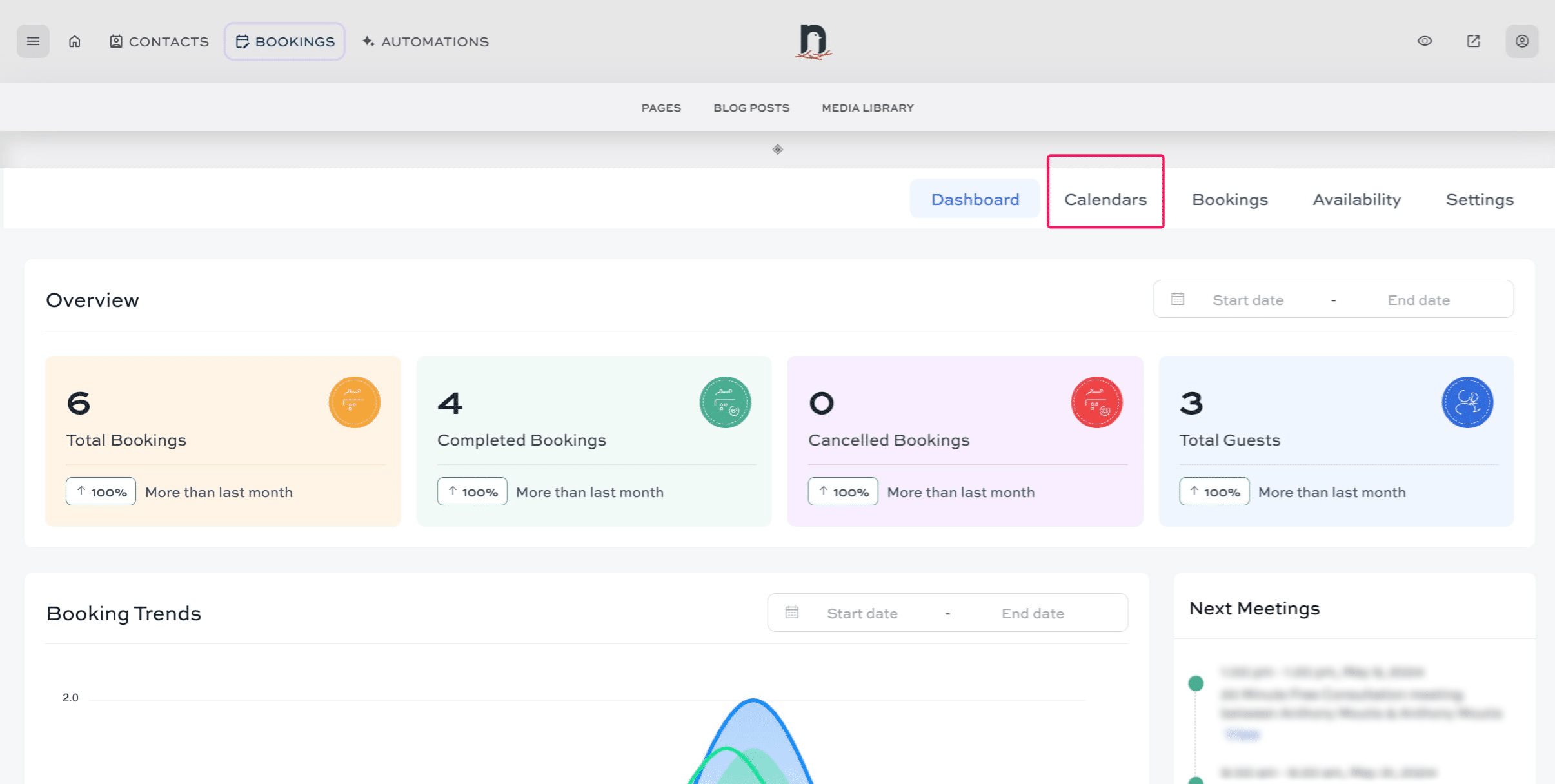
Click on "Calendars"
3
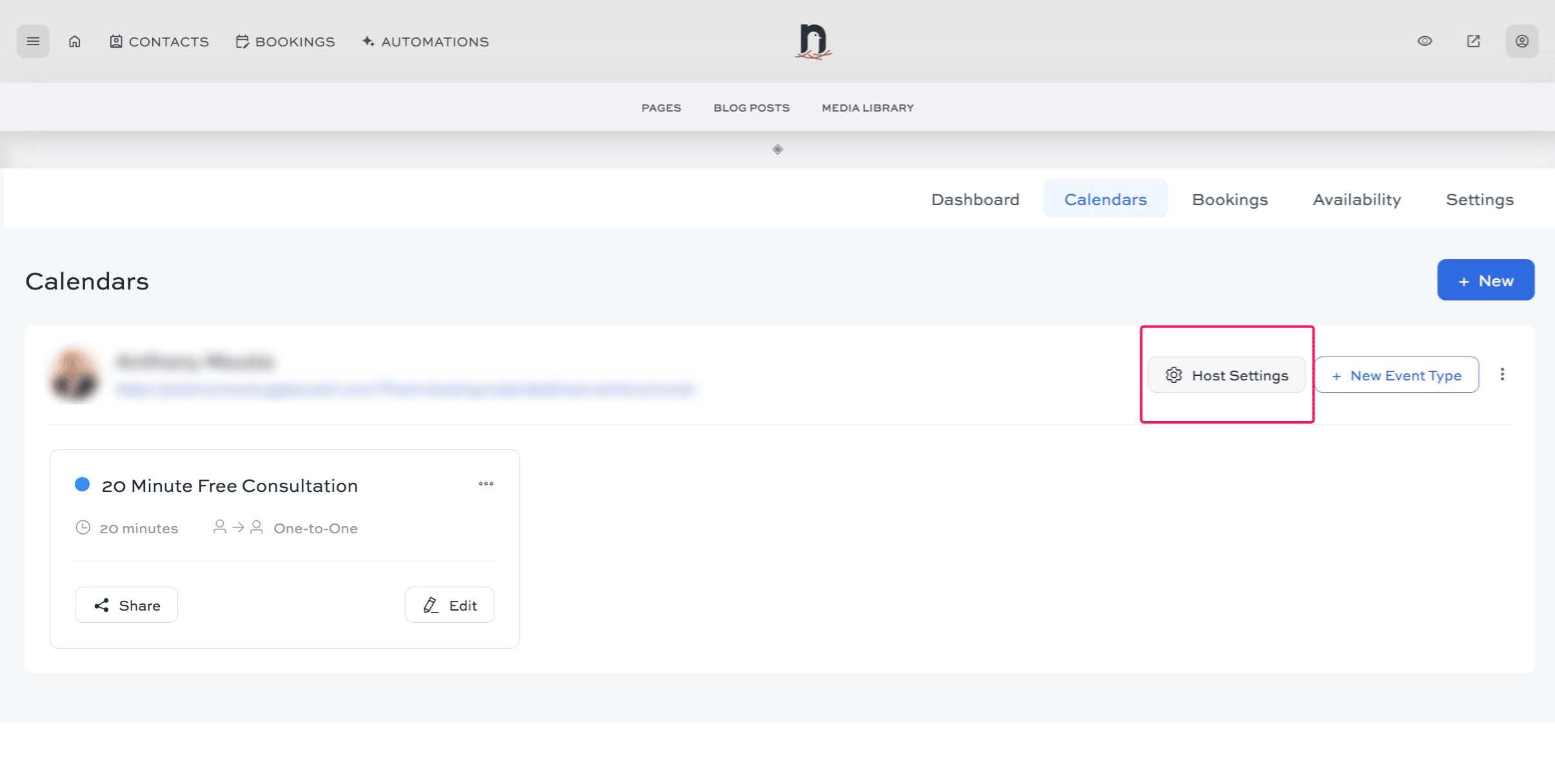
Click 'Host Settings'
4
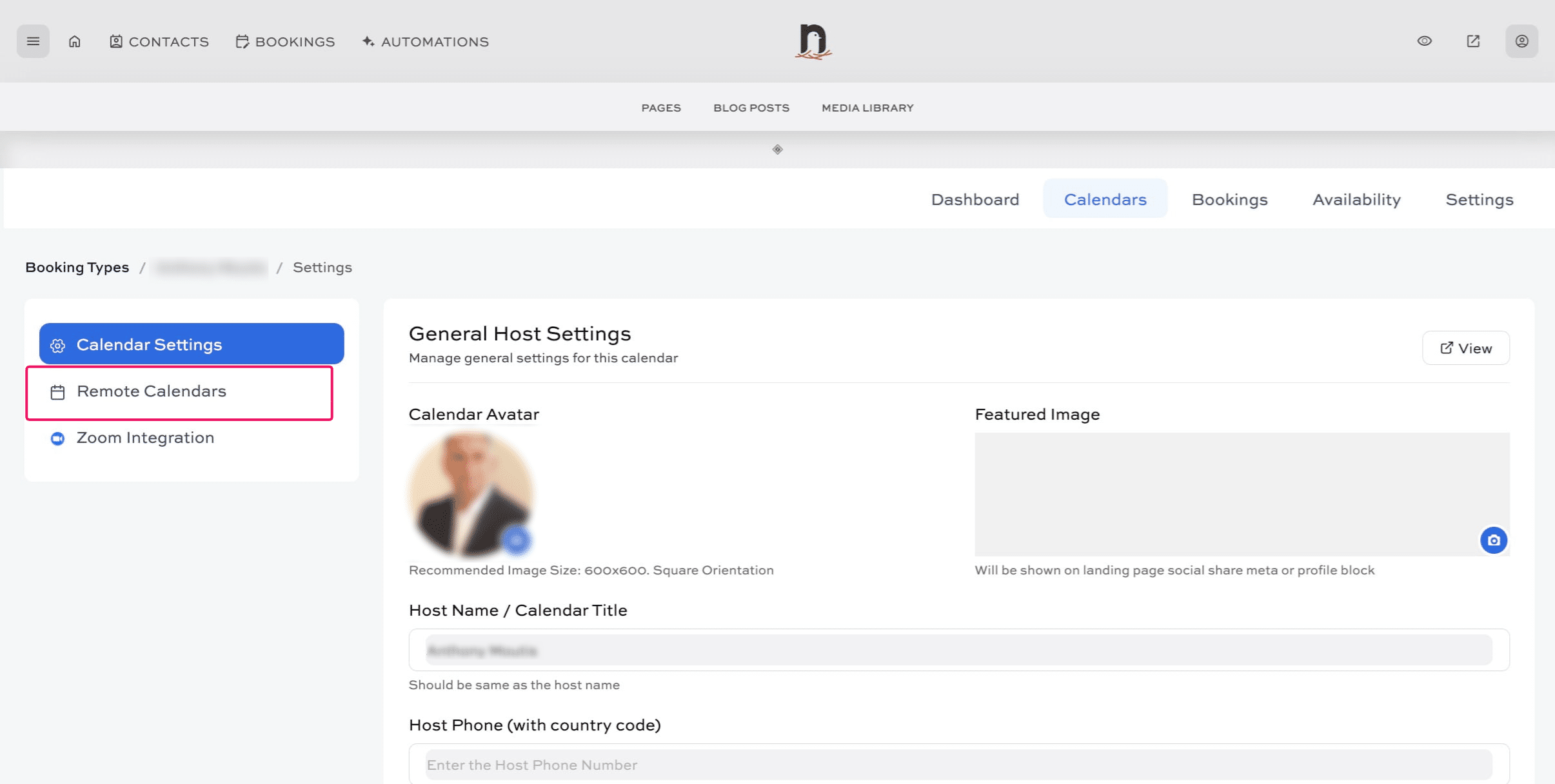
Click 'Remote Calendars'
5
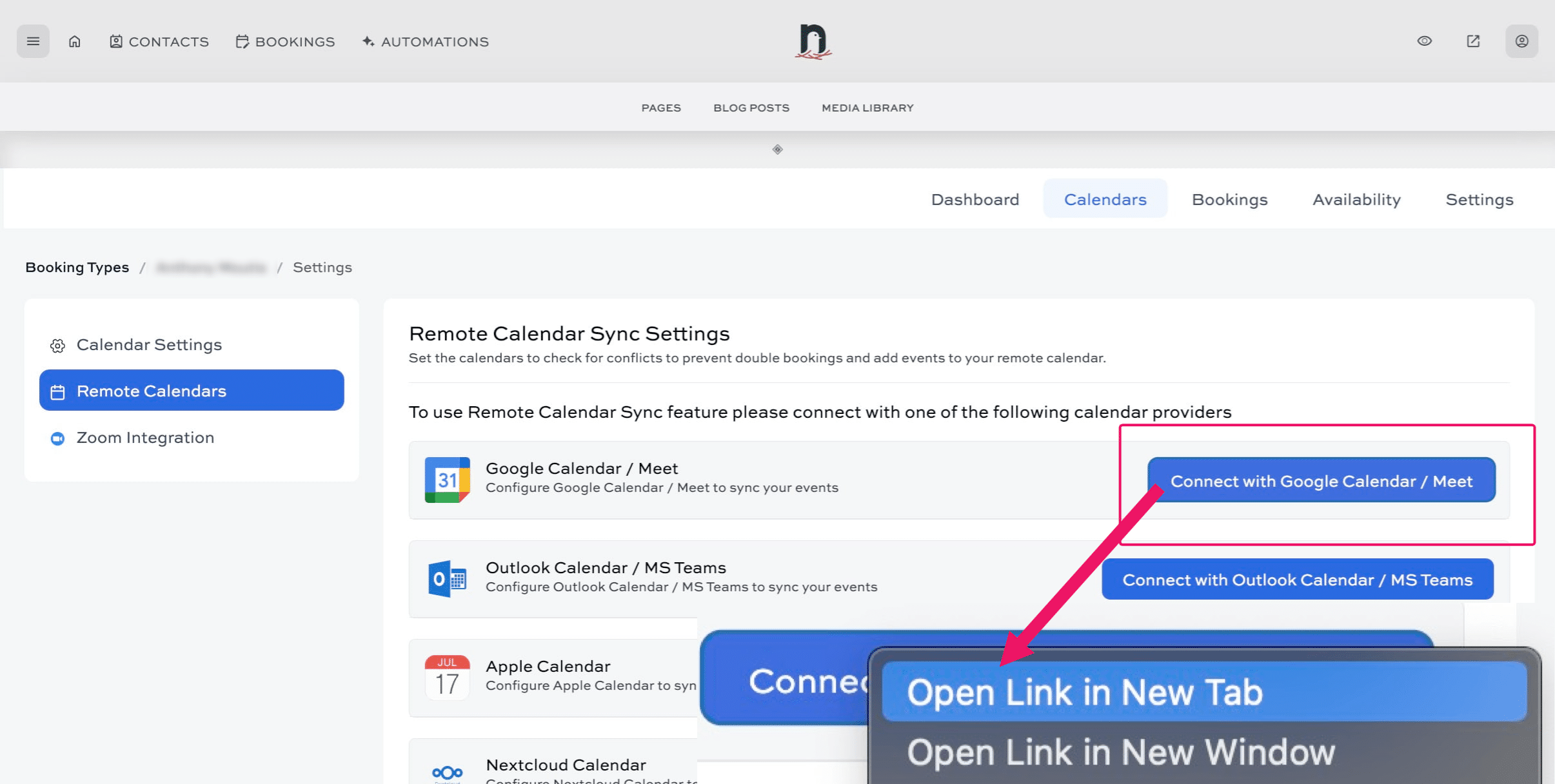
Right-click on "Connect with Google Calendar / Meet" (or Outlook/Apple - whichver calendar type you are connecting with) and select "Open in new tab"
6
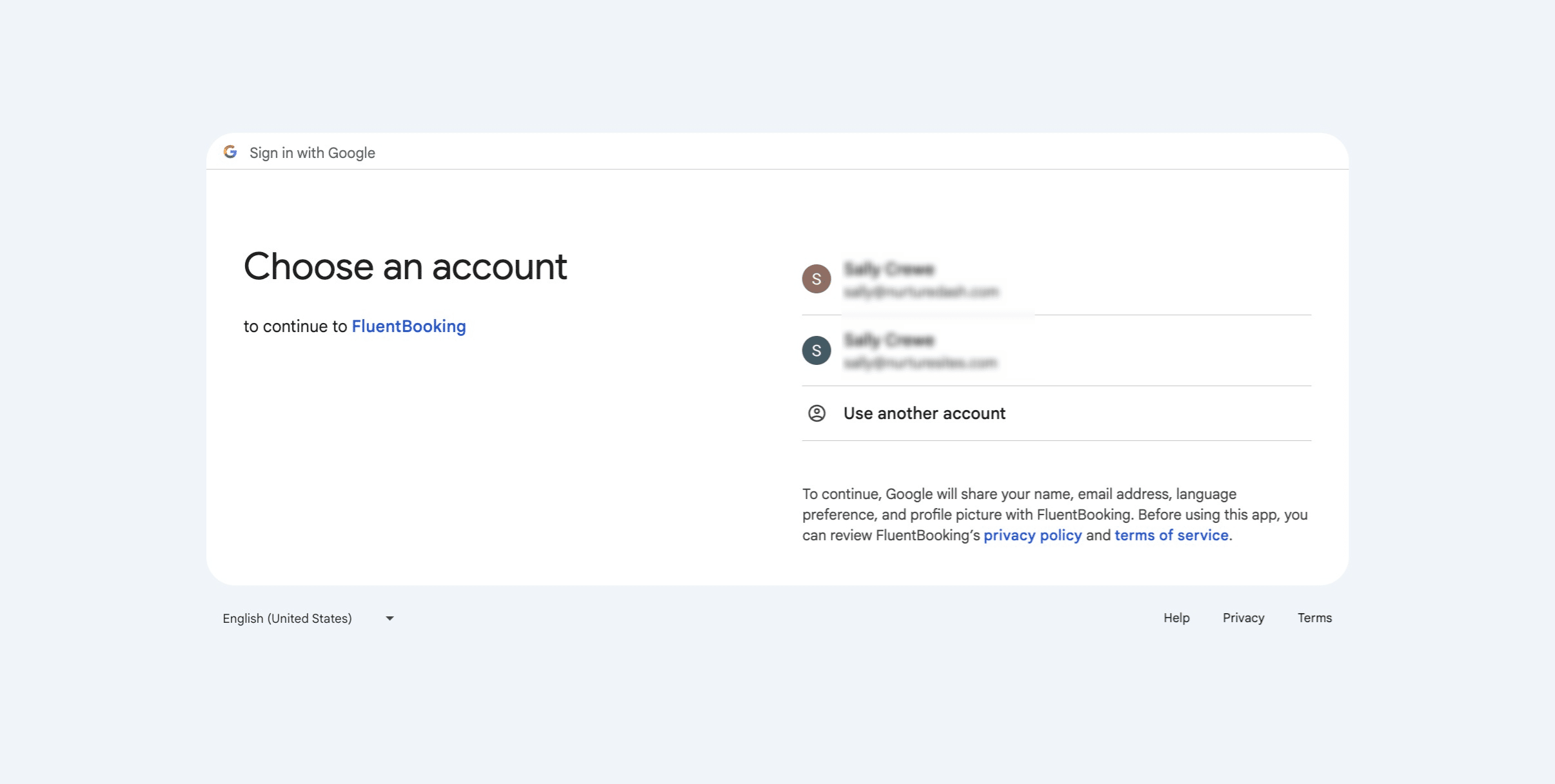
In the new tab, select the account you want to connect with. If you've got multiple accounts, repeat the process for each account.