

How to find the link for a product's checkout page
May 16, 2024●
1
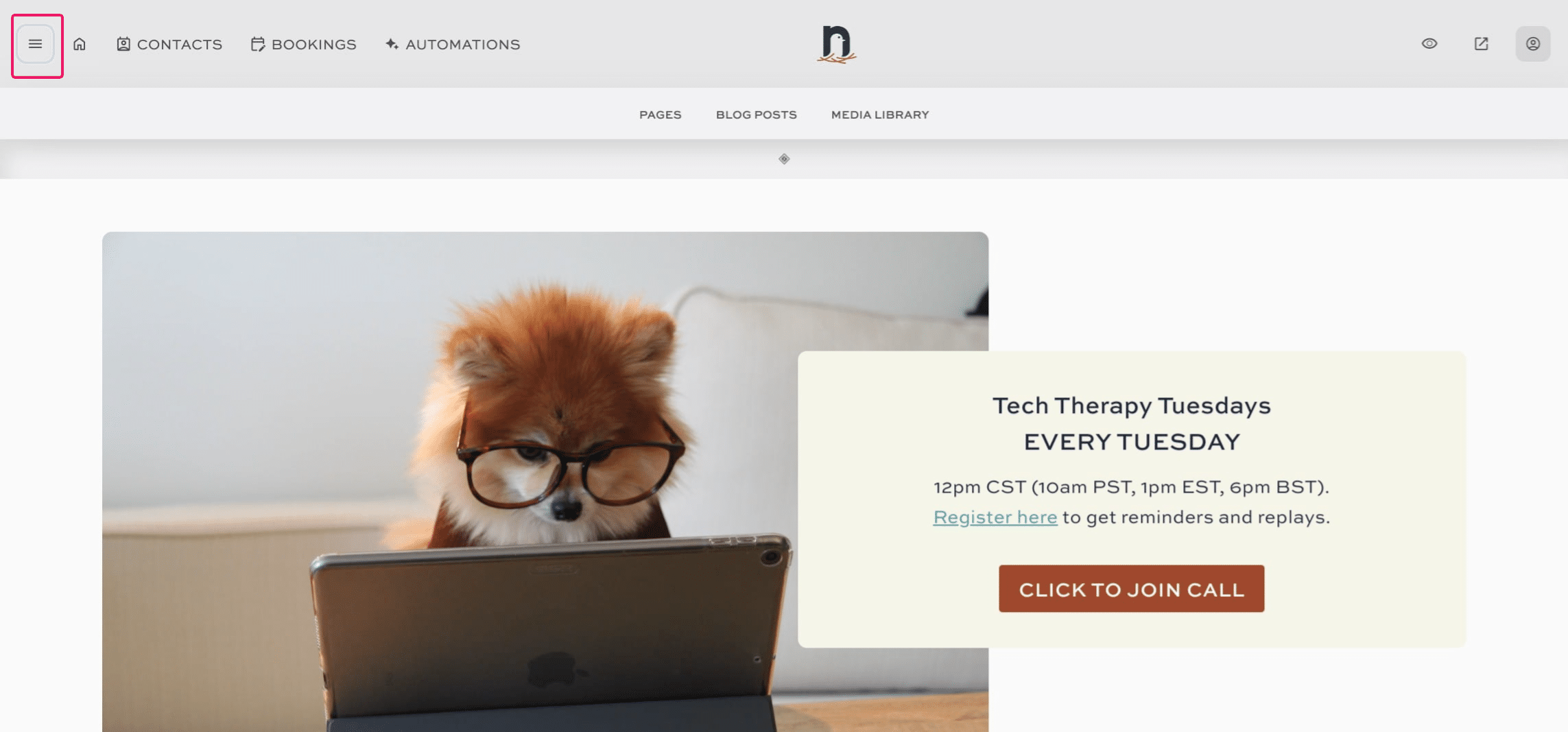
Click on "menu"

2
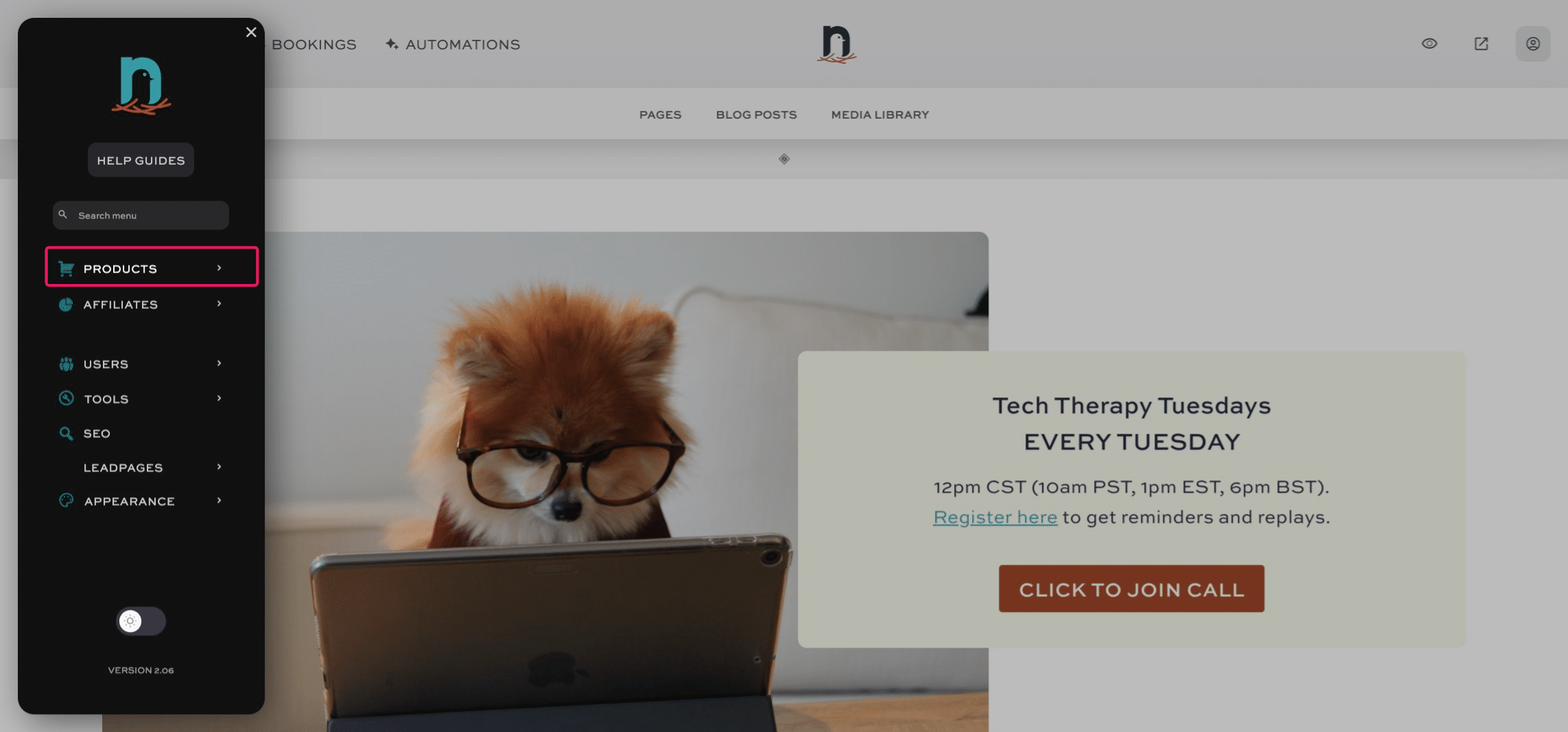
Click on "Products"
3
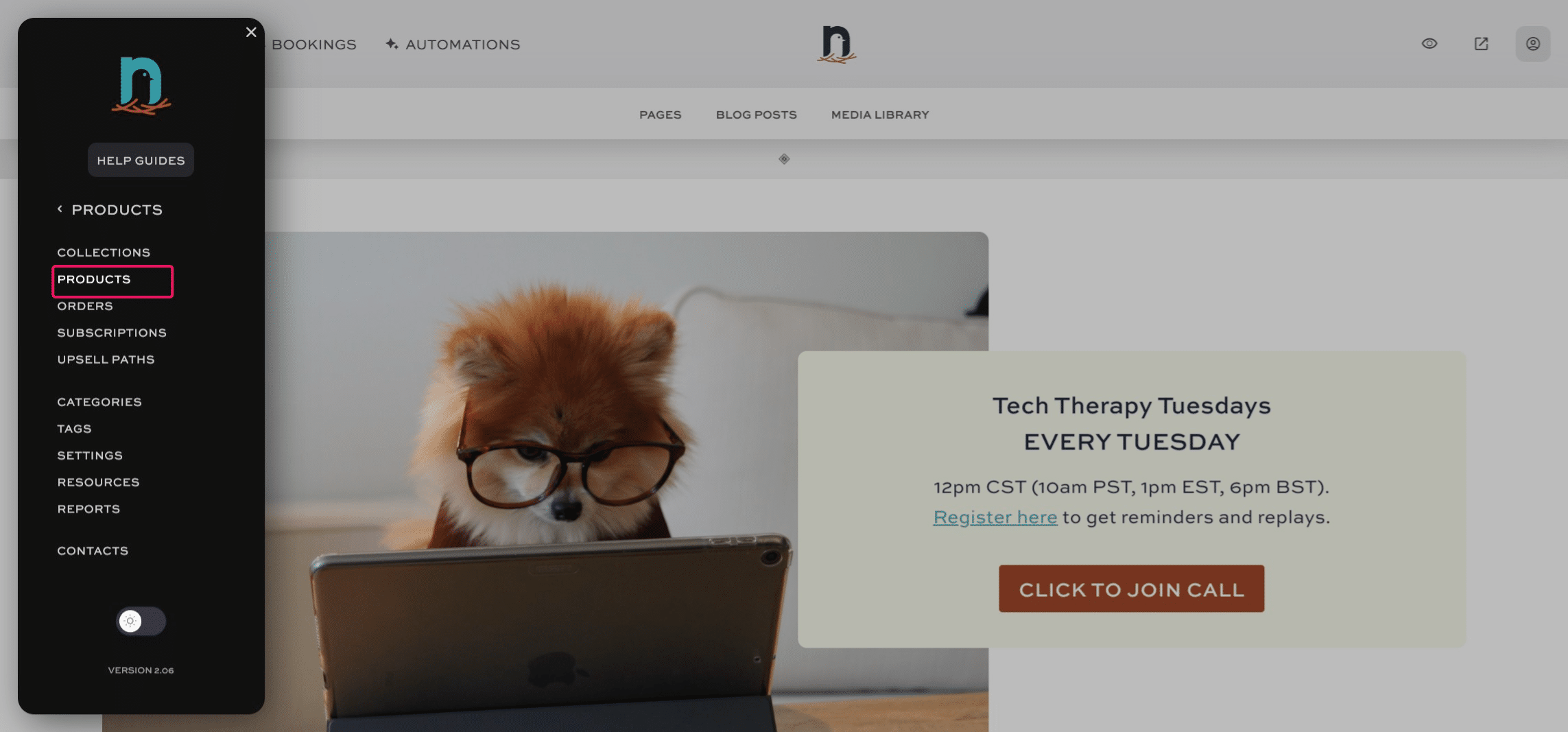
Click on "Products"
4
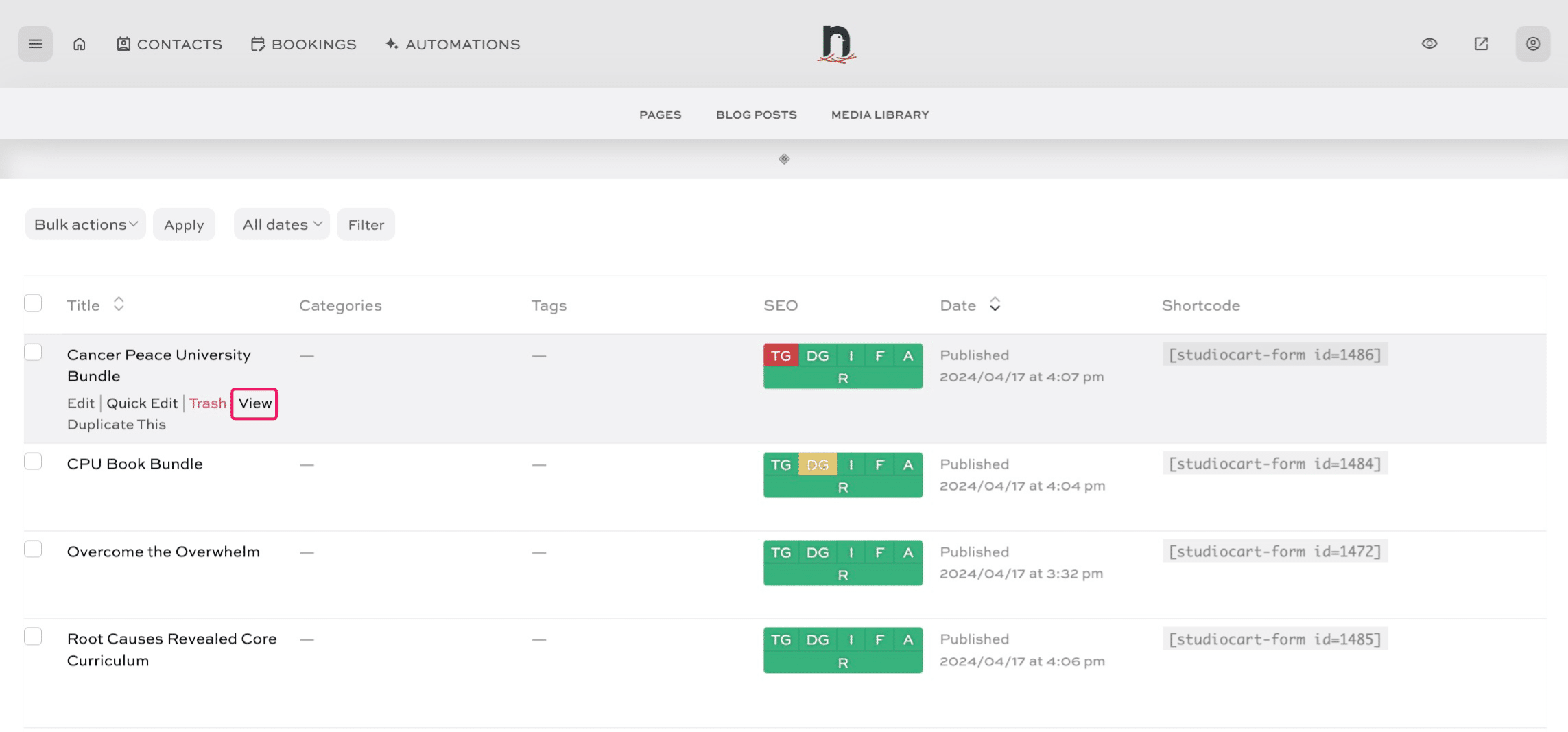
Click on "View"
5
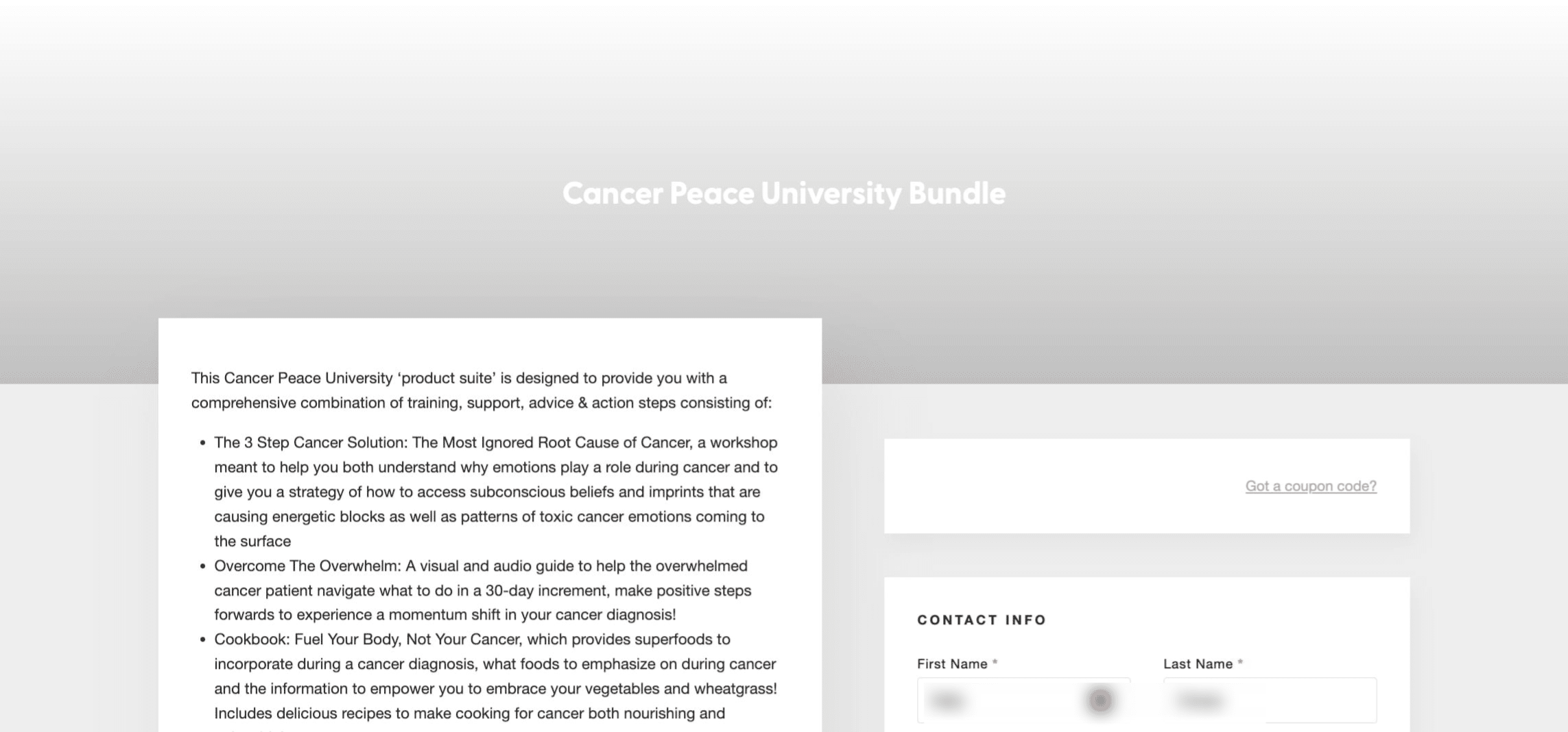
Copy the URL from the browser bar - this is your checkout page link.
Click on "menu"
Click on "Products"
Click on "Products"
Click on "View"
Copy the URL from the browser bar - this is your checkout page link.