How to add an Affiliate Account page
This is the page your affiliates will log into to view their account details.
Apr 19, 2024●
1
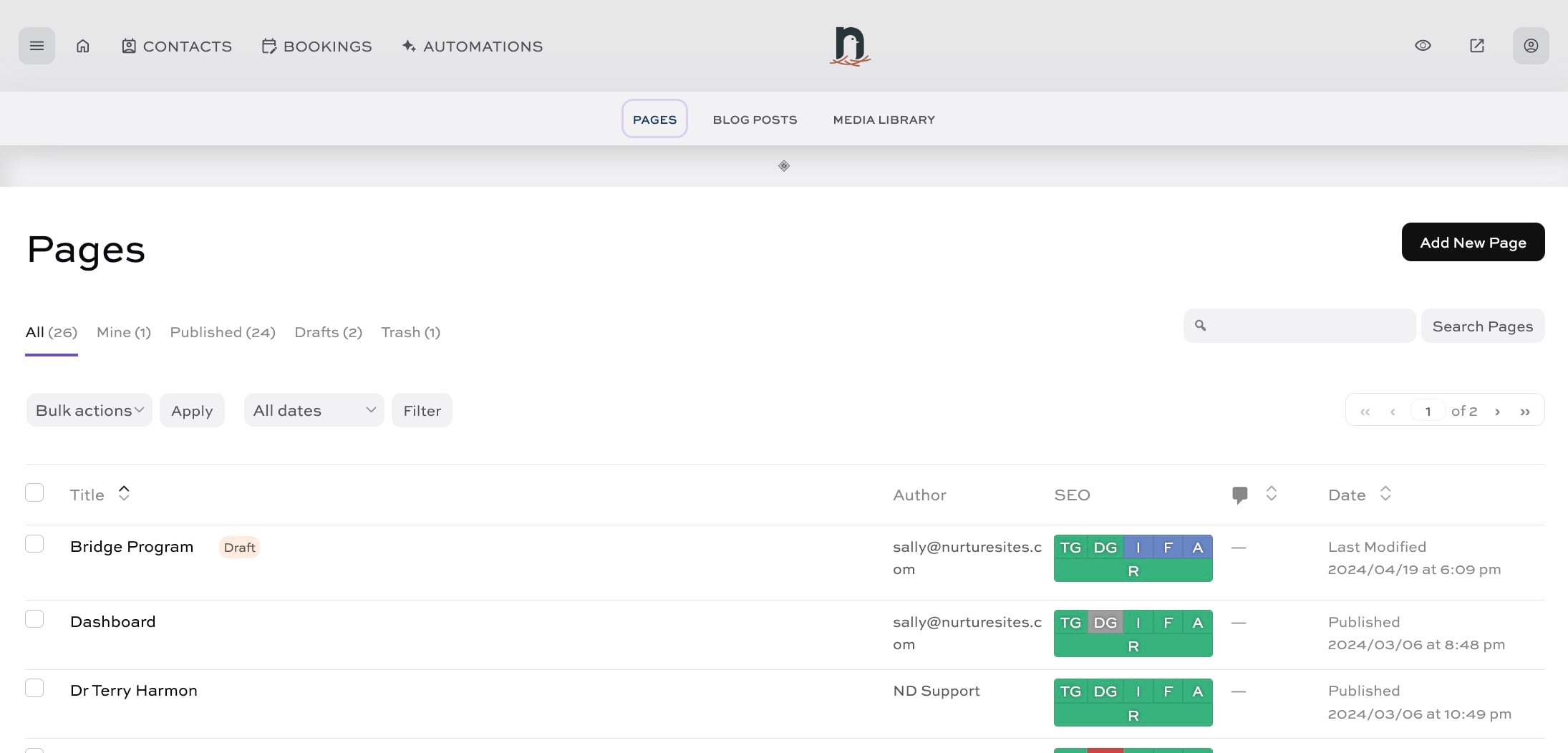
Click on "Pages"


2
Click on "Add New Page"
3
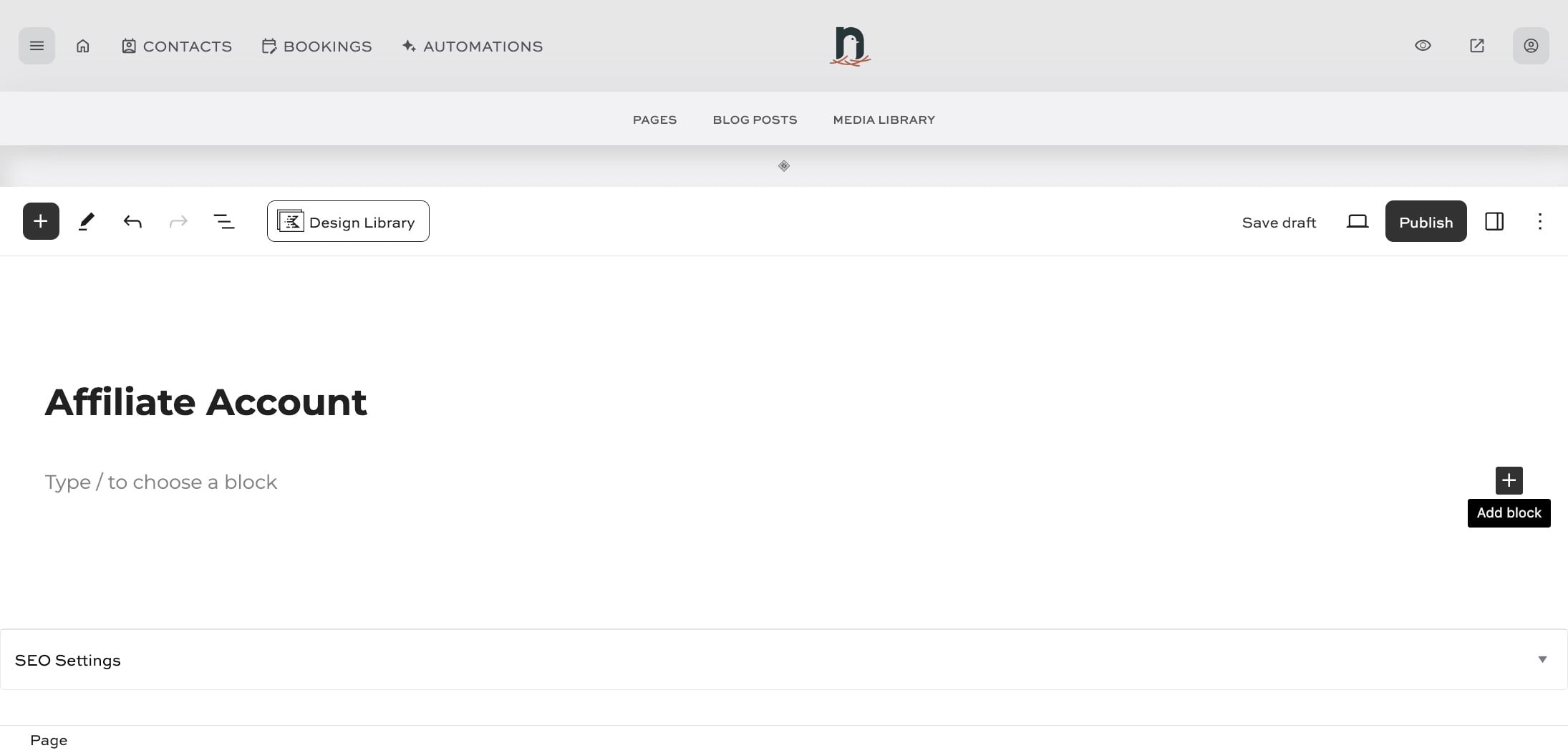
Enter a title for the page
4
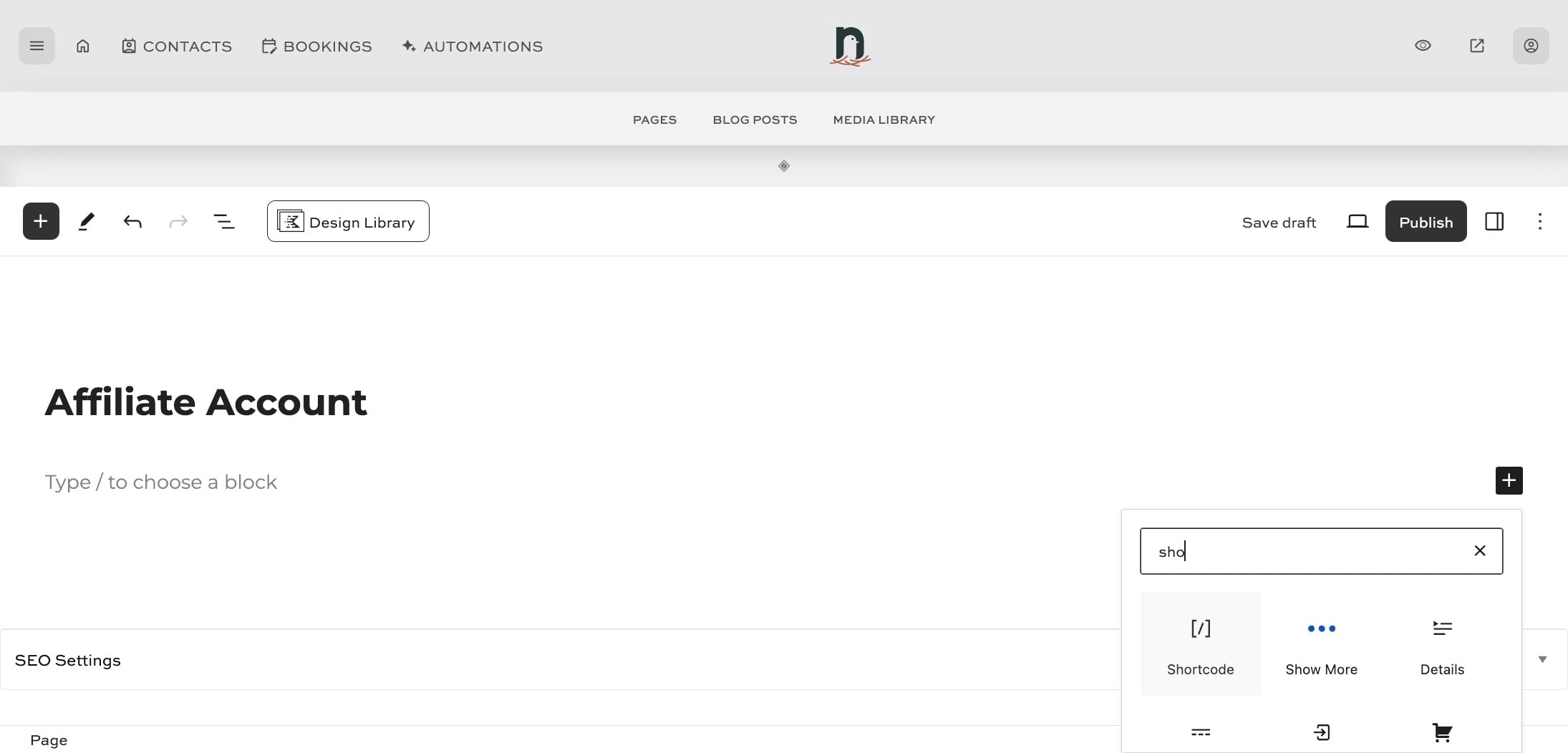
Click the 'Add Block' icon, and locate the 'Shortcode' block
5
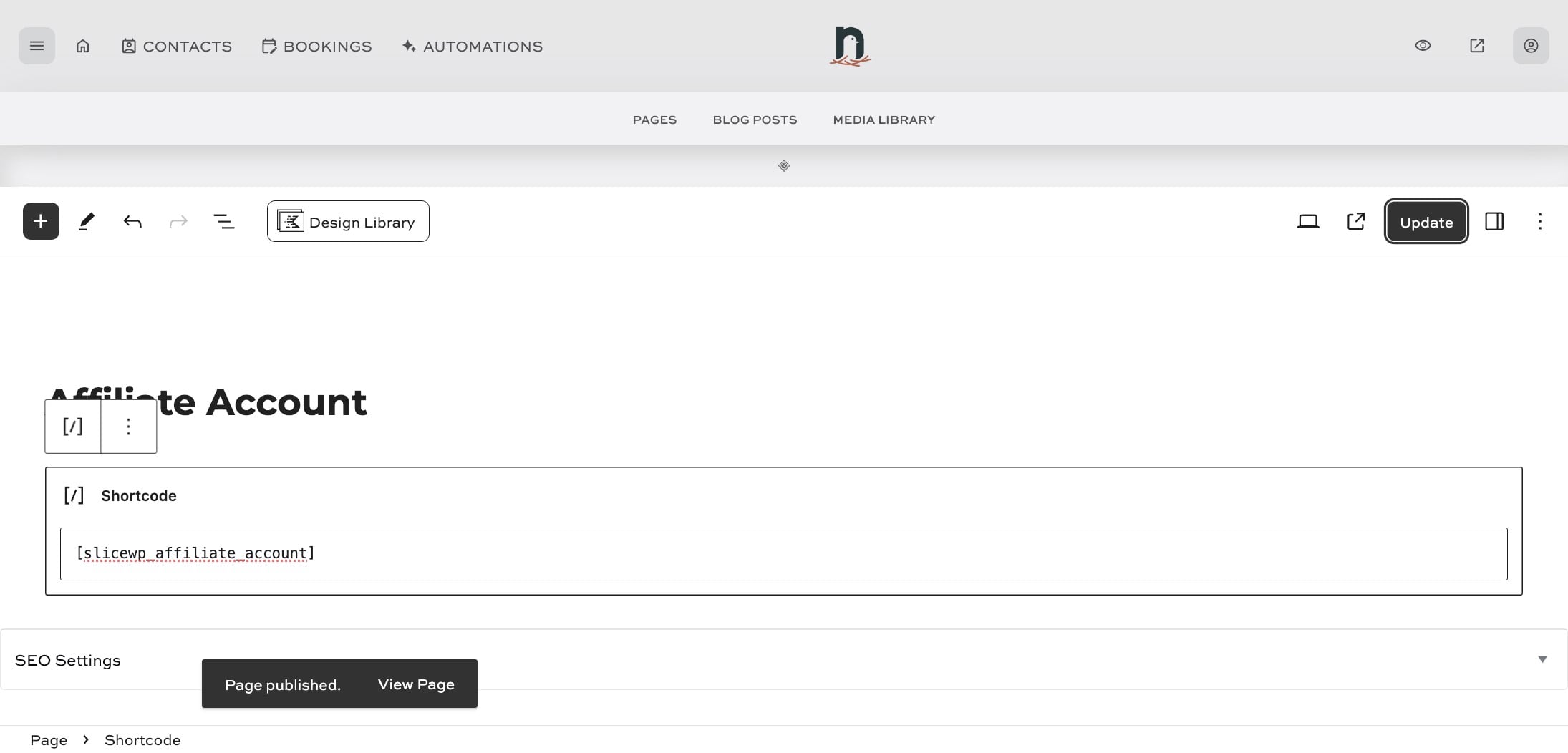
Paste the following shortcode into the shortcode block: [slicewp_affiliate_account]
![Paste the following shortcode into the shortcode block: [slicewp_affiliate_account]](https://assets.guidejar.com/uploads/c1869e78-0ccd-42aa-8d16-1ae2f2a528a3/1RnoVgGJB5c5jflrfrPGYgFsxjI2/628f7c43-d1ed-4656-ae47-04896178d6ba/1713562164810.jpeg)
6
Click 'Publish' and you're done!