How to add a product
Apr 18, 2024●
1
Click on the "menu" icon.


2
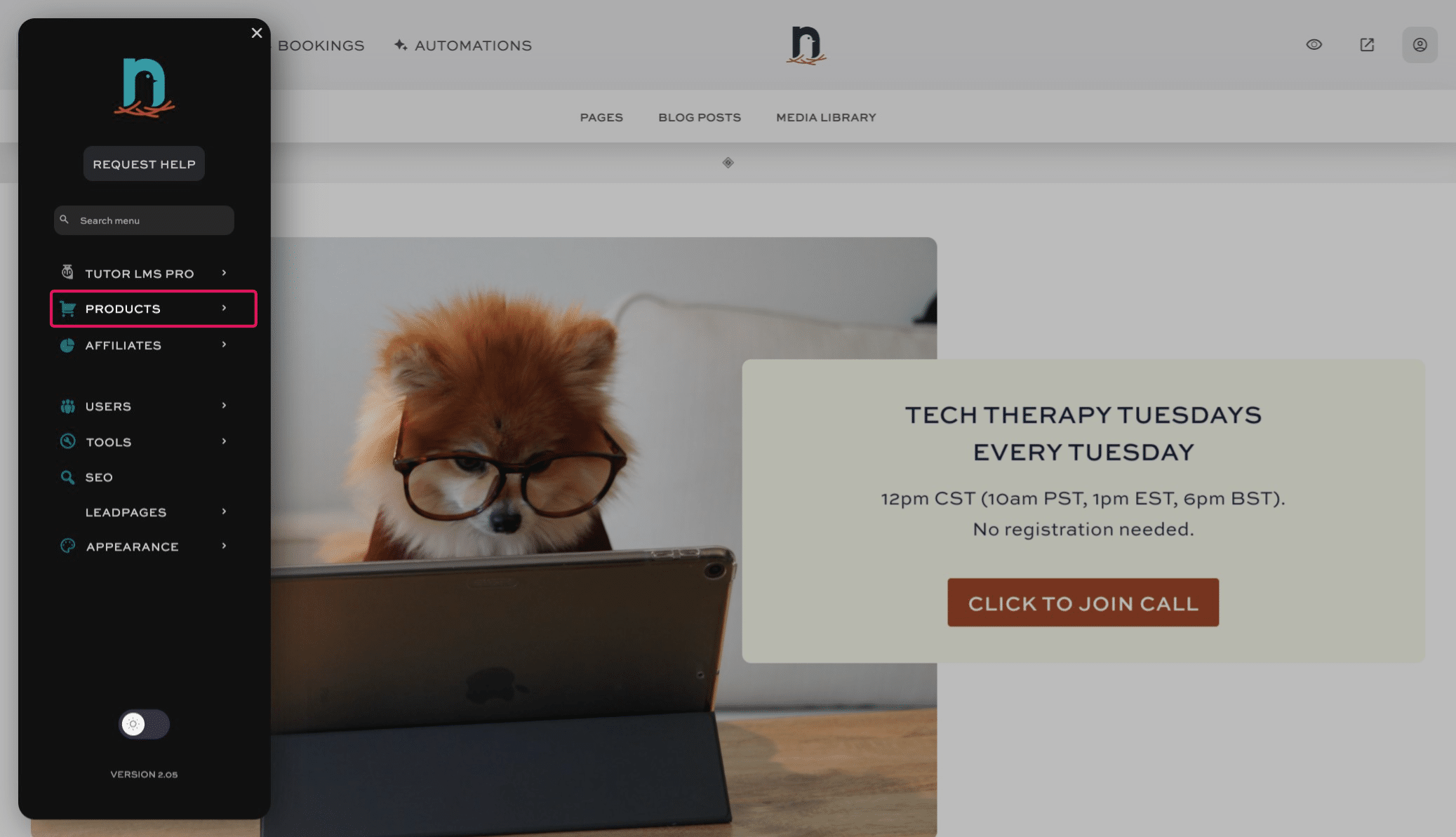
Click on "PRODUCTS"
3
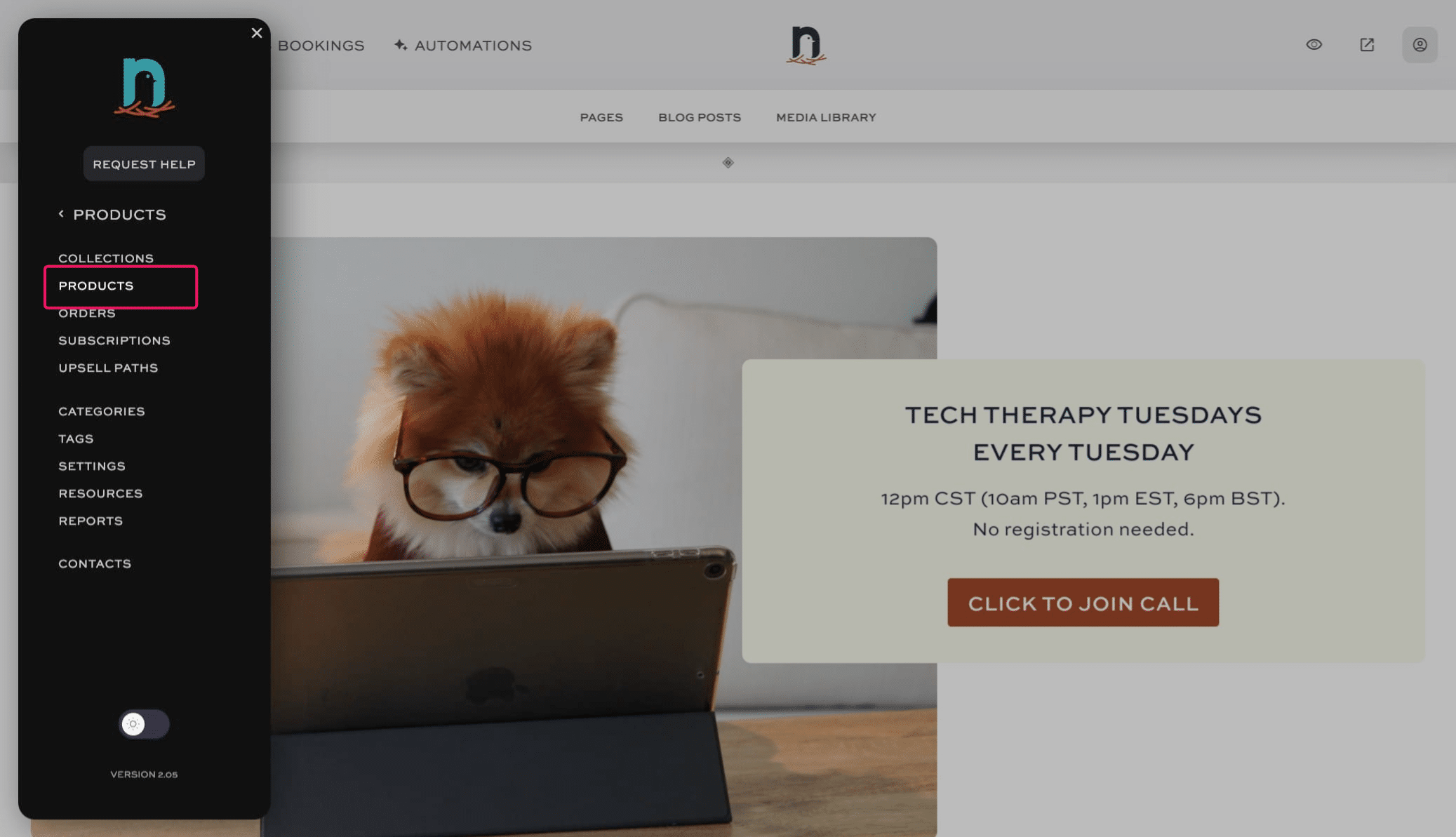
Click on "Products"
4
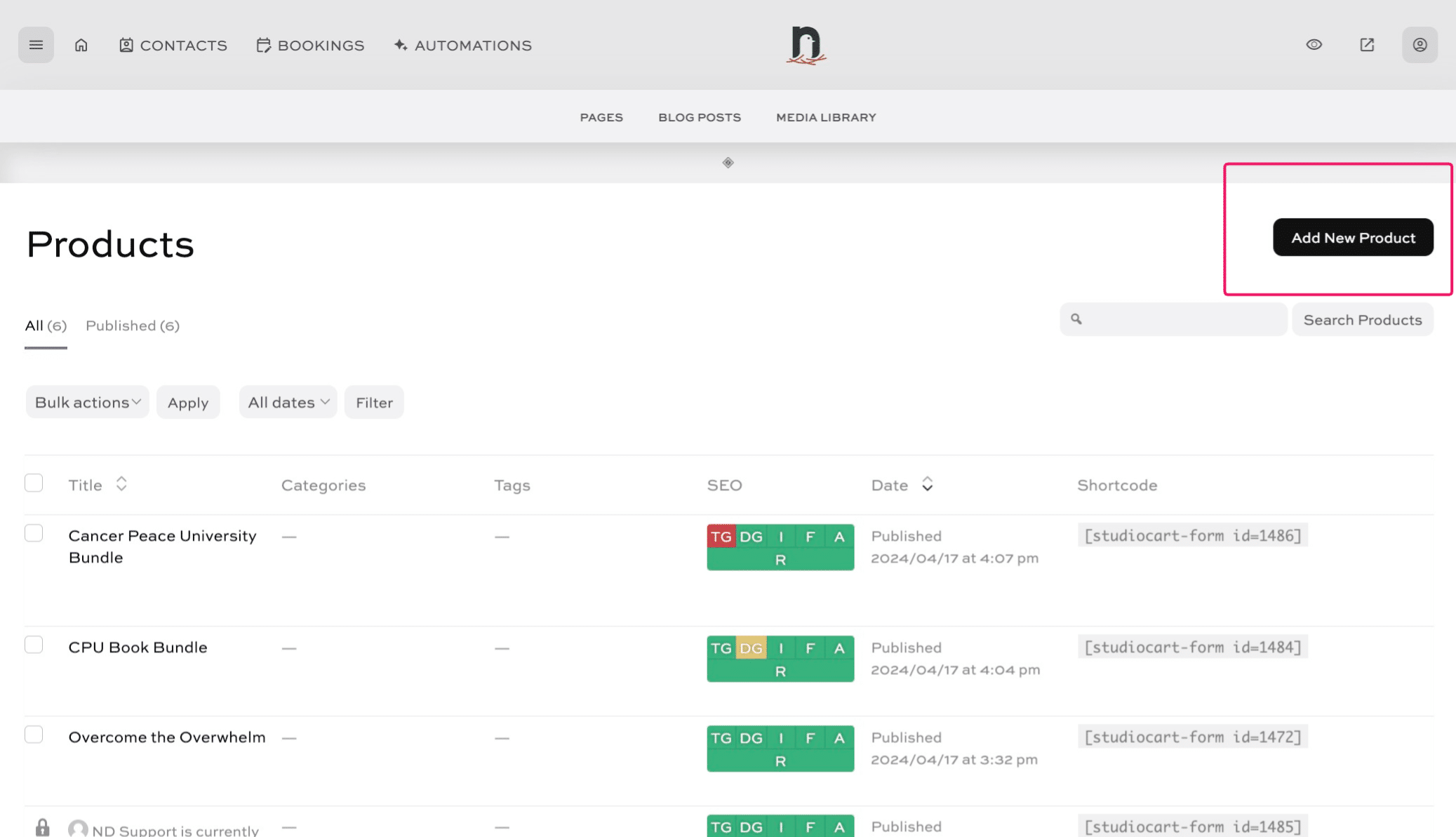
Click on "Add New Product"
5
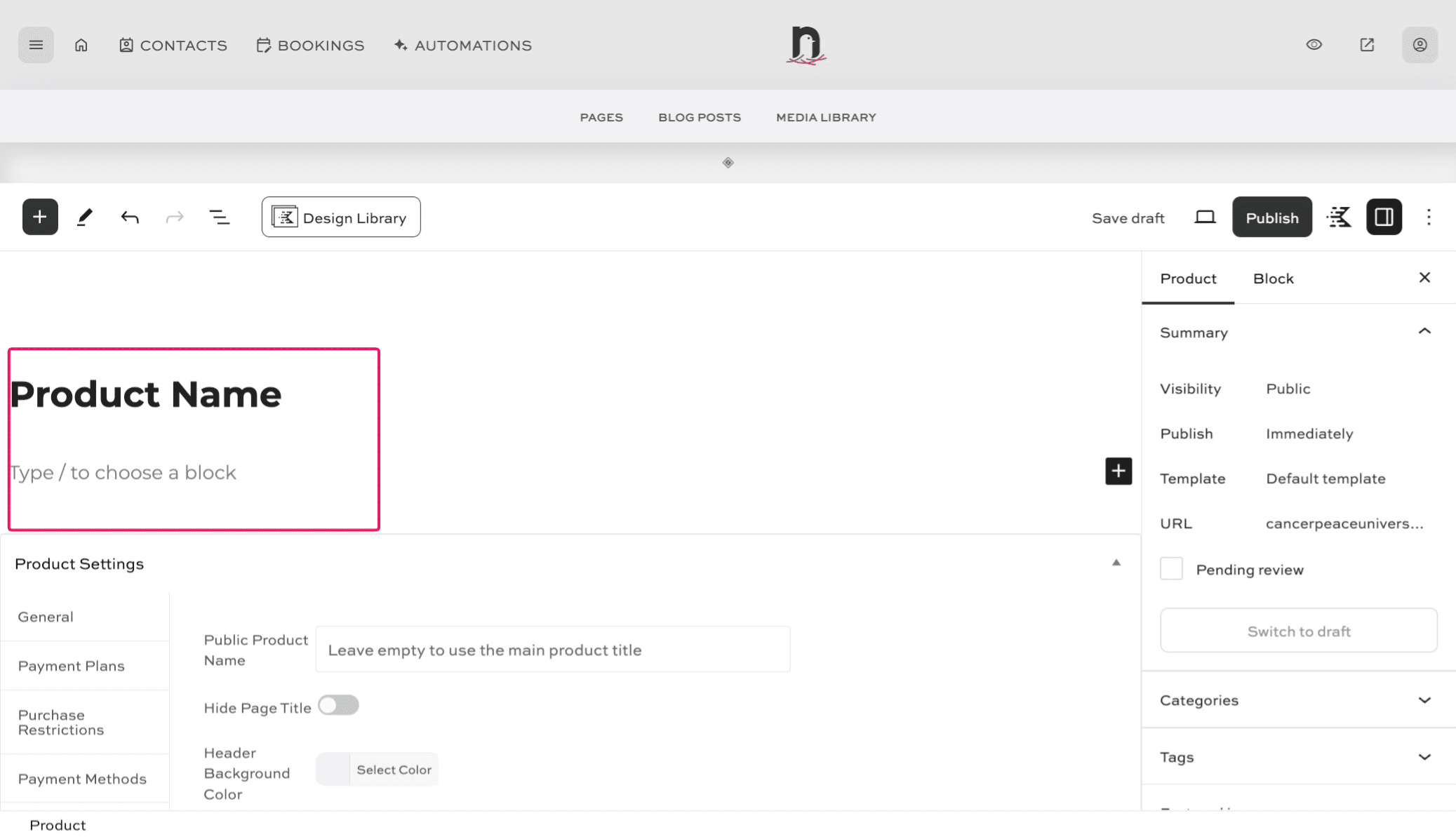
Type the name of your product. Then type any details you'd like to provide on the product page.
6
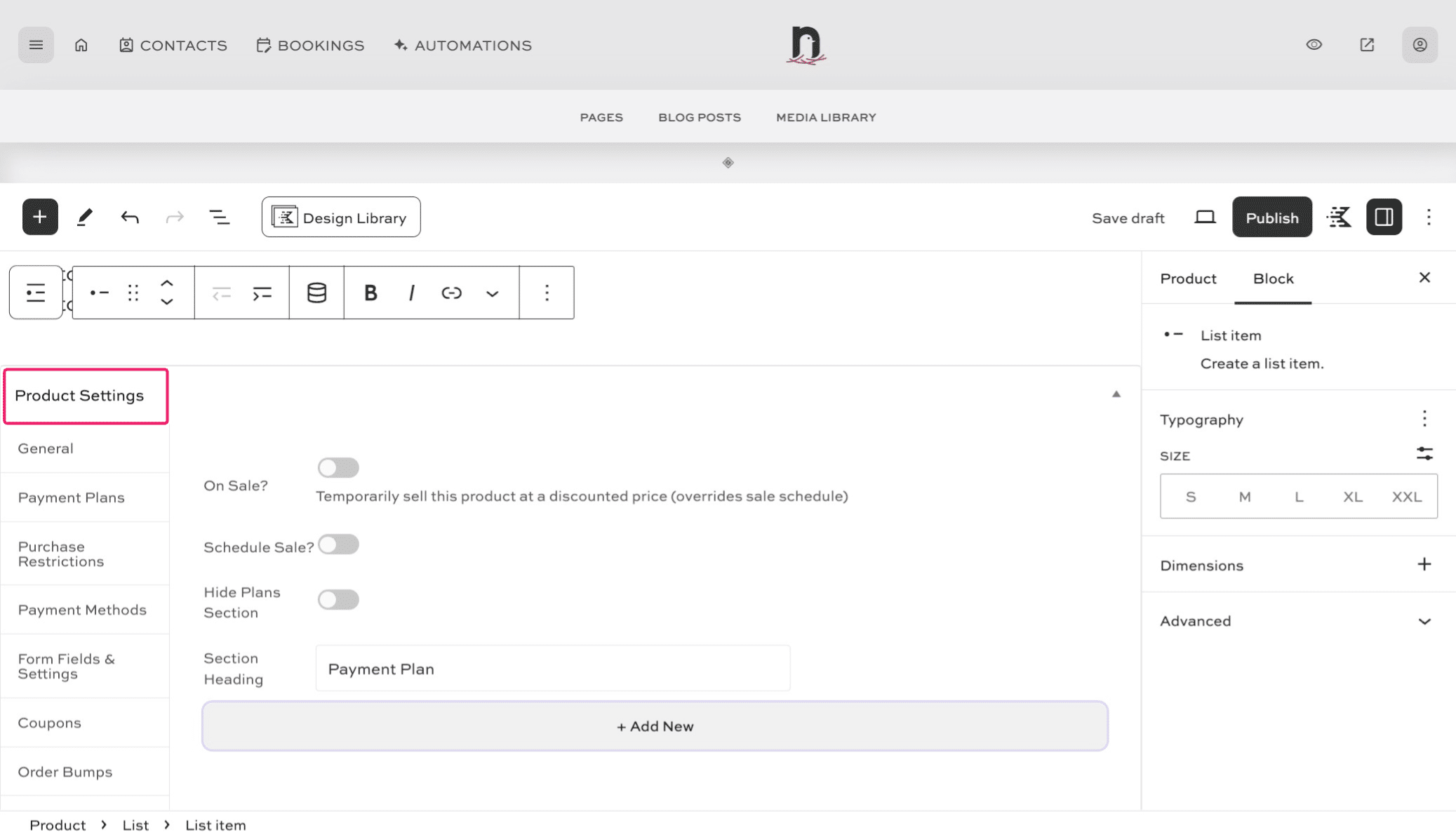
Scroll down to the Product Settings area and click the "+ Add New" button
7
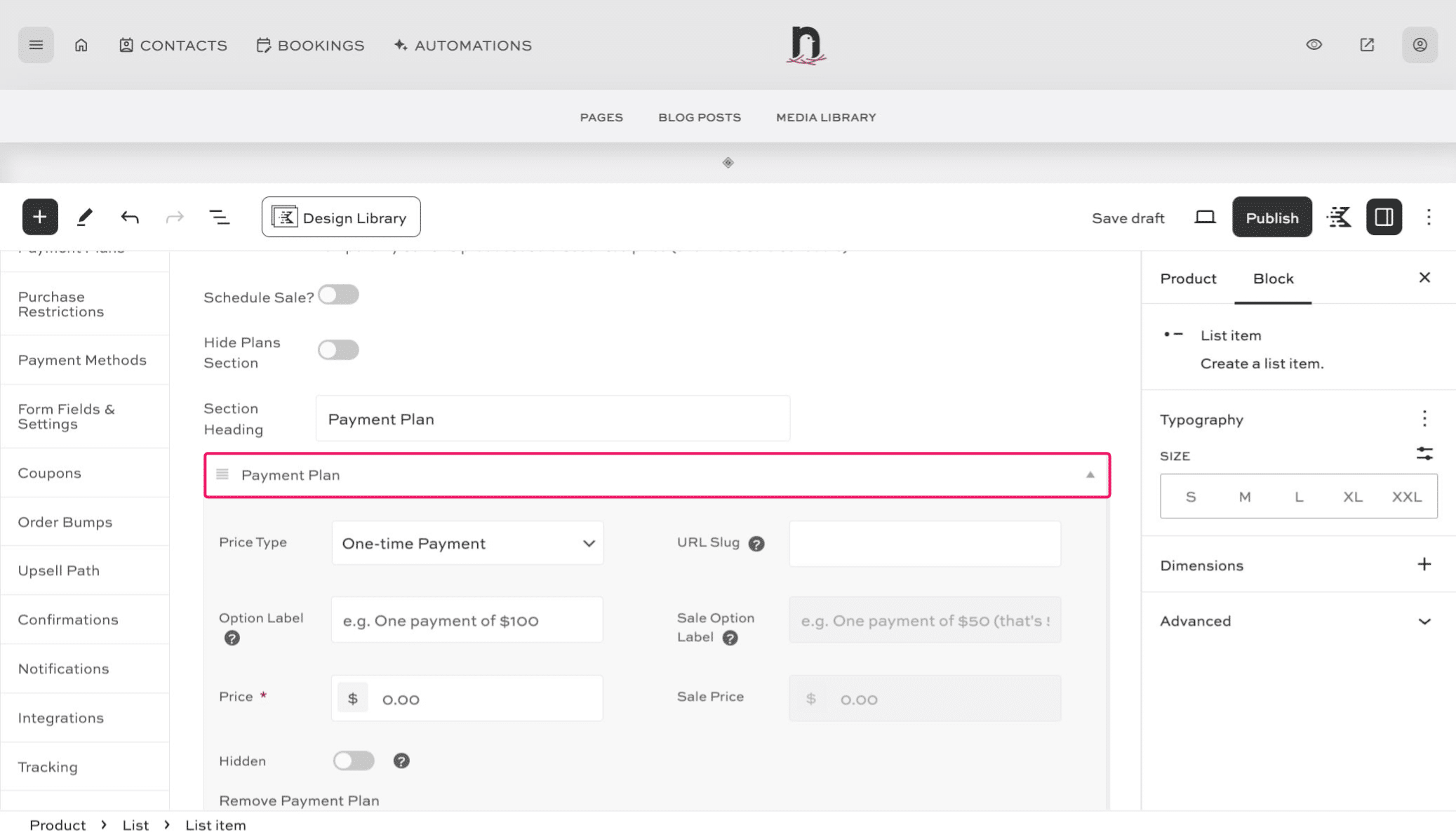
Click "Payment Plan" (this is where you'll add your product's pricing)
8
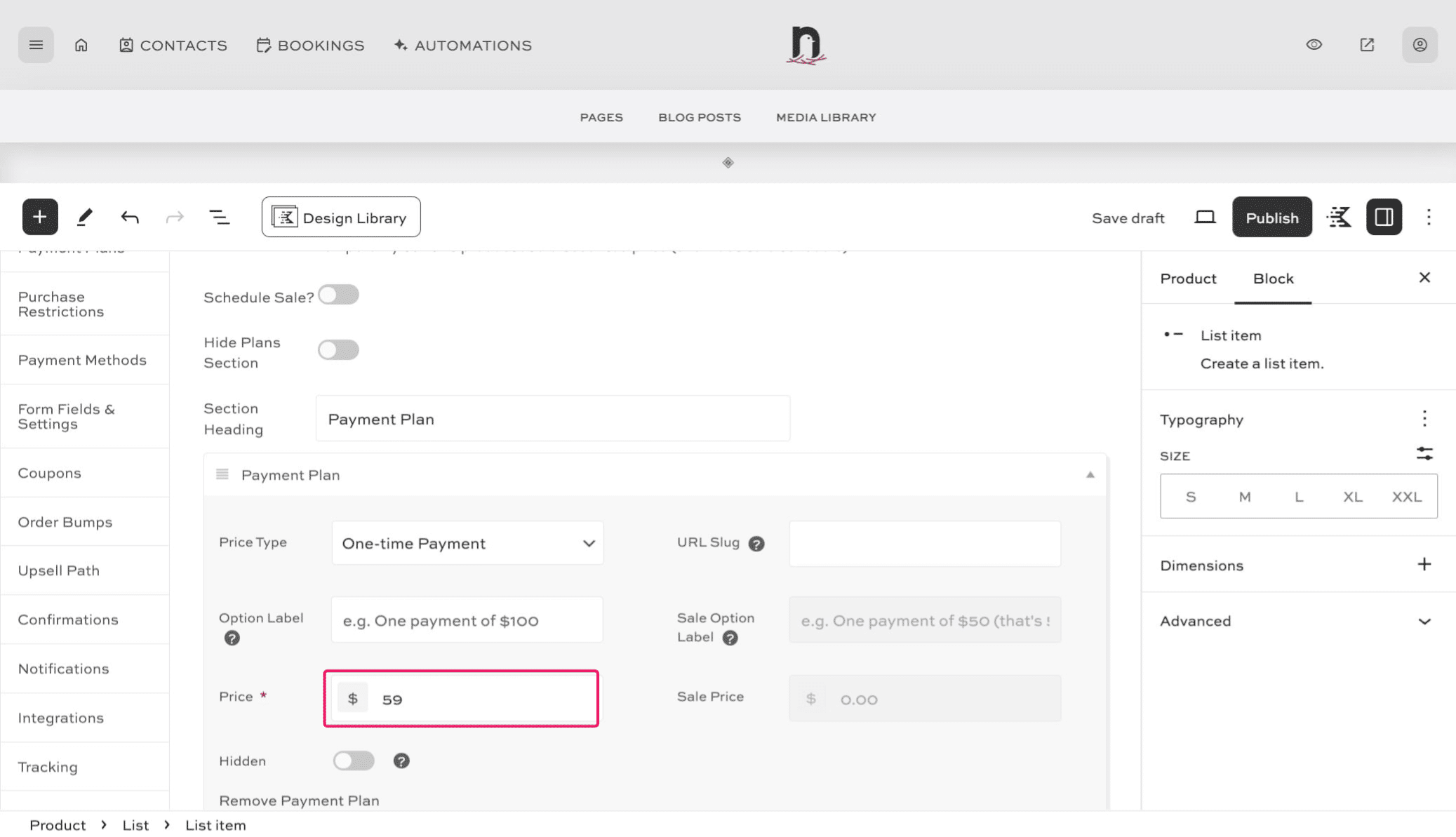
Enter the price in the "Price" field.
9
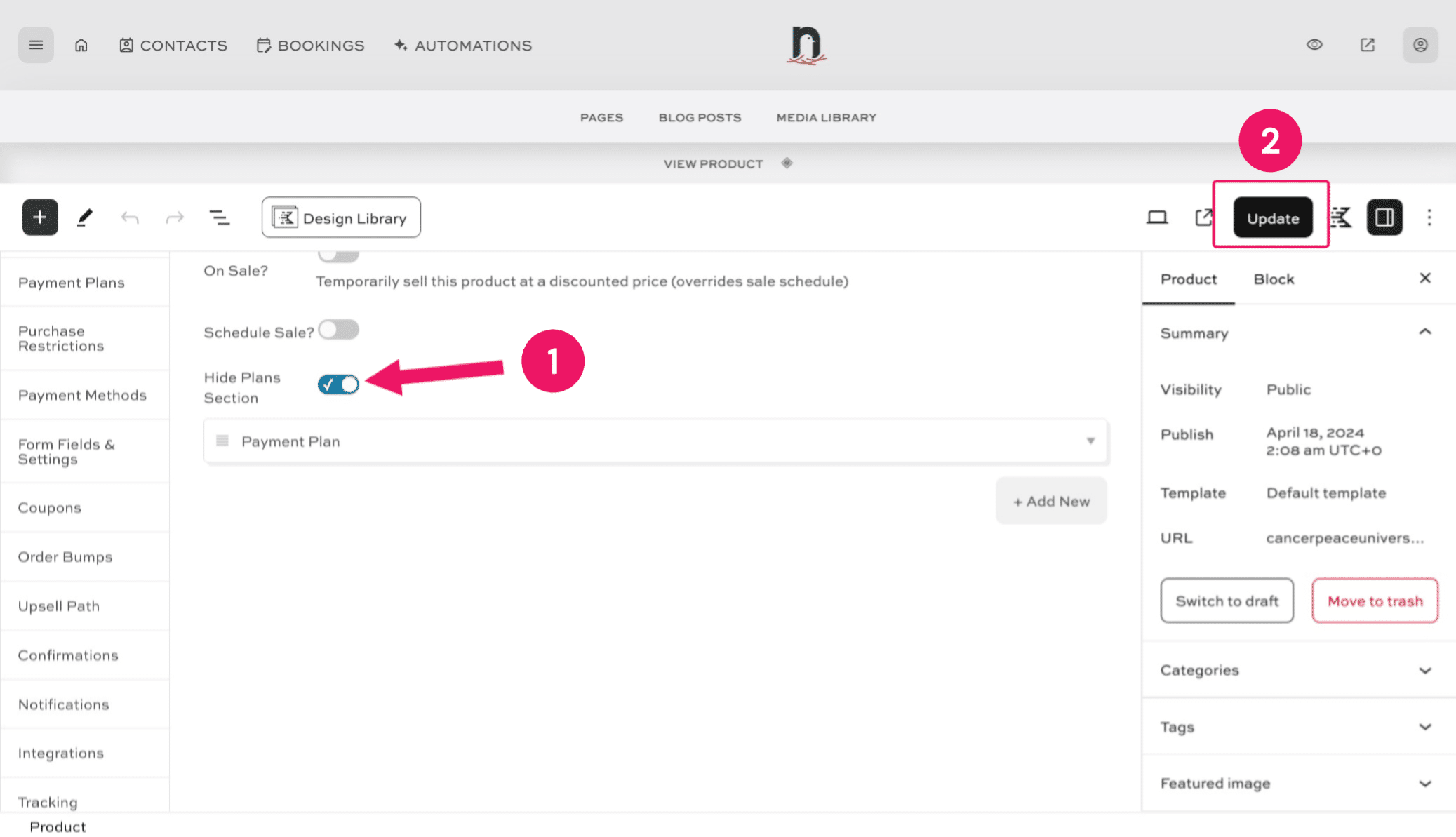
If this is a product with a single price, we don't want it to say 'Payment Plans'. So, toggle the 'Hide Plans Section' button to the ON/CHECKED position. Then click on "Update" to save the changes.
10
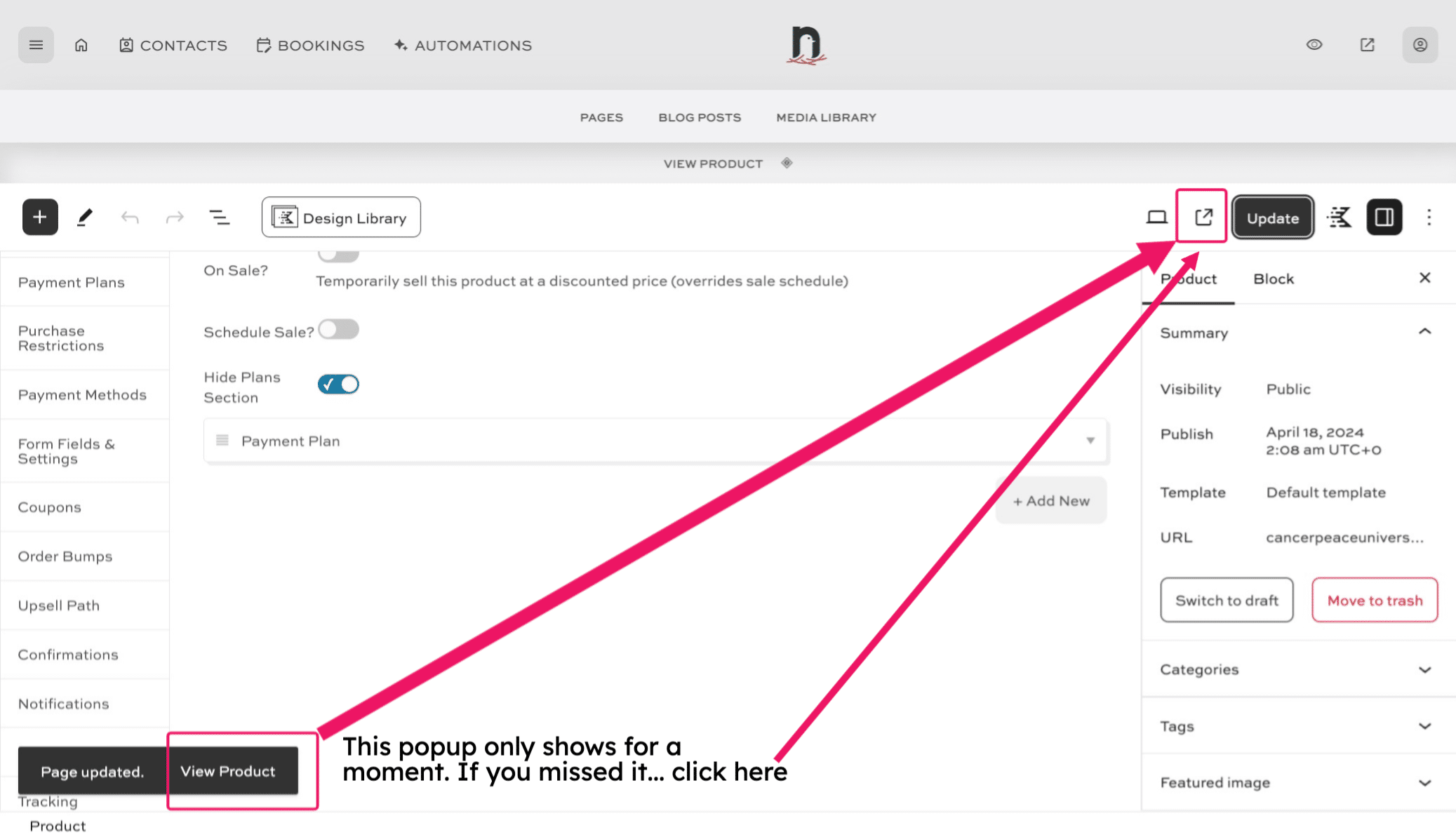
Click on "View Product".
11
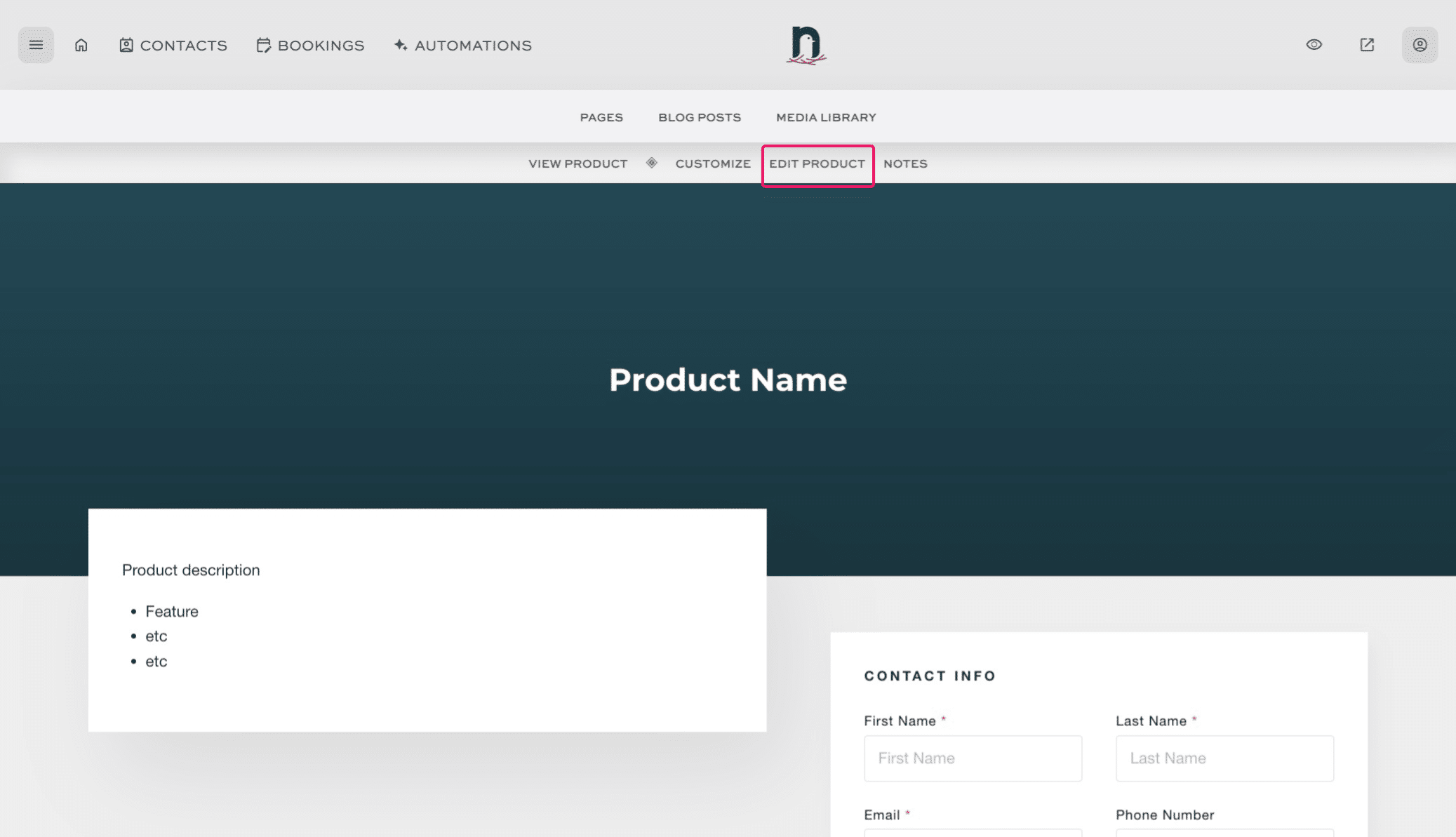
You've created a product! 🚀
To make any changes, click "Edit Product".