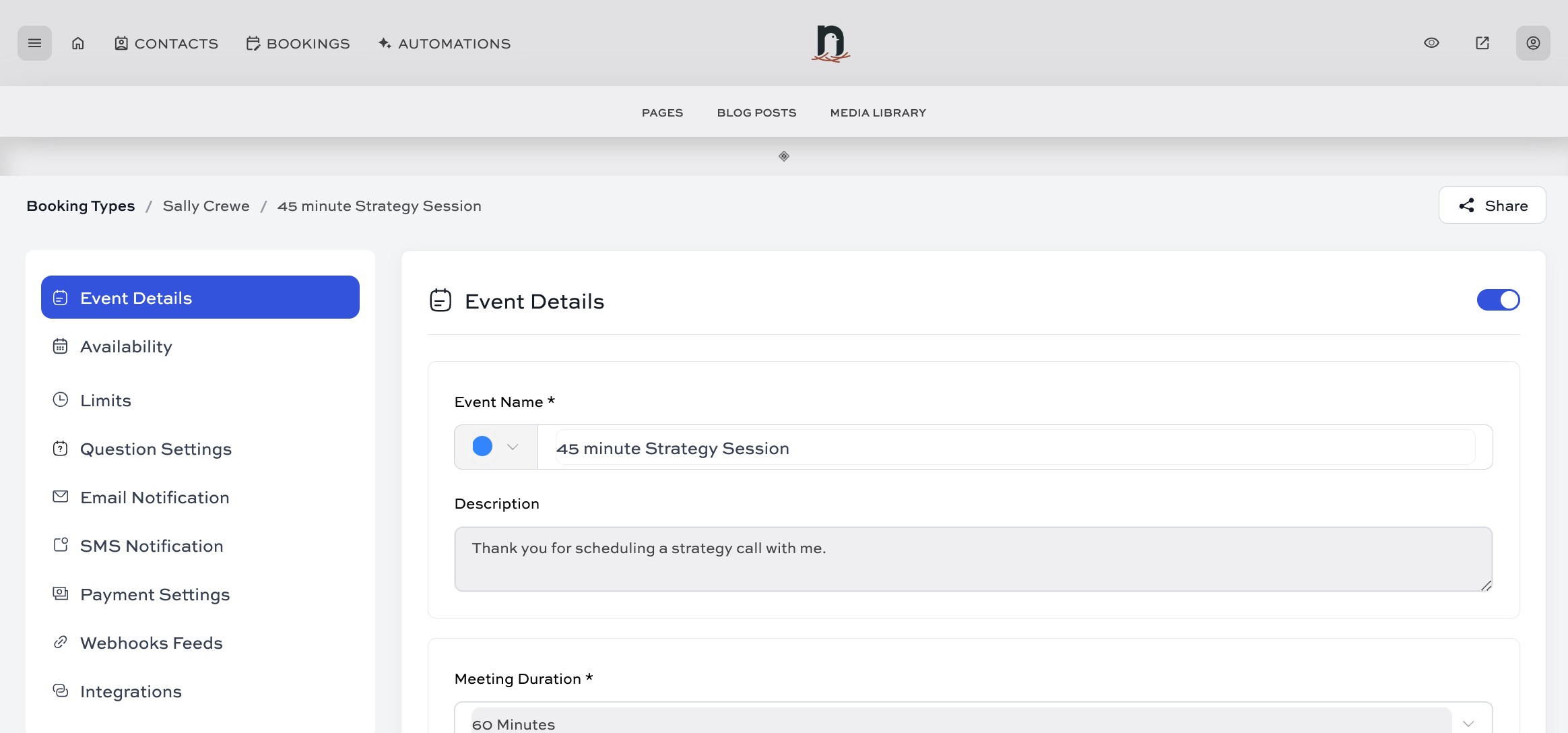
How to set up a bookable calendar for appointments/events
You might see the terms 'calendar', 'event type', and 'appointment type' in the various booking screens. These terms are all pretty much interchangeable. If you have 3 types of bookable service or appointment you offer, you'd set up a calendar/event for each. These calendars could then be displayed on individual pages, or you could choose to put them all on one page.
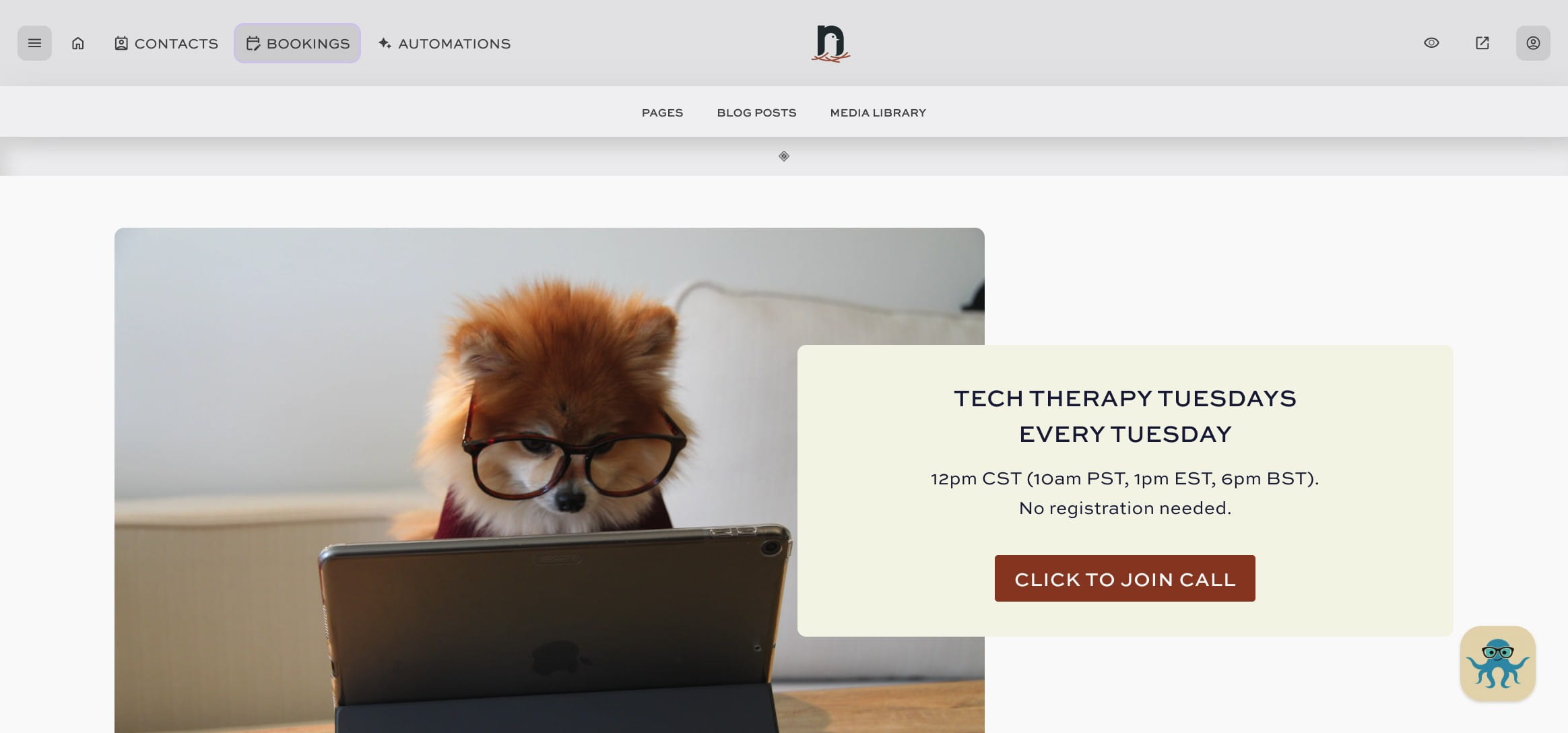
Click on "BOOKINGS"

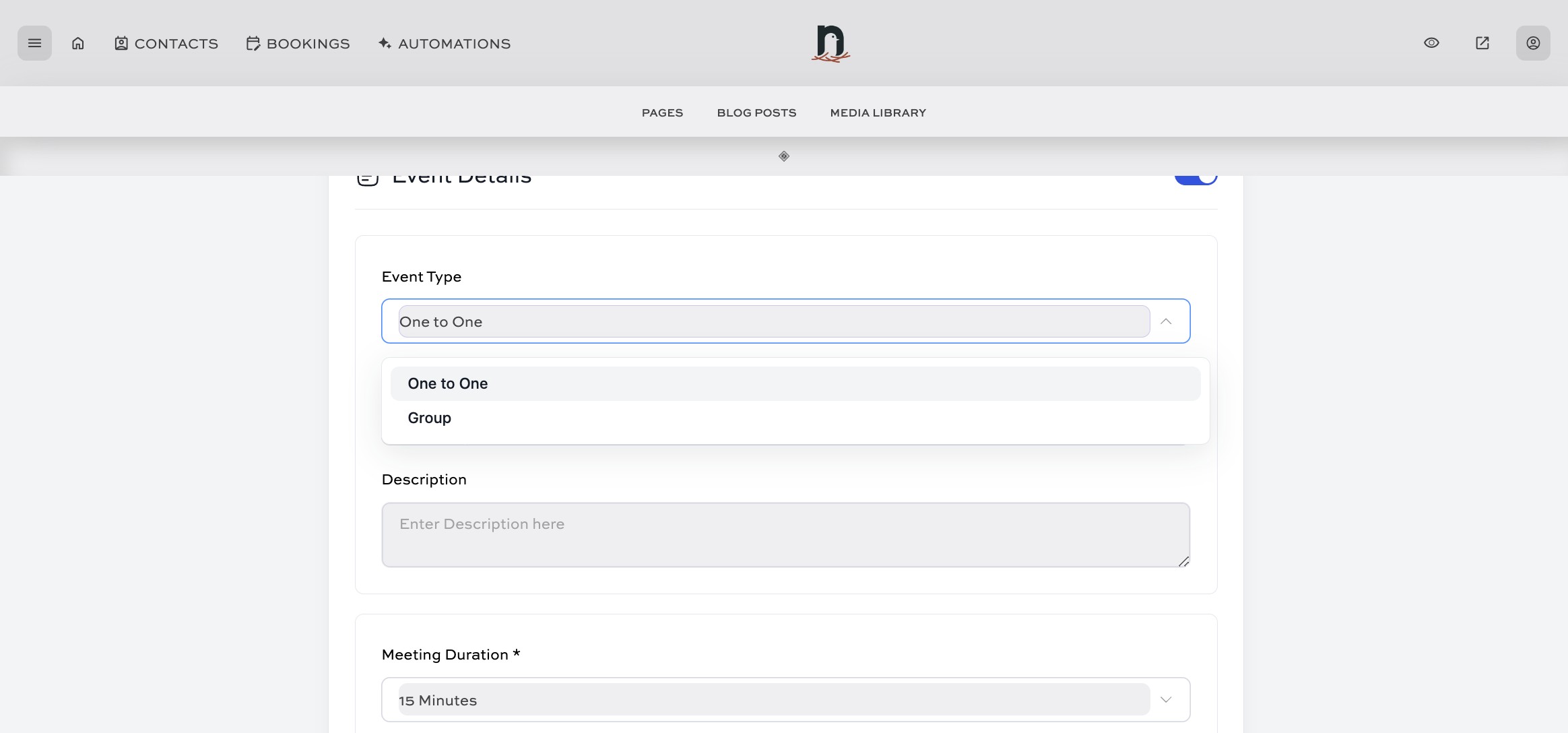
Select the event type. Typically this is 'One to One'.
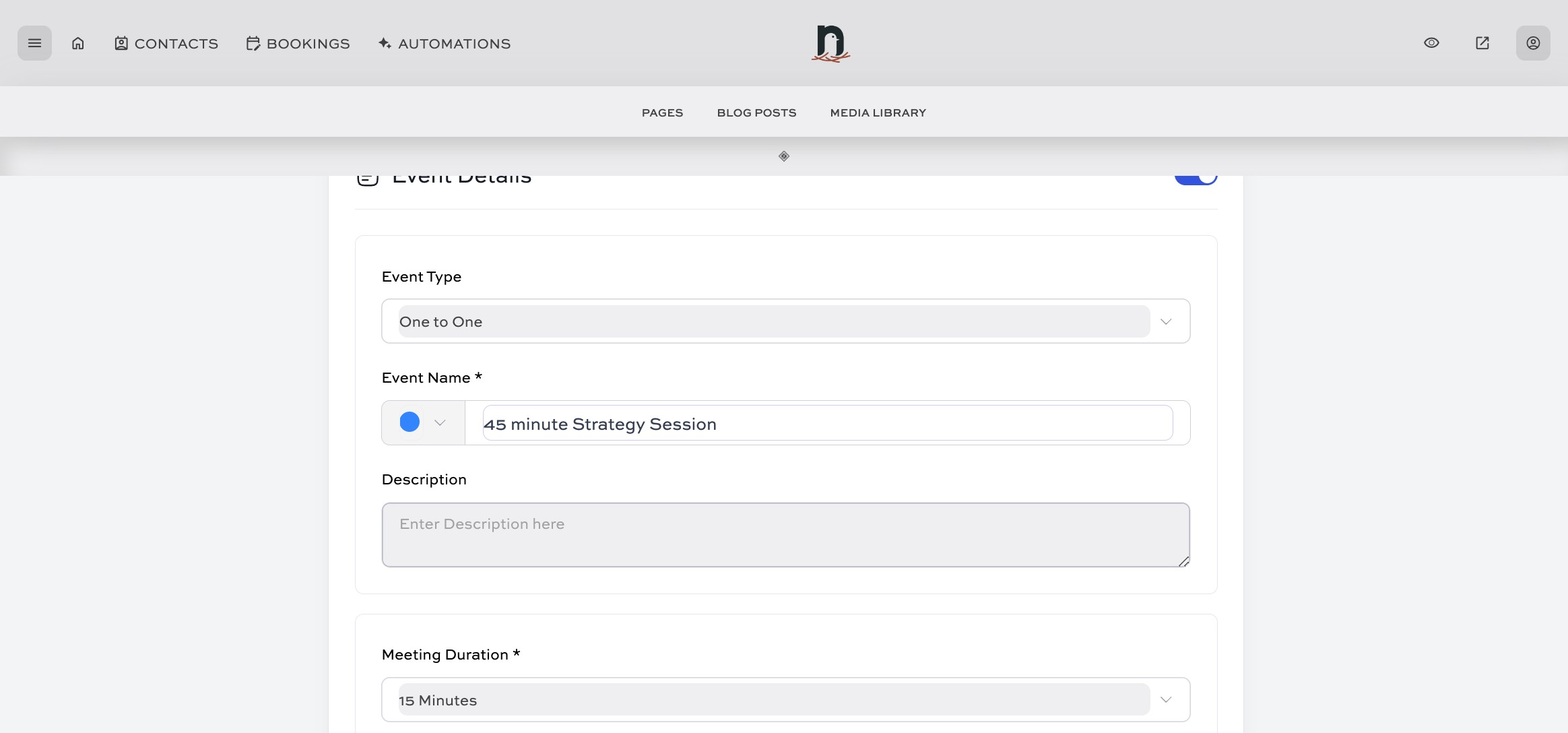
Give your event type a name
Add a description. This will appear on the calendar itself, so it's good to keep it brief.
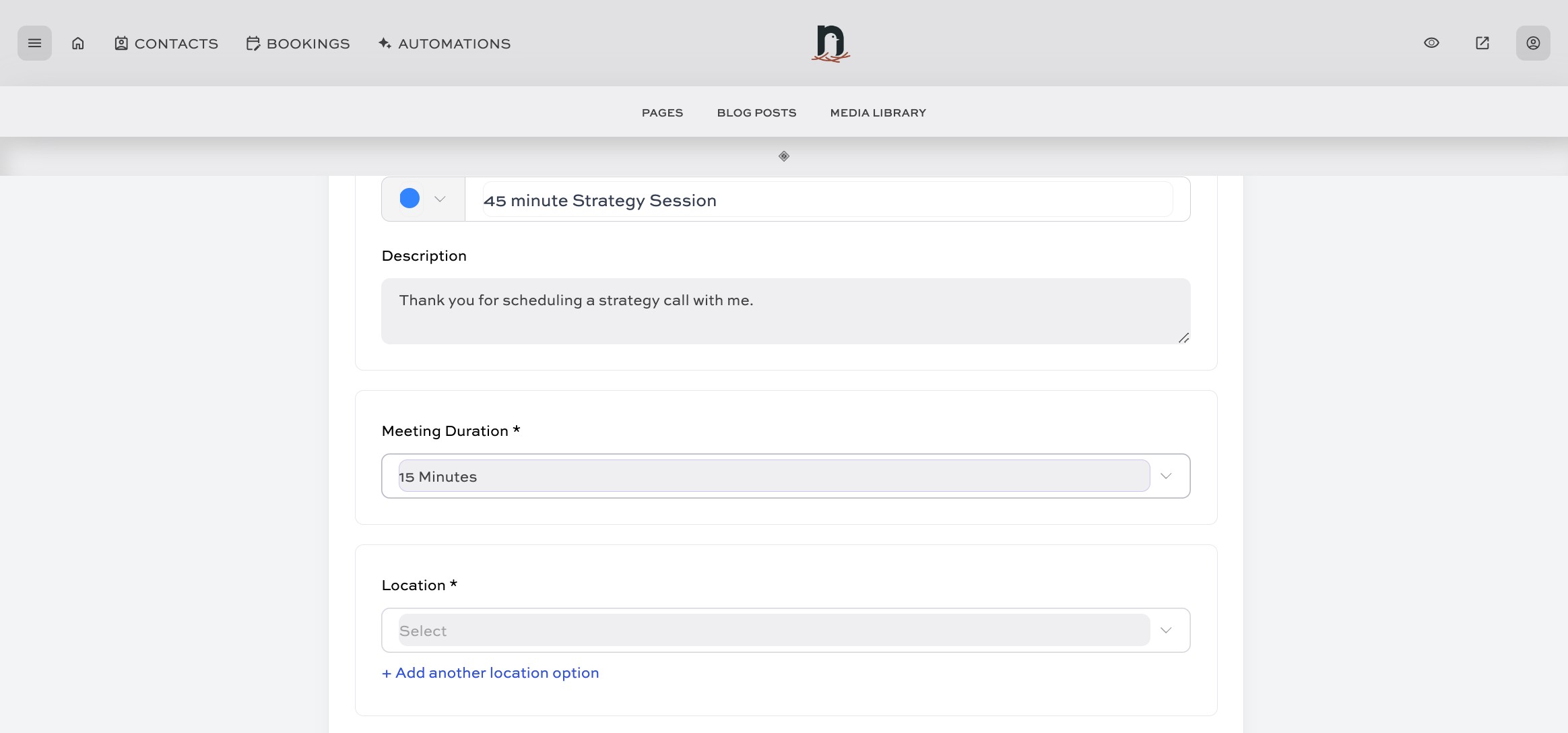
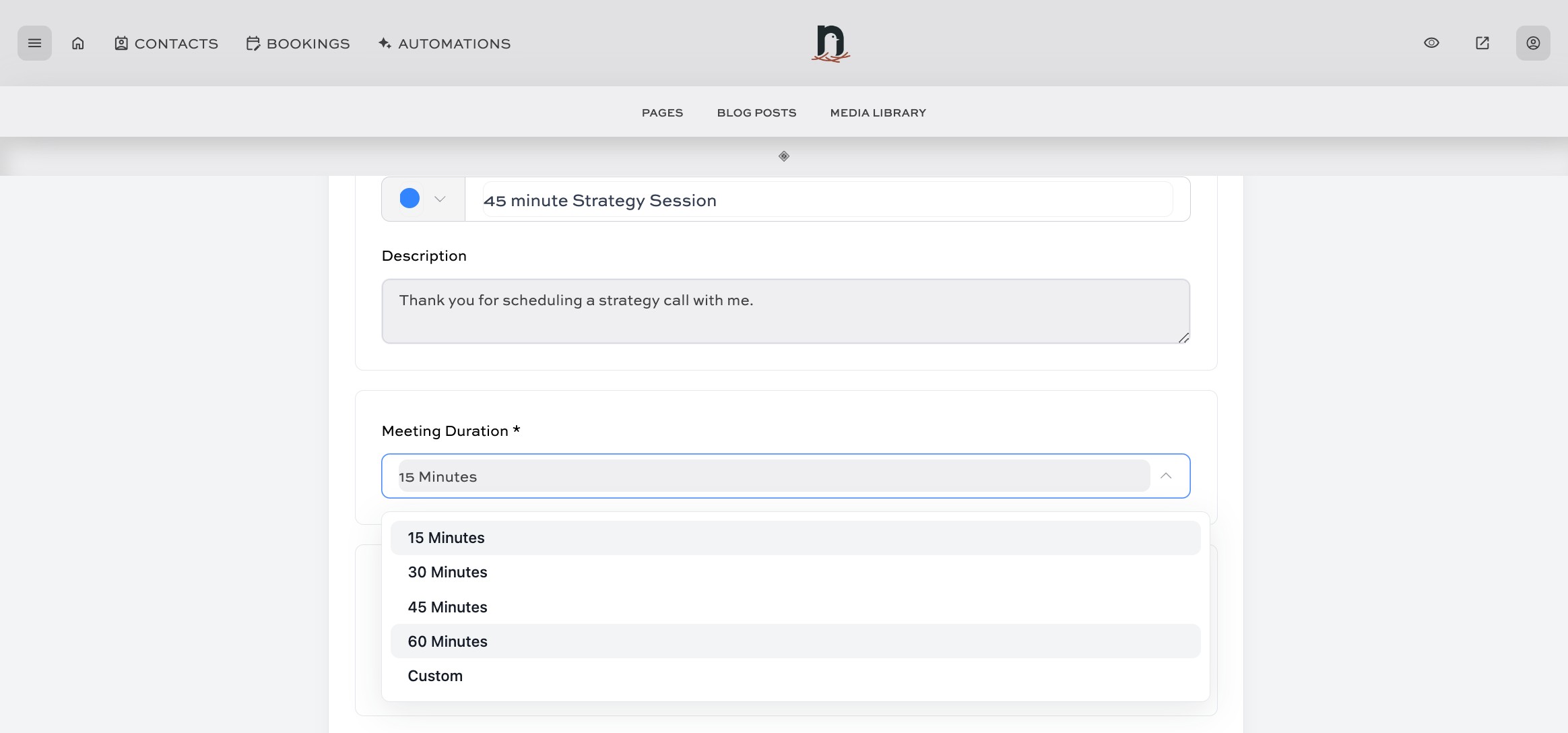
Select the Meeting Duration
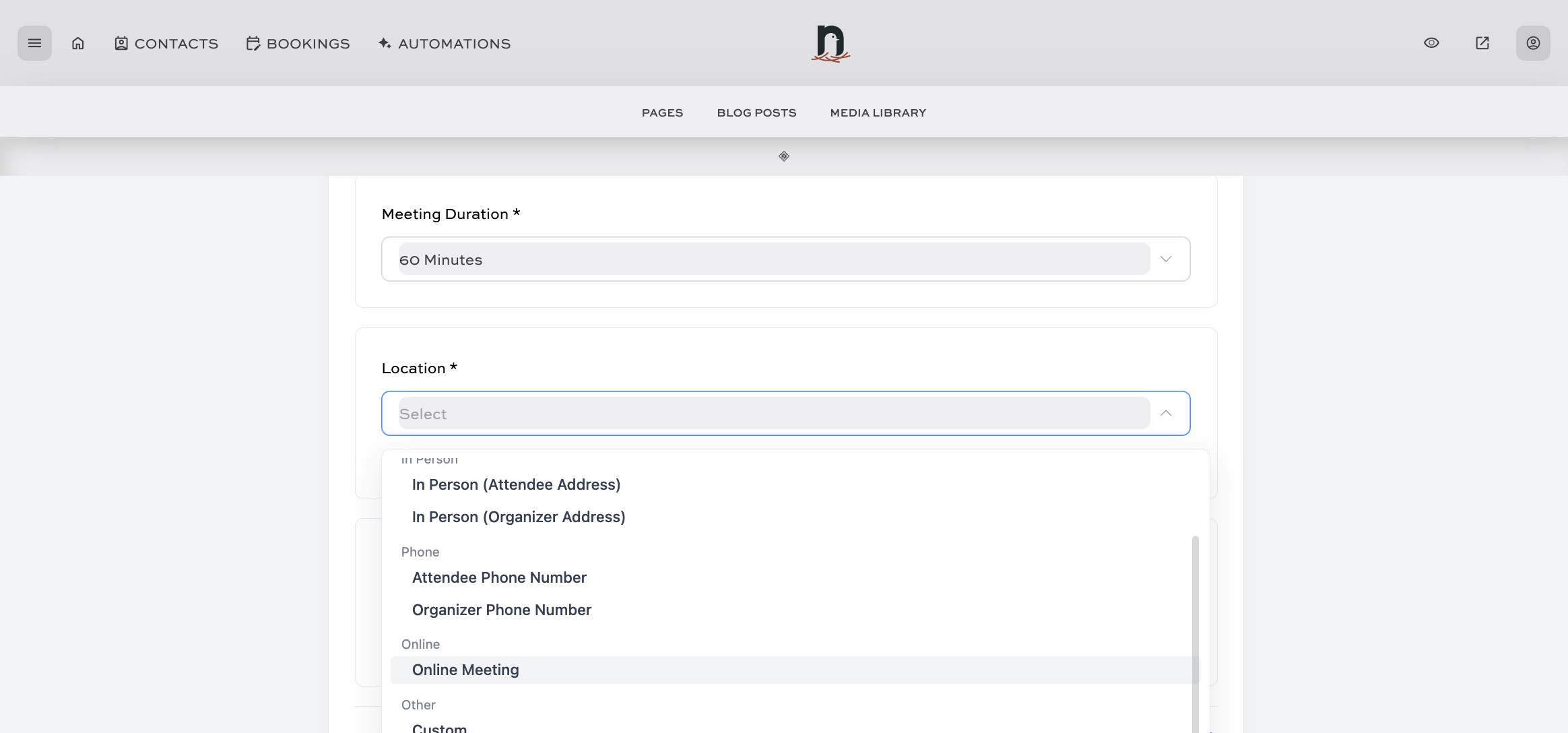
Select a 'Location'.
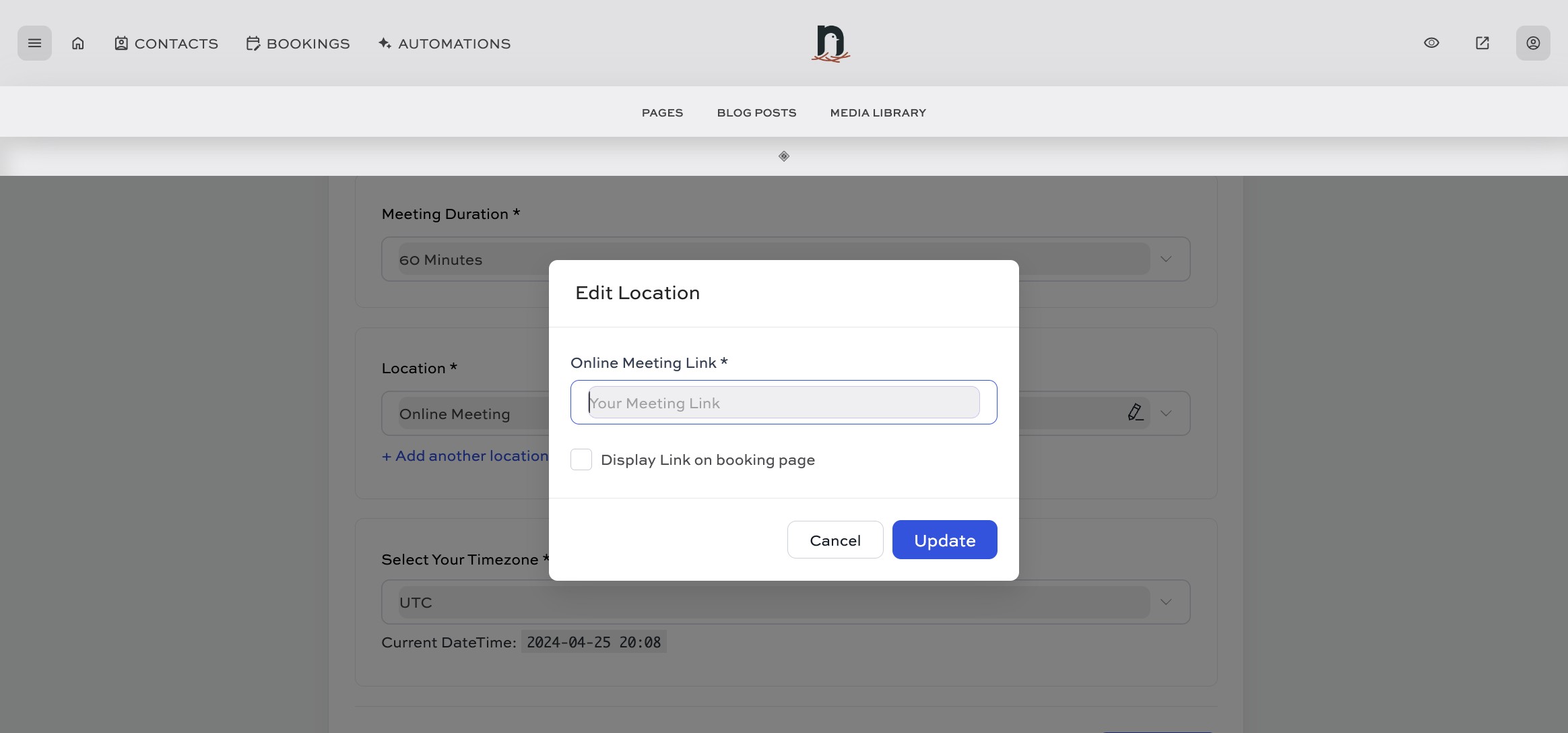
If you don't have a recurring meeting link, you can skip this step and just click 'Cancel' to close the pop-up.
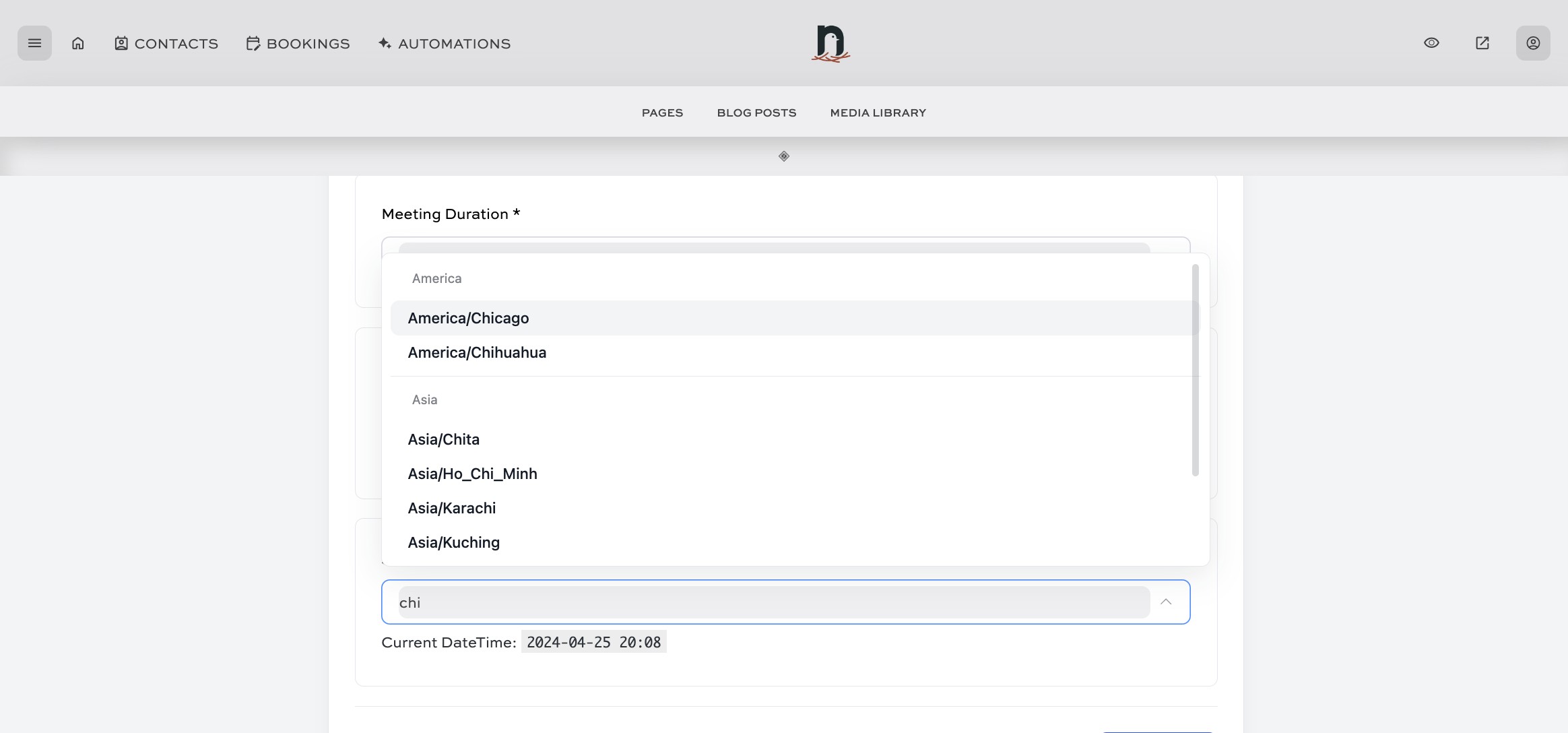
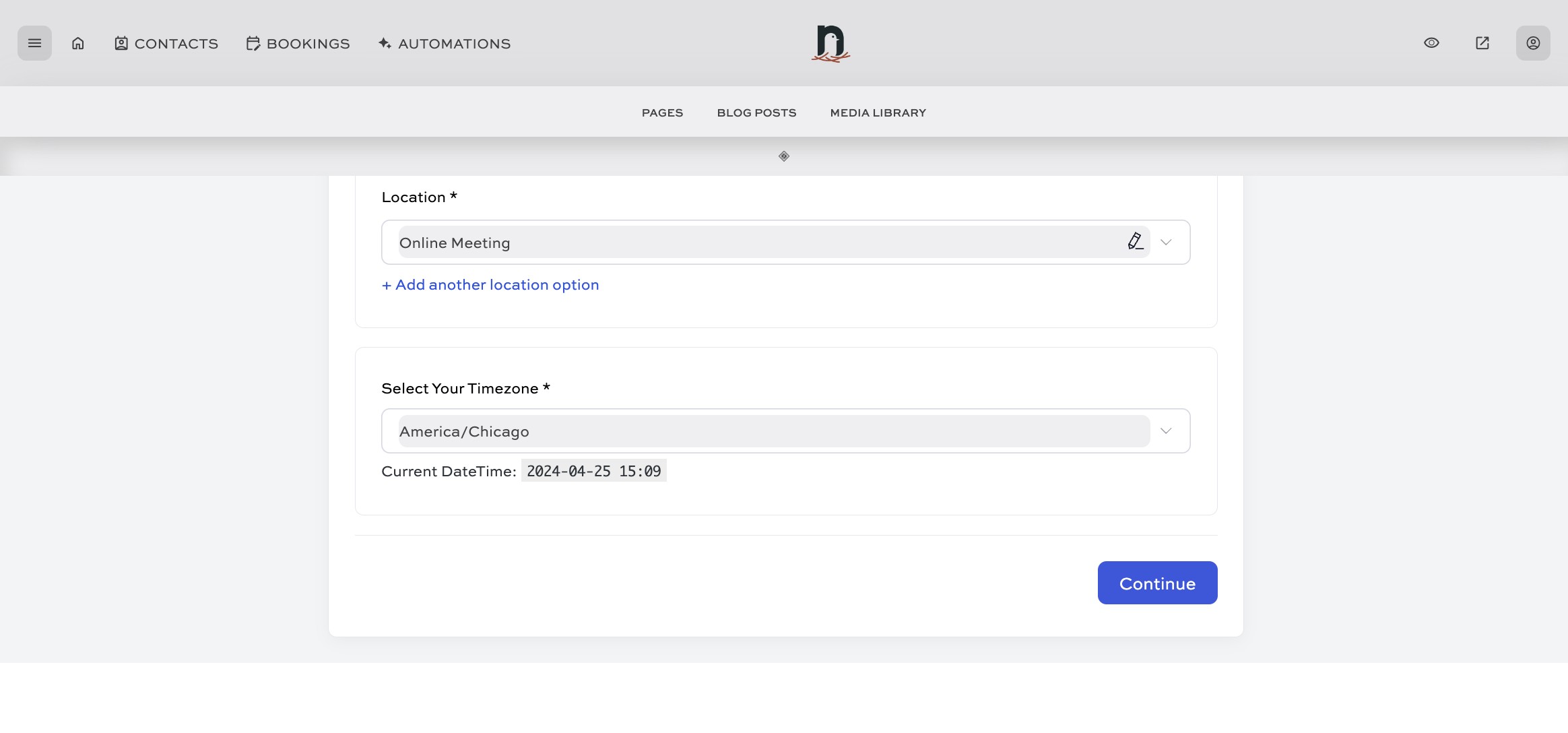
Select your timezone
Click on "Continue"
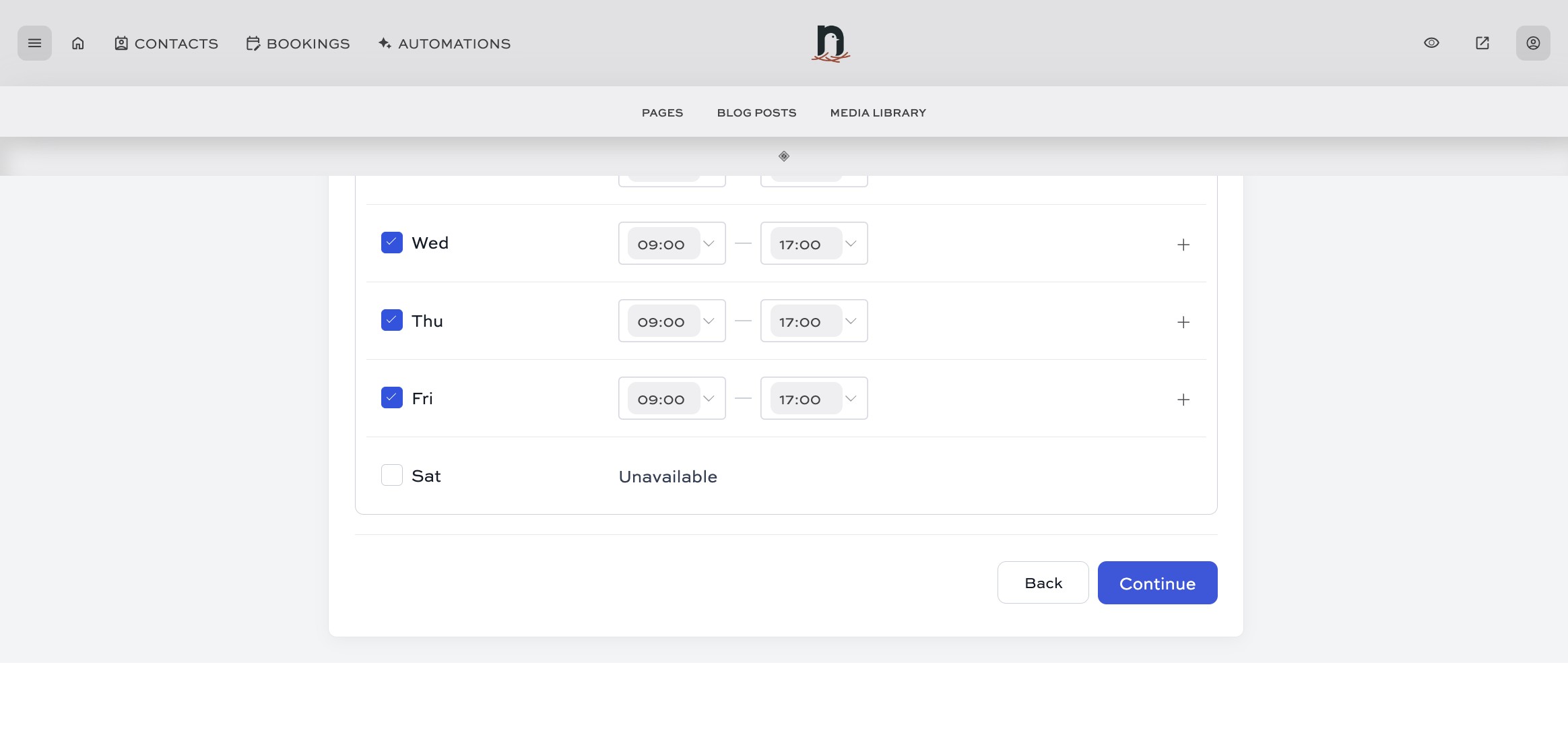
Set up your availability hours (or skip for now), then click on "Continue"
You're all set! 🚀 If you haven't yet connected your Google Calendar (or other extternal calendar), do that next.