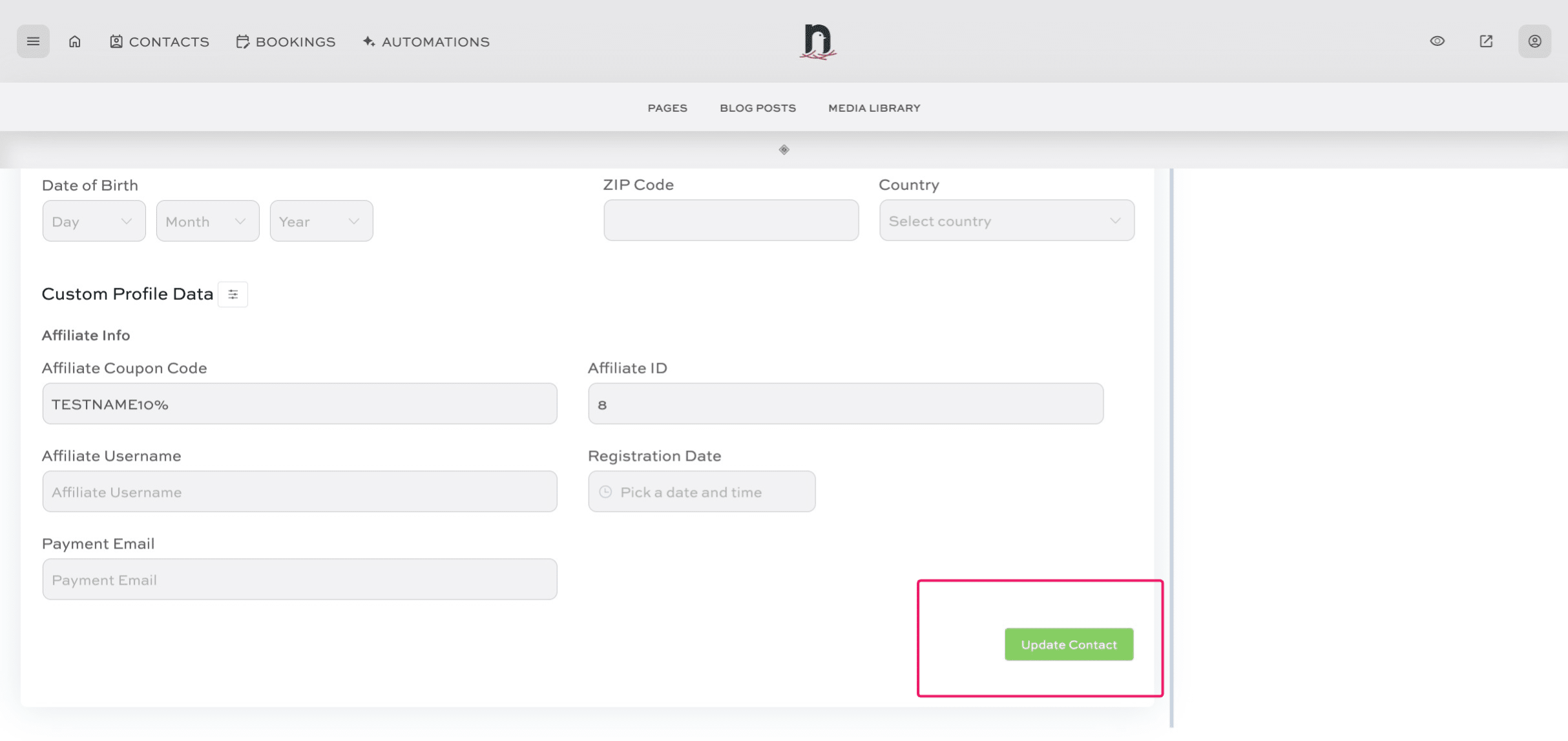
Adding an affiliate's coupon code to the CRM
May 16, 2024●
1
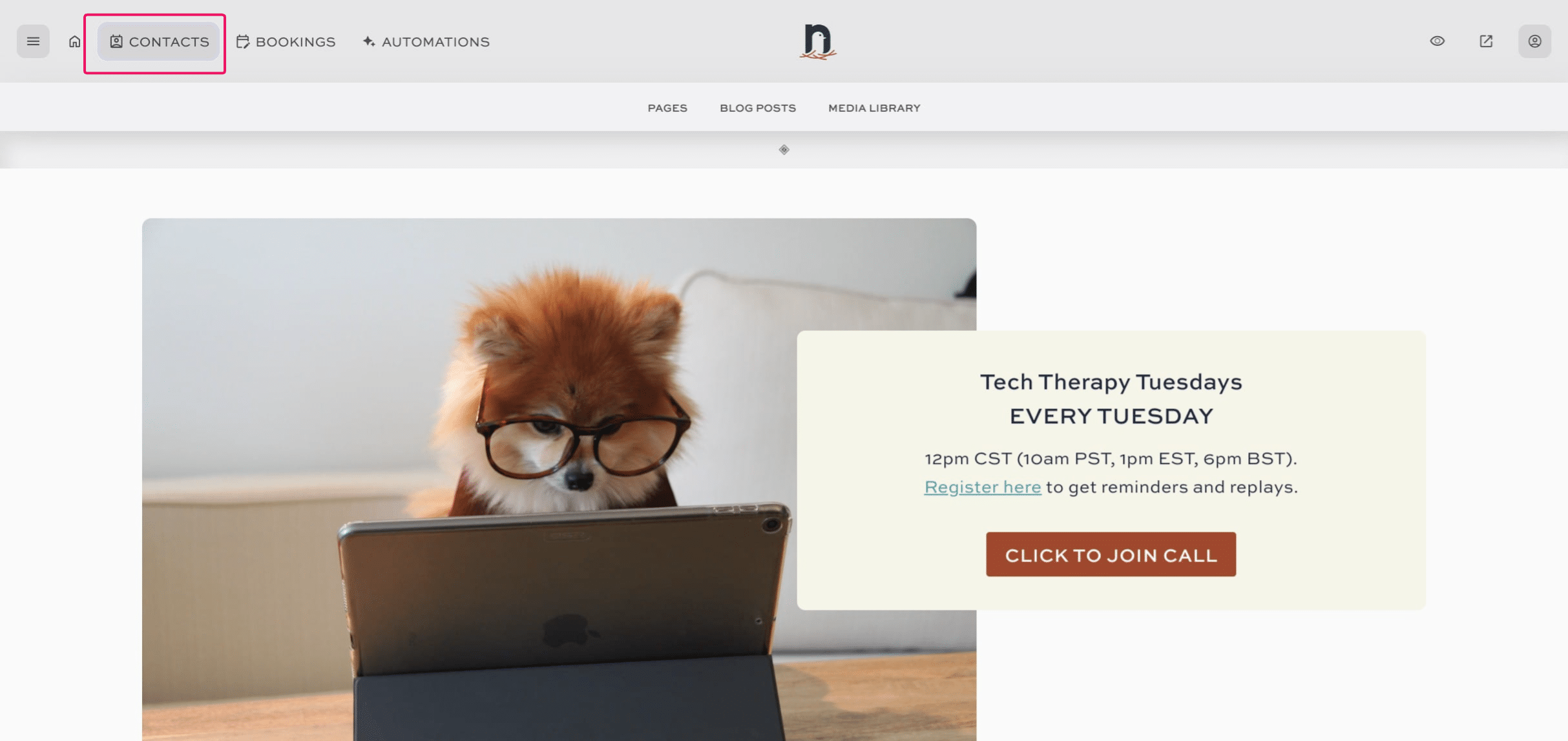
Click on "CONTACTS"

2
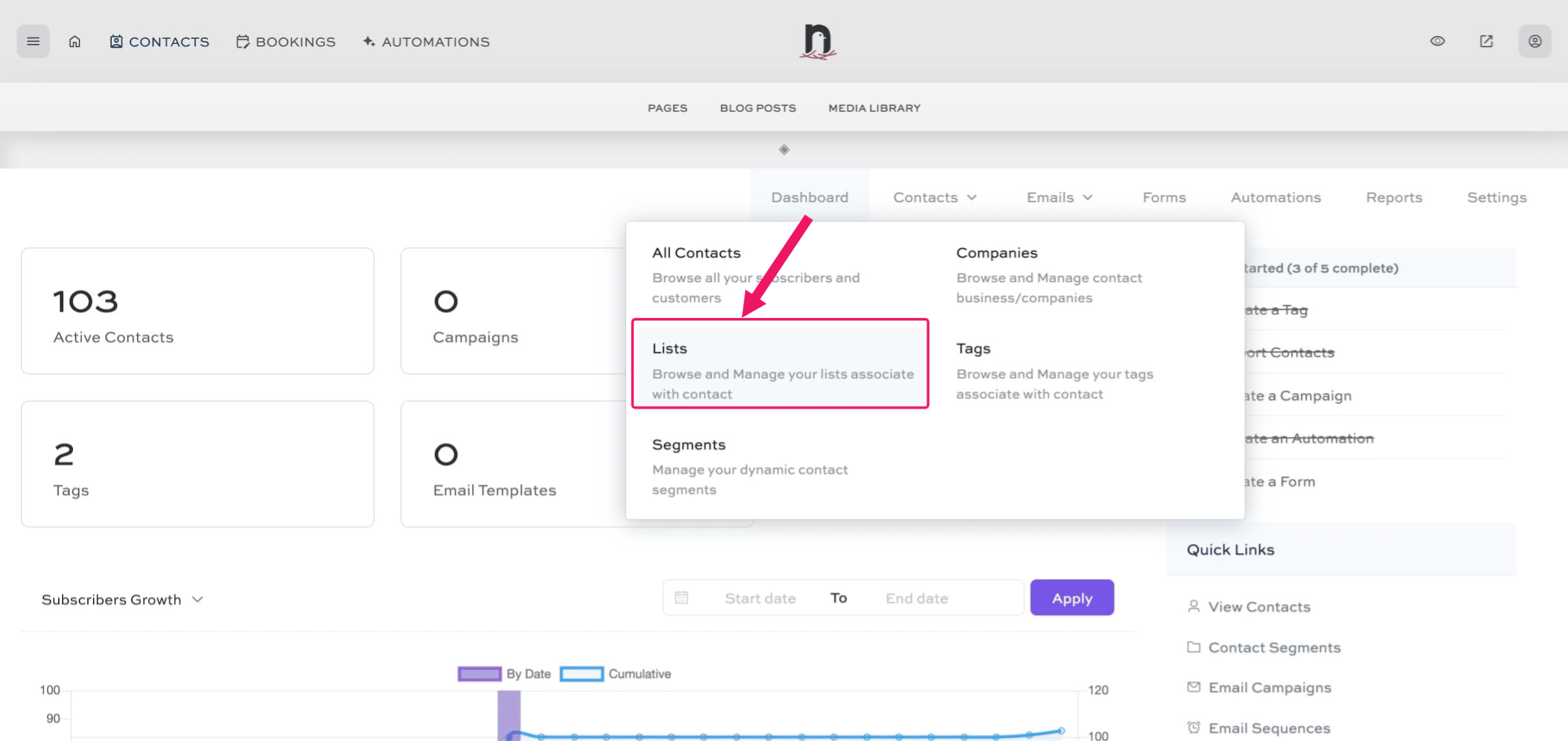
Under 'Dashboard' select 'Lists'
3
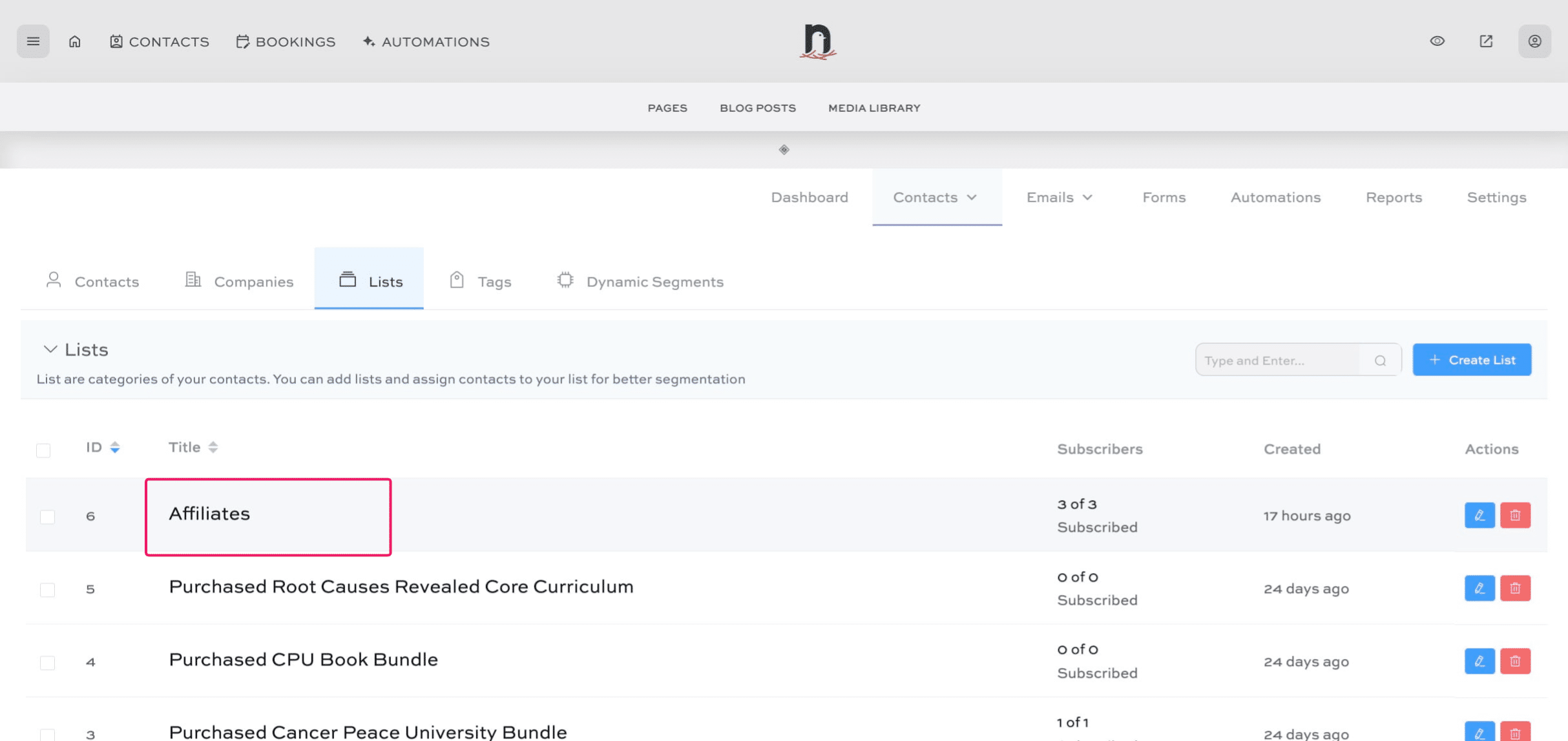
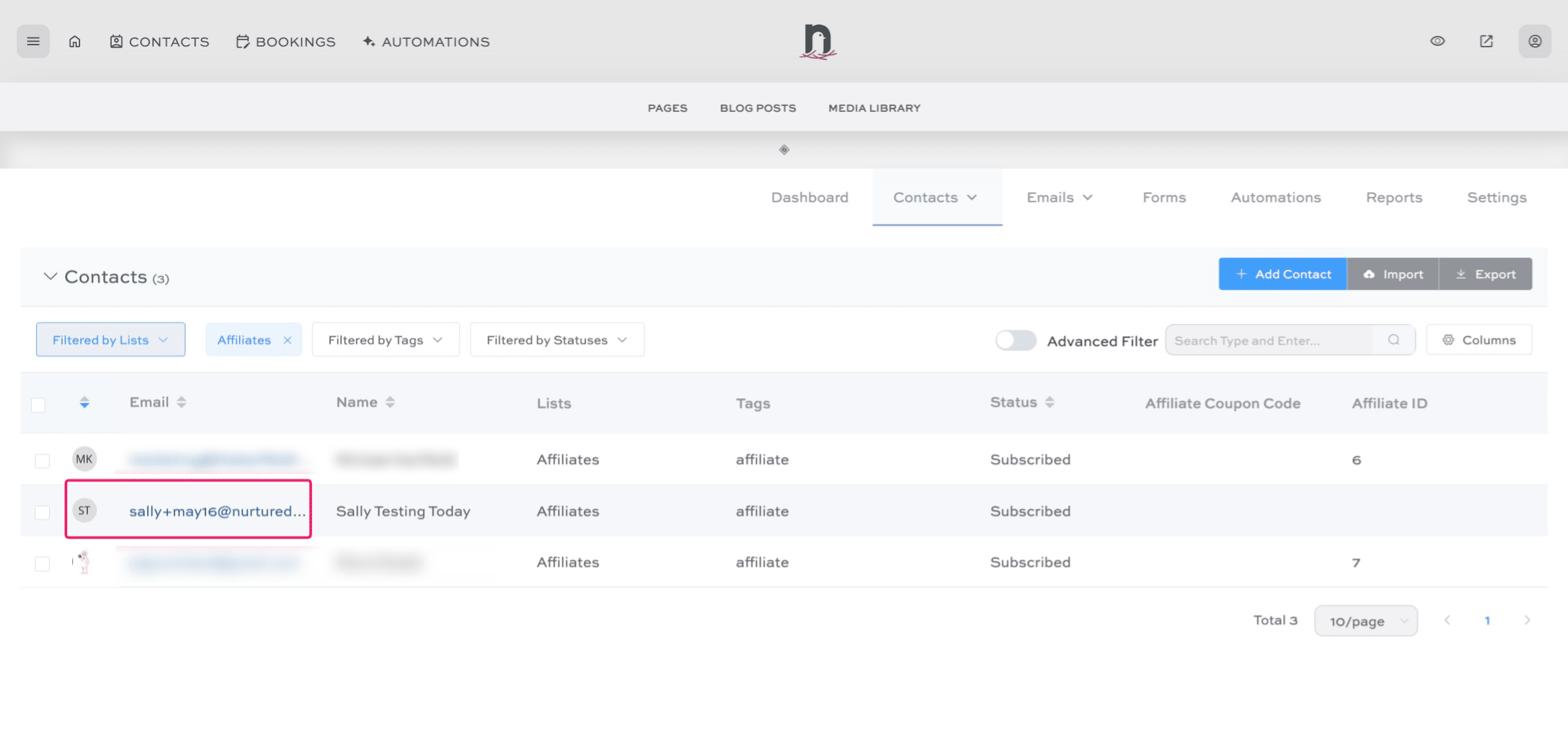
Click on "Affiliates"
4
Select the contact
5
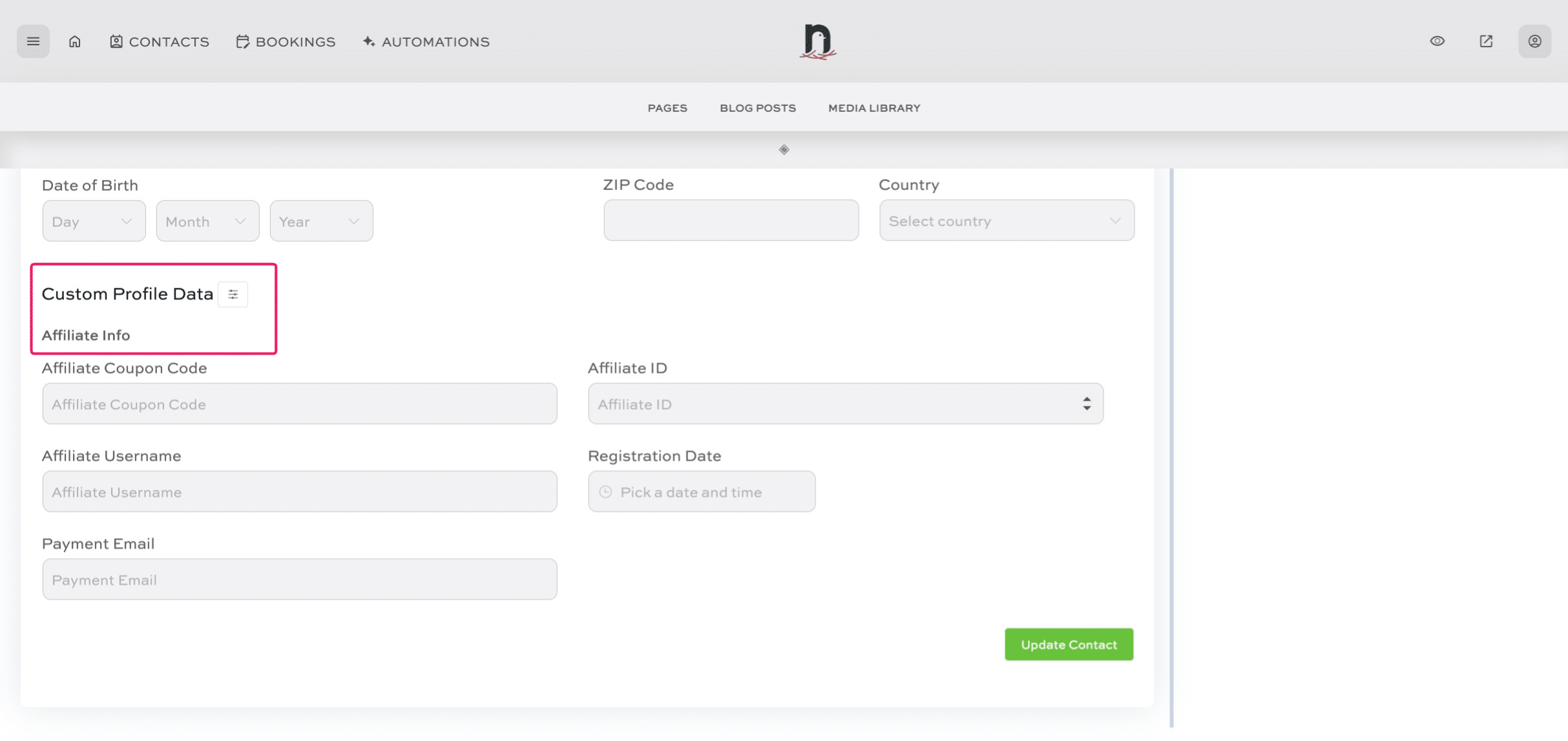
Scroll down to the 'Custom Profile Data' to 'Affiliate Info'.
6
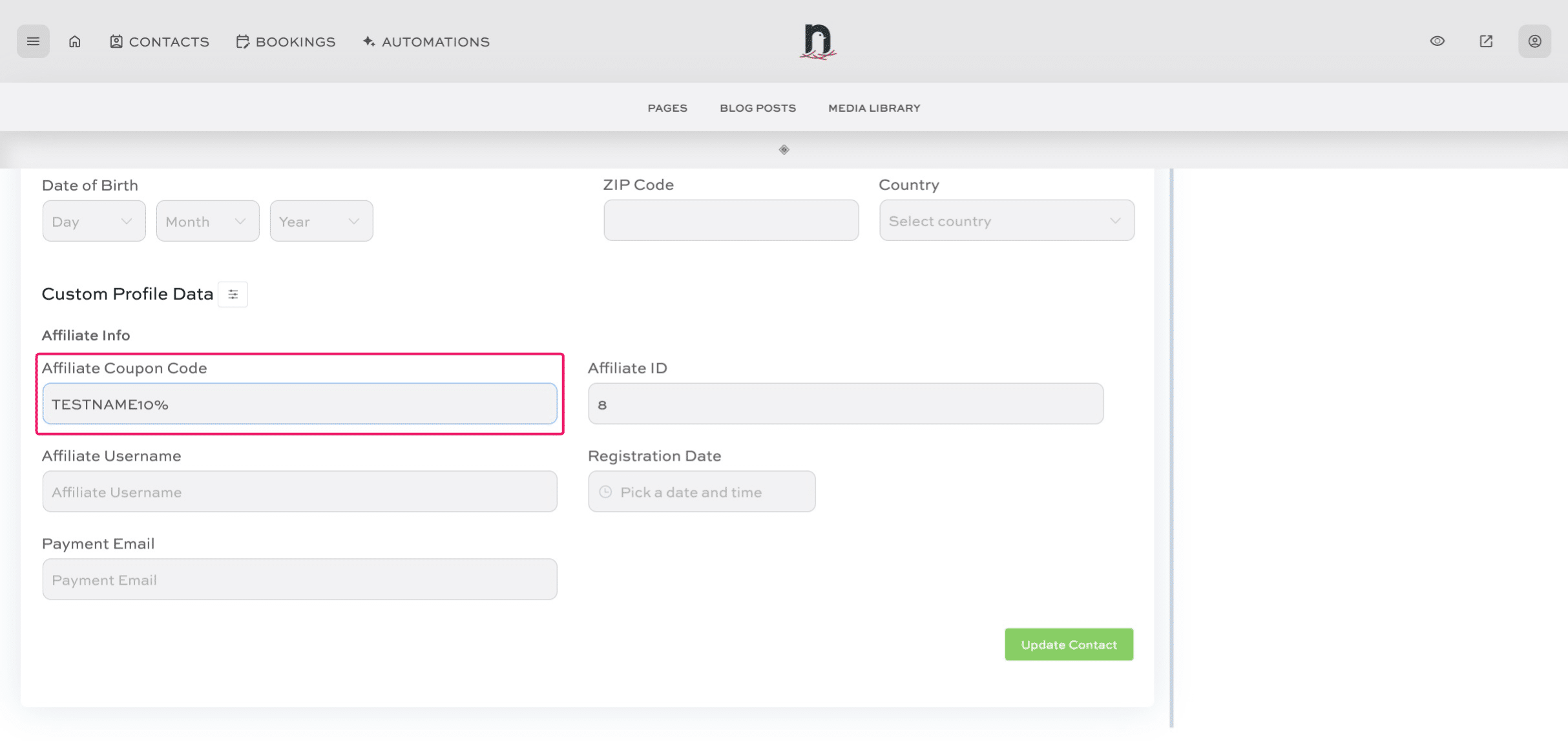
Enter the affiliate coupon code
7
Click 'Update Contact' to save.